EasyManua.ls Logo

Sharp Aquos LC-32A33X - User Manual

Sharp Aquos LC-32A33X
68 pages
Print Icon
To Next Page IconTo Next Page
Loading...
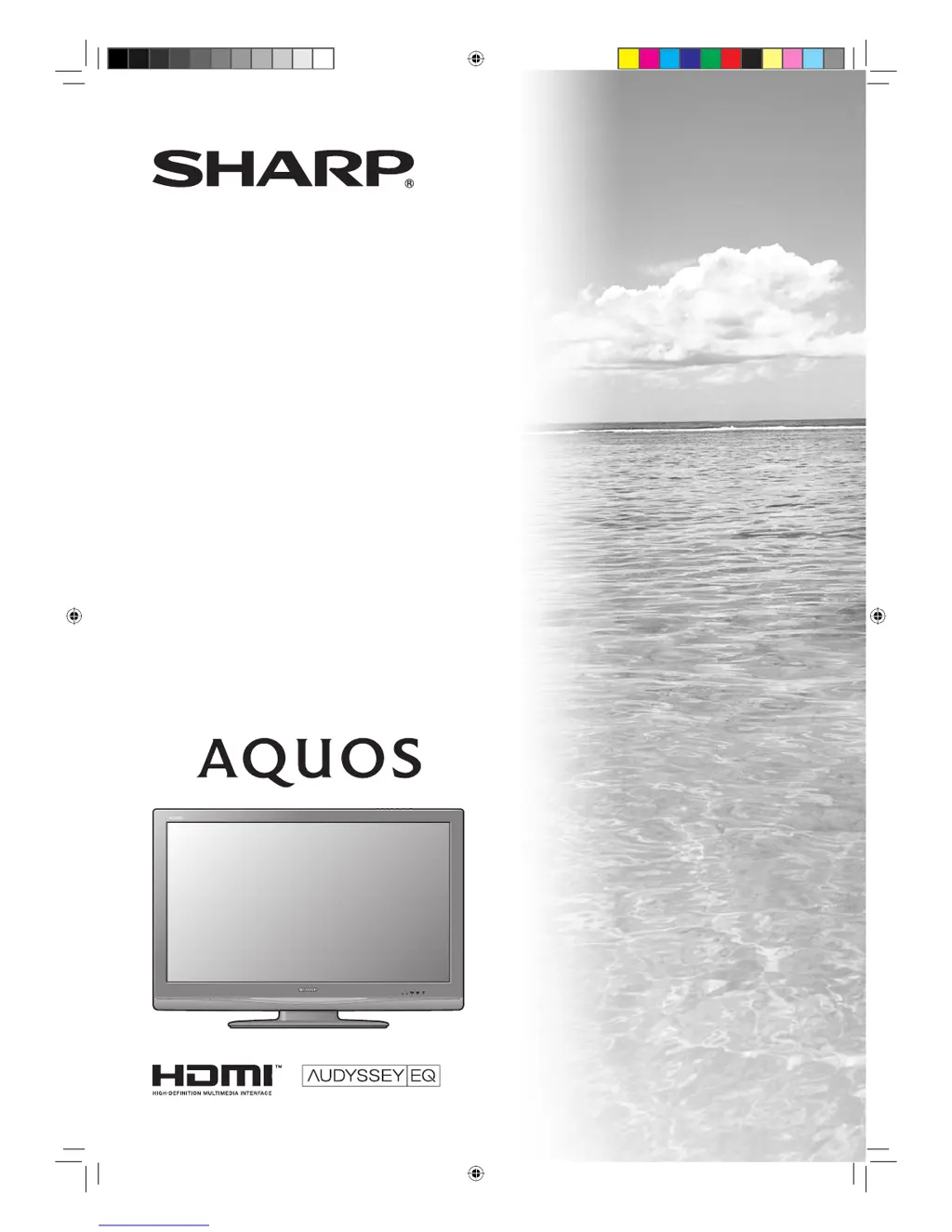
MODEL
LC-32A33X
LC-37A33X
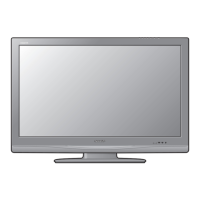
LCD COLOUR TELEVISION
OPERATION MANUAL
32A33X_Cover.indd 132A33X_Cover.indd 1 2008-1-8 10:46:432008-1-8 10:46:43

Table of Contents

Questions and Answers

  • G
    Gregory WalkerAug 16, 2025
    What to do if my Sharp Aquos LC-32A33X LCD TV says 'No recordable memory available'?
    • R
      Robert PadillaAug 17, 2025
      If your Sharp LCD TV displays 'No recordable memory available,' it means you need to check the capacity of the recording medium you are using.
  • J
    Jasmine LeonardAug 22, 2025
    Why my Sharp Aquos LC-32A33X cannot record the broadcast?
    • T
      Terry TaylorAug 22, 2025
      If your Sharp LCD TV fails to record the broadcast, check the content (broadcast or program) or the recording medium (such as HDD or DVD) for compatibility issues.
  • C
    Carrie HernandezAug 25, 2025
    What to do if my Sharp Aquos LC-32A33X LCD TV says 'No record media available'?
    • J
      John YoungAug 26, 2025
      If your Sharp LCD TV displays 'No record media available', you should check the recording medium.
  • A
    Alexander CooperAug 27, 2025
    Why my Sharp LCD TV cannot record the program?
    • J
      Joy PriceAug 27, 2025
      If your Sharp LCD TV fails to record the program, check the content (broadcast or program) for compatibility. The program may be incompatible.
  • A
    Alicia WhiteAug 30, 2025
    How to deactivate age limitation to record on my Sharp Aquos LC-32A33X LCD TV?
    • M
      Mariah RodgersAug 30, 2025
      If your Sharp LCD TV displays 'Age limitation is set,' deactivate the child lock feature and then set up the recording again.
  • D
    Dustin WoodsSep 2, 2025
    What to do if my Sharp LCD TV says 'Cannot record while not receiving broadcast'?
    • M
      Makayla HallSep 2, 2025
      If your Sharp LCD TV displays 'Cannot record while not receiving broadcast', please check if the settings are properly set. It means that broadcasts are not receivable.
  • J
    Jennifer BrockSep 4, 2025
    What to do if my Sharp Aquos LC-32A33X says 'Cannot record with the recorder'?
    • A
      Angel EllisSep 4, 2025
      If your Sharp LCD TV displays 'Cannot record with the recorder', check your recording device.
  • K
    Kelsey JacksonSep 7, 2025
    How to fix 'Failed to record' error on Sharp Aquos LC-32A33X?
    • R
      Richard WilliamsSep 7, 2025
      Use the recording function of your recording device, not the AQUOS LINK function, on your Sharp LCD TV.
  • K
    Karen MorganSep 10, 2025
    How to fix Sharp Aquos LC-32A33X when it cannot record the broadcast?
    • T
      Timothy RobinsonSep 10, 2025
      If your Sharp LCD TV cannot record the broadcast, use the recording function of your recording device, not the AQUOS LINK function.
  • L
    Lee PerezSep 10, 2025
    What to do if my Sharp LCD TV says 'Cannot record while playback'?
    • L
      Lydia BrownSep 12, 2025
      If your Sharp LCD TV says 'Cannot record while playback', stop the playback first, and then set up the recording again.

Sharp Aquos LC-32A33X Specifications

General IconGeneral
Screen Size32 inches
Display TypeLCD
Backlight TypeCCFL
HDMI Ports2
USB Ports1
Aspect Ratio16:9
Brightness450 cd/m²
Response Time6.5 ms
Viewing Angle176°
Resolution1366 x 768
Input PortsComponent, Composite
Sound Output10W x 2

Related product manuals