EasyManua.ls Logo

Sharp Aquos LC-40LE700X - User Manual

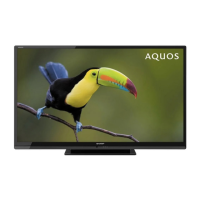
Sharp Aquos LC-40LE700X
76 pages
Print Icon
To Next Page IconTo Next Page
Loading...
MODEL
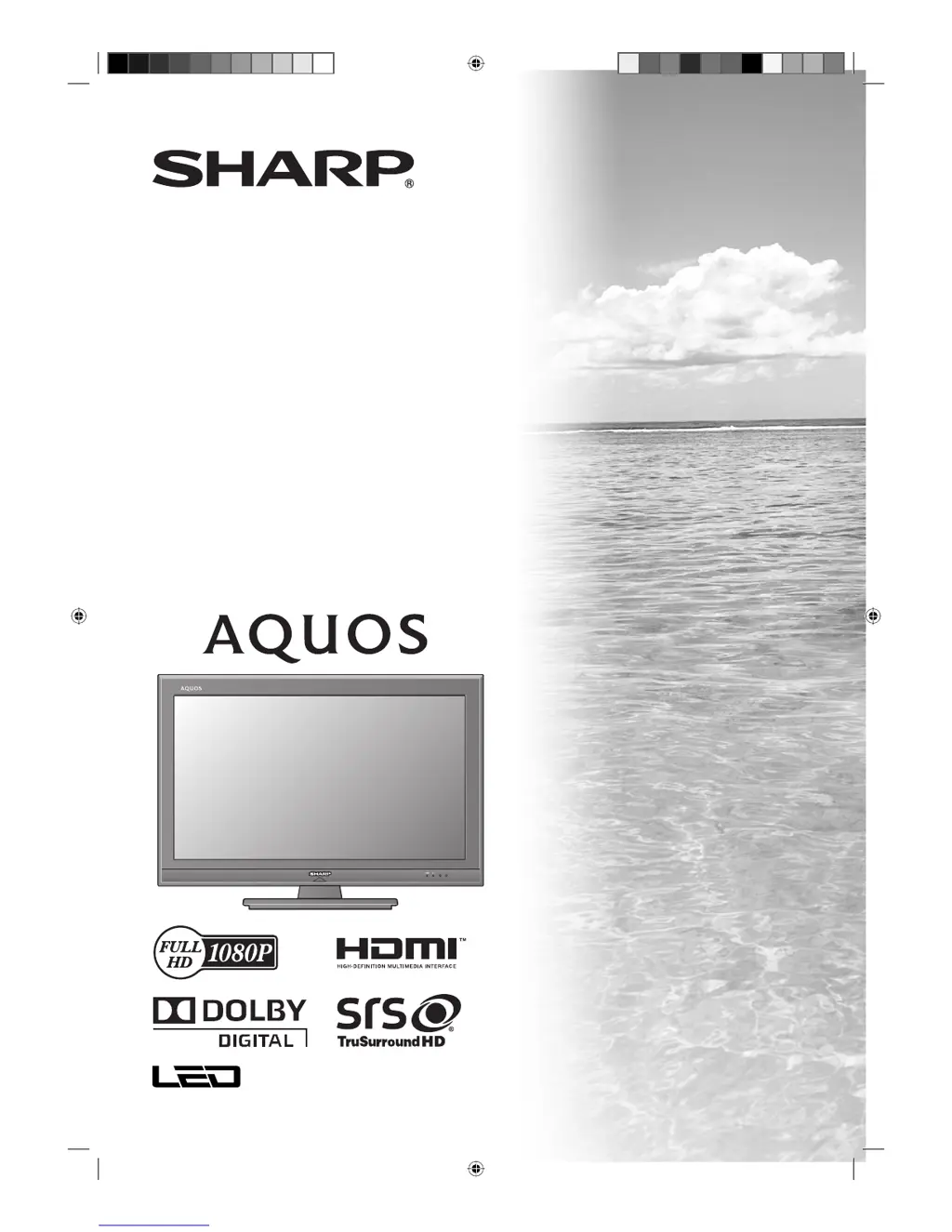
LC-40LE700X
LCD COLOUR TELEVISION
OPERATION MANUAL
Cover_LC-40LE700X.indd 1Cover_LC-40LE700X.indd 1 7/8/09 10:37:03 AM7/8/09 10:37:03 AM

Table of Contents

Questions and Answers

  • B
    barnesteresaAug 14, 2025
    Why Sharp LCD TV has no power?
    • N
      nataliebowenAug 14, 2025
      First, ensure that you have pressed the POWER button on the remote control. If the indicator light on the TV is red, try pressing POWER again. Also, verify that the AC power cord is properly connected. Finally, make sure the power is turned on.
  • J
    Jennifer AllenAug 17, 2025
    Why Sharp Aquos LC-40LE700X power is suddenly turned off?
    • S
      Sabrina JacksonAug 17, 2025
      The unit might be overheating; if the unit's internal temperature has increased, remove any obstructions blocking the vent or clean the vent. Also, check the ECO setting and the sleep timer setting, as these can cause the TV to turn off automatically.
  • K
    Katherine PeckAug 21, 2025
    Why Sharp LCD TV has no sound?
    • R
      robinclarkAug 21, 2025
      First, check if the volume is set too low and increase it. Also, ensure that headphones are not connected to the TV.
  • P
    Patricia ScottAug 25, 2025
    What to do if Sharp Aquos LC-40LE700X LCD TV remote control unit does not operate?
    • C
      Caitlin SmithAug 25, 2025
      Check the batteries in the remote. Ensure they are inserted with the correct polarity. If the batteries are worn out, replace them with new ones. Also, strong or fluorescent lighting or a fluorescent light shining on the remote control sensor can affect the remote's operation.
  • A
    Andrea HillAug 28, 2025
    What to do if Sharp Aquos LC-40LE700X LCD TV has no picture?
    • A
      Andre FlemingAug 28, 2025
      Make sure the connections to external devices are correct and the correct input is selected. Verify the picture adjustments are correct. Ensure the antenna is properly connected. Check that “On” is not selected in “Audio only” mode.
  • C
    Chad MorganAug 31, 2025
    Why Sharp Aquos LC-40LE700X LCD TV picture is cut off?
    • R
      Robert BrooksAug 31, 2025
      Ensure the image position is correct. Check that screen mode adjustments, such as picture size, are made correctly.
  • V
    vancederrickSep 3, 2025
    Why Sharp LCD TV has strange colour, light colour, or dark, or colour misalignment?
    • D
      David WilliamsSep 4, 2025
      Adjust the picture tone. The picture may appear dark if the room is too bright. Check the colour system setting and the HDMI auto view setting.
  • H
    holly03Sep 6, 2025
    What to do if Sharp Aquos LC-40LE700X unit cannot be operated?
    • A
      Amanda HarrisSep 6, 2025
      If external influences such as lightning or static electricity are affecting the unit, turn off the TV or unplug the AC cord. Then, plug it back in after a couple of minutes and try operating the unit again.
  • A
    Allen BarkerSep 10, 2025
    Why Sharp Aquos LC-40LE700X LCD TV sometimes makes a cracking sound?
    • J
      John DicksonSep 12, 2025
      This is normal and not a malfunction. The cracking sound occurs when the cabinet slightly expands and contracts due to temperature changes, which does not affect the TV's performance.

Summary

Introduction

Dear SHARP Customer

Greeting from the manufacturer to the customer.

Important Safety Precautions

Crucial guidelines for safe operation and product longevity.

Supplied Accessories and Trademarks

List of included items and legal notices regarding brands.

Watching TV

Channel Selection and Volume Control

Methods for selecting channels and adjusting the TV's audio level.

Channel Tuning and Management

Automatic and manual channel tuning, sorting, and service management.

Viewing Functions and Audio Formats

Features like freeze, mute, audio output, and audio mode switching.

Picture Settings

Adjusting aspect ratio, AV modes, and manual picture tuning.

Audio Adjustments

Fine-tuning sound settings like bass, volume, auto volume, and digital output.

EPG and Programme Information

Using the Electronic Programme Guide for schedules, information, and timers.

AQUOS LINK

Controlling HDMI Devices with AQUOS LINK

Managing connected HDMI devices using the AQUOS LINK protocol.

AQUOS LINK Connection and Setup

Physical connection and configuration of the AQUOS LINK system.

Recorder Management and Playback

Selecting recorder media, devices, and recording via EPG.

Preparation

Physical Setup and Component Identification

Stand installation, TV part identification, and remote control overview.

Initial TV Setup and Connections

Power-on, antenna setup, initial installation, and connecting external devices.

Menu Operations and Settings

Navigating TV menus, understanding options, and basic settings.

Connecting a PC

PC Connection Methods

Instructions for connecting a PC via HDMI and analogue interfaces.

PC Image Adjustment and Control

Displaying PC output and adjusting image quality and PC control.

Teletext Functionality

Using the TV's Teletext features for information access and language settings.

Appendix

Troubleshooting Common Issues

Solutions for general TV operational problems and error messages.

System Maintenance and Information

Resetting settings, software updates, specifications, and license details.

Physical Setup and Safety

Wall mounting instructions, dimensions, and measures to prevent overturning.

Password Reset

Procedure to clear a forgotten TV password.

Sharp Aquos LC-40LE700X Specifications

General IconGeneral
Screen Size40 inches
Resolution1920 x 1080 pixels
Display TypeLCD
Backlight TypeLED
Brightness450 cd/m²
HDMI Ports4
USB Ports1
Component Video Input1
Composite Video Input1
Refresh Rate50 Hz
Response Time6 ms
Audio Output20W
Viewing Angle176°

Related product manuals