EasyManua.ls Logo

Sharp AQUOS LC-40LX530H - User Manual

Sharp AQUOS LC-40LX530H
81 pages
Print Icon
To Next Page IconTo Next Page
Loading...
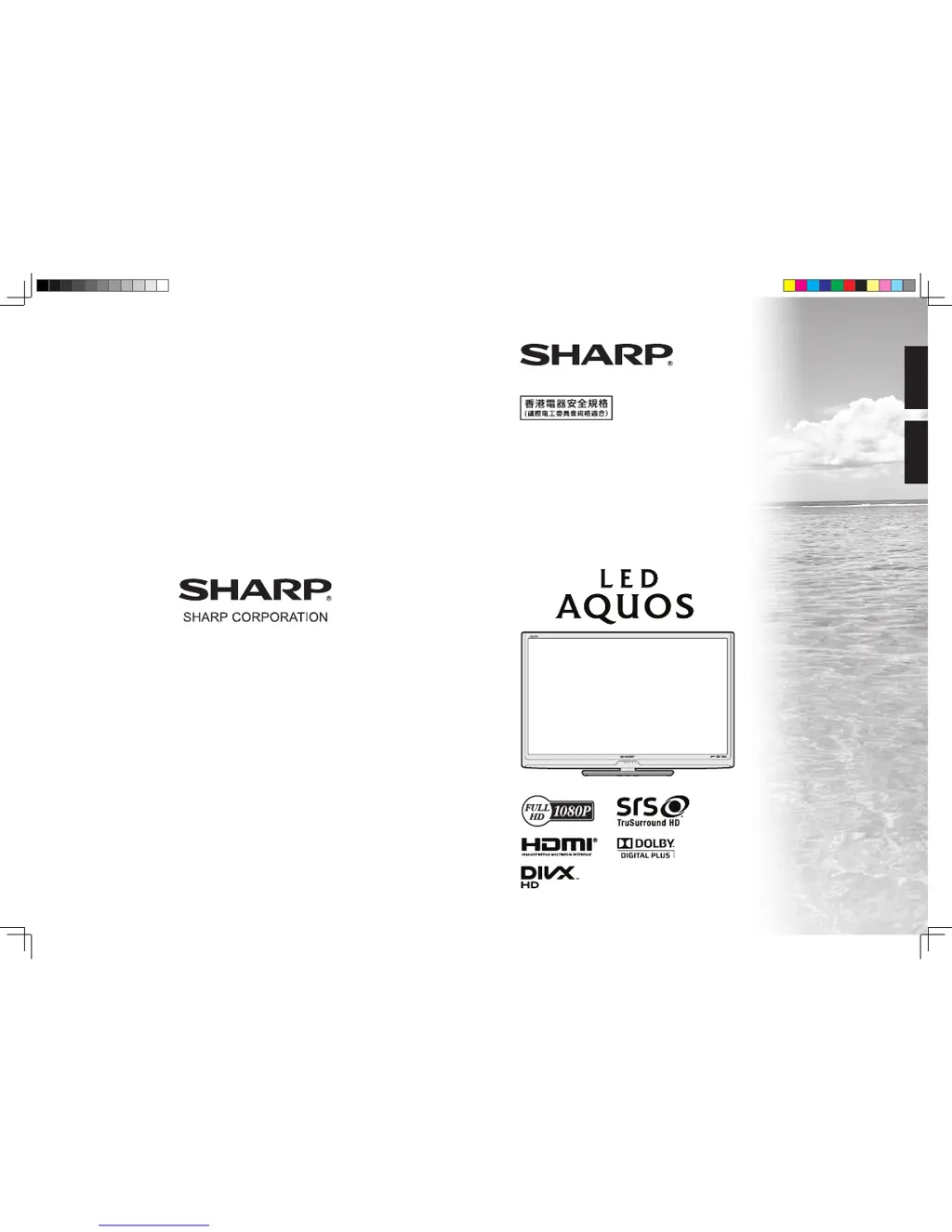
TINS-F220WJZZ
LC-40LX530H
LC-46LX530H
SLEEP
OPC
POWER
液晶彩色電視機
LCD COLOUR TELEVISION
使用說明書
OPERATION MANUAL
ENGLISH
中文
cover_40LX530H.indd 1 2011-6-14 10:18:11

Table of Contents

Questions and Answers

  • T
    timothyriversAug 12, 2025
    What to do if my Sharp AQUOS LC-40LX530H LCD TV has no power?
    • T
      Thomas ChavezAug 12, 2025
      First, ensure you have pressed the POWER button on the remote control. If the indicator light on the TV is red, press POWER again. Also, check if the AC cord is properly connected and that the power is turned on.
  • L
    Larry SheaAug 15, 2025
    Why does my Sharp AQUOS LC-40LX530H LCD TV remote control not work?
    • T
      toddcarolAug 15, 2025
      Check if the batteries are correctly inserted, aligning the polarity (e, f). Also, ensure the batteries are not worn out and replace them if needed. Strong or fluorescent lighting or a fluorescent light shining on the remote control sensor may also interfere with the remote control's operation.
  • J
    Juan WilliamsAug 19, 2025
    What to do if my Sharp AQUOS LC-40LX530H suddenly turns off?
    • J
      Julie BrownAug 19, 2025
      The unit might be overheating, so remove any obstructions from the vents or clean them. You may also need to check the ECO setting or the sleep timer setting.
  • O
    Olivia FloydAug 25, 2025
    Why is there no sound on my Sharp AQUOS LC-40LX530H LCD TV?
    • E
      Elizabeth WatkinsAug 25, 2025
      Check if the volume is set too low. Also, ensure that headphones are not connected to the TV.
  • J
    Jessica PerezAug 27, 2025
    Why does my Sharp AQUOS LC-40LX530H LCD TV have no picture?
    • C
      chelsea91Aug 27, 2025
      First, verify that all connections to external equipment are correct. Ensure the input signal setup has been performed correctly after connection and that the correct input is selected. Also, check the picture adjustments and antenna connection. Finally, make sure that “On” is not selected in “Audio only”.
  • C
    Corey ThomasAug 30, 2025
    Why does my Sharp LCD TV have strange color?
    • V
      vhowardAug 31, 2025
      Try adjusting the picture tone. If the room is too bright, the picture may appear dark. Also, check the color system setting, the input signal setting and the HDMI auto view setting.
  • L
    Lisa HernandezSep 3, 2025
    What to do if my Sharp AQUOS LC-40LX530H LCD TV failed to receive broadcast?
    • K
      Kathy BarberSep 3, 2025
      Check the antenna cable and ensure the antenna is correctly set up.
  • P
    Patrick RogersSep 7, 2025
    What to do if Sharp AQUOS LC-40LX530H LCD TV unit cannot be operated?
    • A
      Andrew MirandaSep 7, 2025
      If external influences such as lightning or static electricity are affecting the unit, turn the TV off or unplug the AC cord, wait 1 or 2 minutes, and then re-plug it in before operating the unit.

Summary

Precautions for daily use

Maintenance of the cabinet

Clean the TV cabinet gently with a soft cloth. Avoid abrasive materials, chemicals, and volatile substances.

Maintenance of the LCD panel

Clean the LCD panel gently with a dry, soft cloth. Avoid chemicals and excessive force to prevent damage.

Important safety precautions

Preparation

Wall-Mounting and Stand Installation

Guidance and precautions for wall mounting and attaching the TV stand correctly.

Before turning on the power

Connecting external devices

Connecting Various External Devices

Instructions for connecting VCR, game console, DVD player, Set Top Box, and PC.

Remote control unit

Remote control unit (Continued)

Inserting the battery

Guide on how to install batteries into the remote control unit.

Turning the TV on;off

Power Operations and Initial Setup

Guides on powering the TV on/off, standby mode, antenna power, and signal checking.

Signal Information and Channel Setup

Signal Information (Continued)

Details on checking signal strength and quality for optimal antenna alignment.

Channel Setup (Digital)

Guide for digital channel setup including auto search, manual search, and manual adjustment.

Menu Operation

Using the TV Control Panel

How to operate the TV menu using the physical buttons on the TV set.

Menu Operation (Continued)

Picture Menu

Settings for adjusting picture quality, modes, and advanced picture settings.

Audio Menu

Settings for adjusting sound output, modes, and SRS TruSurround HD.

ECO Menu

Setup Menu

Setup Menu (Continued)

Option Menu

Option Menu (Continued)

Sharp AQUOS LC-40LX530H Specifications

General IconGeneral
Screen Size40 inches
Resolution1920 x 1080 pixels
Display TechnologyLCD
Backlight TypeLED
HDMI Ports3
USB Ports1
Smart TVNo
Refresh Rate60 Hz
Audio Output10 W
InputsHDMI, USB, Composite, Component
Viewing Angle176 degrees

Related product manuals