
 To Next Page
L
Lauren DeleonSep 15, 2025
Why does my Sharp LCD TV sometimes make a cracking sound?
- CCaitlin FowlerSep 15, 2025
The cracking sound your Sharp LCD TV sometimes makes is not a malfunction.

Why does my Sharp LCD TV sometimes make a cracking sound?
The cracking sound your Sharp LCD TV sometimes makes is not a malfunction.
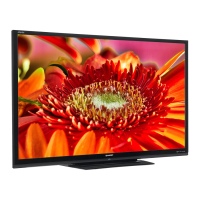
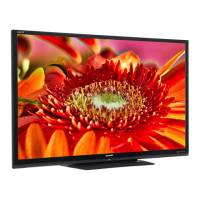
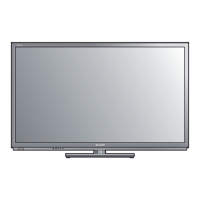
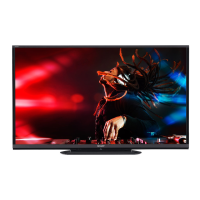
How to troubleshoot no sound on Sharp Aquos LC-80LE650U LCD TV?
If there is no sound on your Sharp LCD TV, verify that the connection to other components is correct. Make sure the volume isn't too low and that you haven't pressed MUTE on the remote. Check the audio output of any connected external equipment to ensure the volume is not too low or muted. When external equipment is connected via an HDMI cable, you may need to configure the audio to be output through the HDMI cable. When audio is not output from external equipment connected to the PC IN or HDMI IN 2 terminal, check the "Audio Select" setting. Even when external equipment is connected using an HDMI-certified cable, an audio cable connection may be required depending on the type of equipment and the media being played back. When connecting a PC via an HDMI-certified cable, check if the audio...
 General
| Screen Size | 80 inches |
|---|---|
| Display Technology | LCD |
| Resolution | 1920 x 1080 |
| Backlight Type | LED |
| Refresh Rate | 120 Hz |
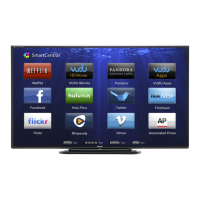
| Smart TV | Yes |
| HDMI Ports | 4 |
| Built-in Wi-Fi | Yes |
| Display Type | LED |
| Audio Output | 20W (10W x 2) |