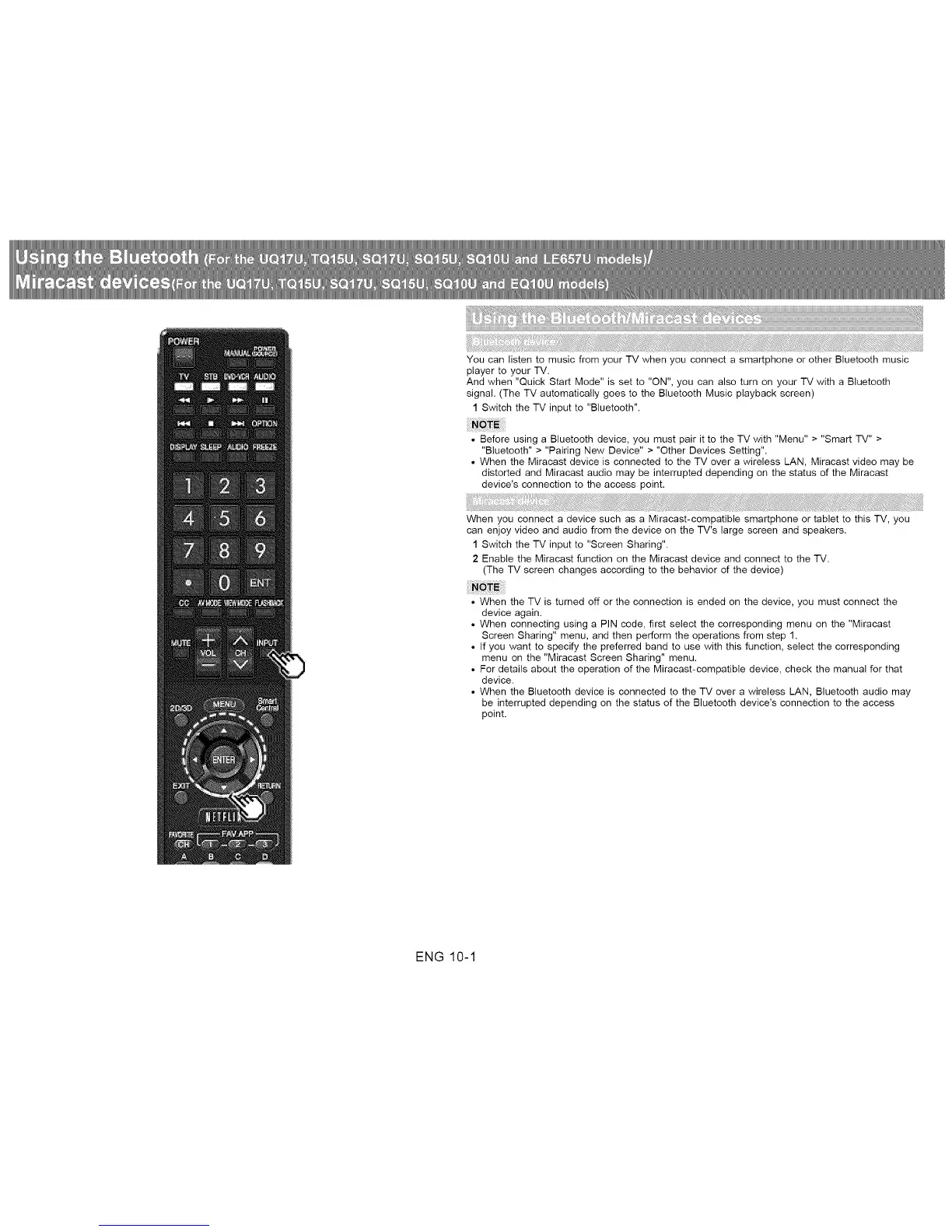
You can listen to music from your TV when you connect a smartphone or other Bluetooth music
player to your TV.
And when "Quick Start Mode" is set to "ON", you can also turn on your TV with a Bluetooth
signal. (The TV automatically goes to the Bluetooth Music playback screen)
1 Switch the TV input to "Bluetooth".
• Before using a Bluetooth device, you must pair it to the TV with "Menu" > "Smart TV" >
"Bluetooth" > "Pairing New Device" > "Other Devices Setting".
• When the Miracast device is connected to the TV over a wireless LAN, Miracast video may be
distorted and Miracast audio may be interrupted depending on the status of the Miracast
device's connection to the access point.
When you connect a device such as a Miracast-compatible smartphone or tablet to this TV, you
can enjoy video and audio from the device on the TV's large screen and speakers.
1 Switch the TV input to "Screen Sharing".
2 Enable the Miracast function on the Miracast device and connect to the TV.
(The TV screen changes according to the behavior of the device)
• When the TV is turned off or the connection is ended on the device, you must connect the
device again.
• When connecting using a PIN code, first select the corresponding menu on the "Miracast
Screen Sharing" menu, and then perform the operations from step 1.
• If you want to specify the preferred band to use with this function, select the corresponding
menu on the "Miracast Screen Sharing" menu.
• For details about the operation of the Miracast-compatible device, check the manual for that
device.
• When the Bluetooth device is connected to the TV over a wireless LAN, Bluetooth audio may
be interrupted depending on the status of the Bluetooth device's connection to the access
point.
ENG 10-1












 To Next Page