iiiiiii_++_++;:++_ii_i_'+c+.+i_d++.;_._b+J'+_+++iir+4__;_.. _iii_c.+;_.._,_iijiri_+ %]_iif_tT+._;;++_x+++_i_f_)+:
i 11!$;;++.._+;:,i iiliiI_,, _
iliiliiiilili1i7i i Iii.lliillillillI;,iiillillllillillillillillillillillillilliill,b l=l=so l iliI%iiiiiiilIIilIilIilIilIilIilIilIilIilIilIilii
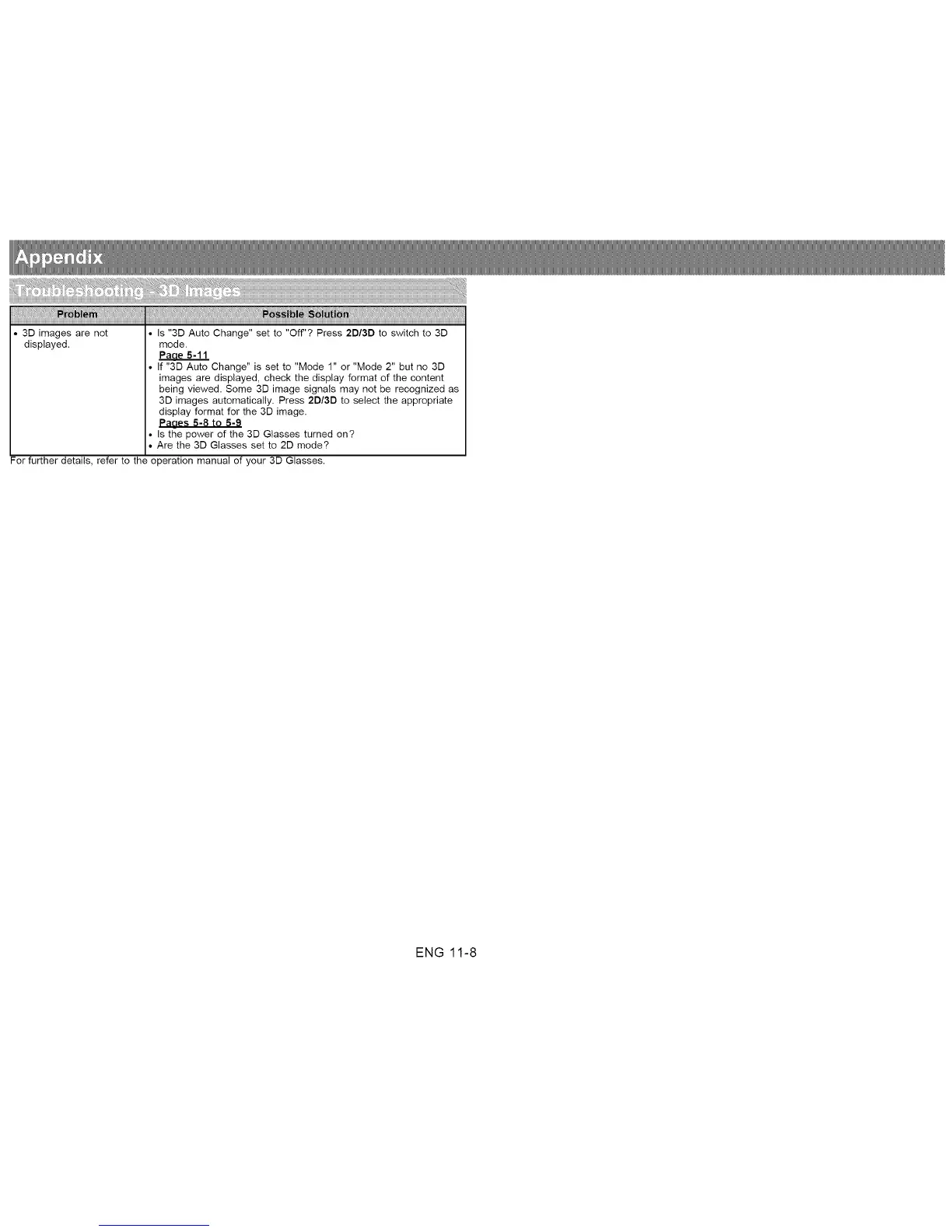
31 images are not Is "31 Auto Change" set to "Off"? Press 21/31 to switch to 31
displayed, mode.
PaaeS-ll
If "31 Auto Change" is set to "Mode 1" or "Mode 2" but no 31
images are displayed, check the display format of the content
being viewed. Some 31 image signals may not be recognized as
31 images automatically. Press 21/3D to select the appropriate
display format for the 31 image.
Paaes 5-8 to 5-9
Is the power of the 31 Glasses turned on?
Are the 31 Glasses set to 21 mode?
For further details, refer to the operation manual of your 31 Glasses.
ENG 11-8












 To Next Page