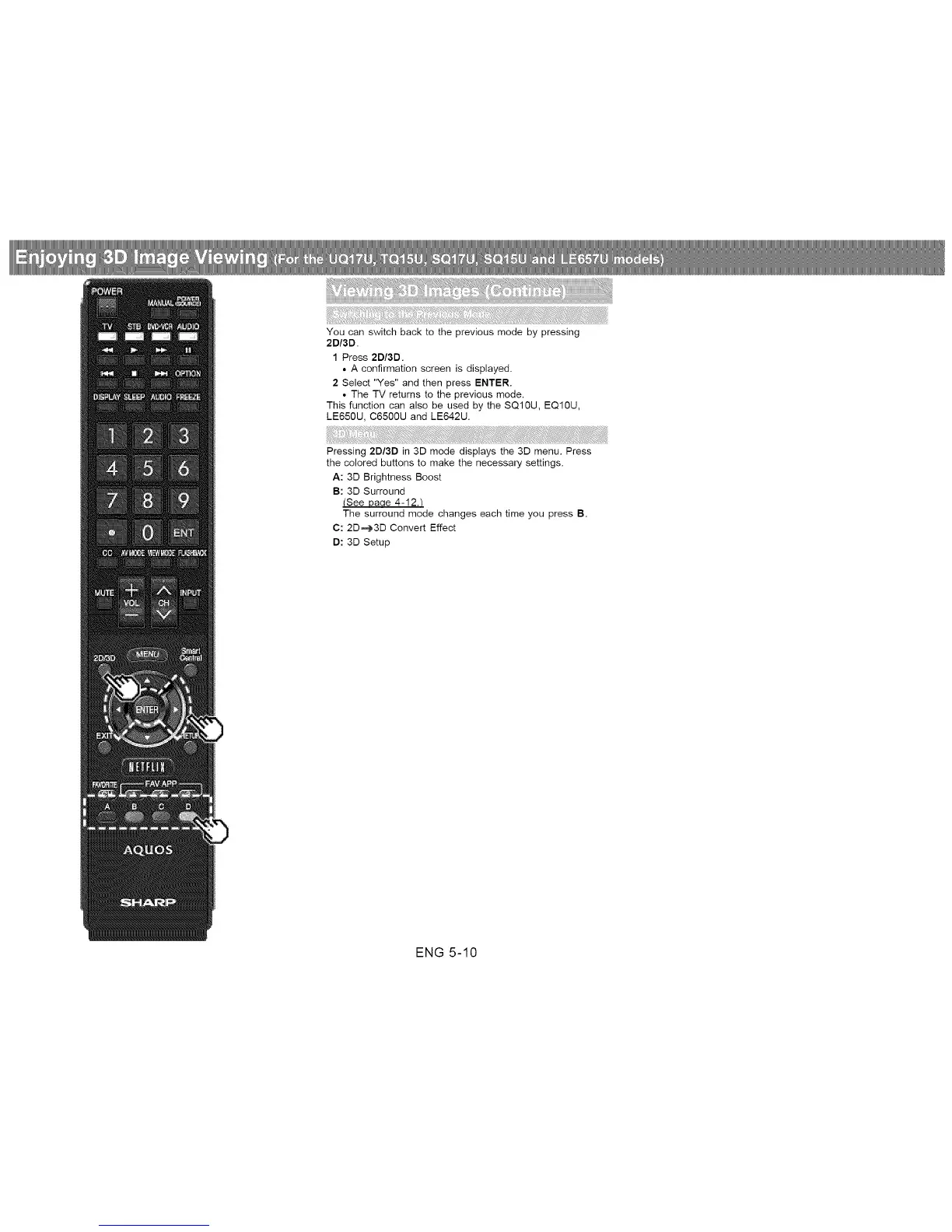
You can switch back to the previous mode by pressing
2D/3D.
1 Press 2D/3D.
• A confirmation screen is displayed.
2 Select "Yes" and then press ENTER.
• The TV returns to the previous mode.
This function can also be used by the SQ10U, EQ10U,
LE650U, C6500U and LE642U.
Pressing 2D/3D in 3D mode displays the 3D menu. Press
the colored buttons to make the necessary settings.
A: 3D Brightness Boost
B: 3D Surround
(See Daae 4-12.t
The surround mode changes each time you press B.
C: 2D_3D Convert Effect
D: 3D Setup
ENG 5-10












 To Next Page