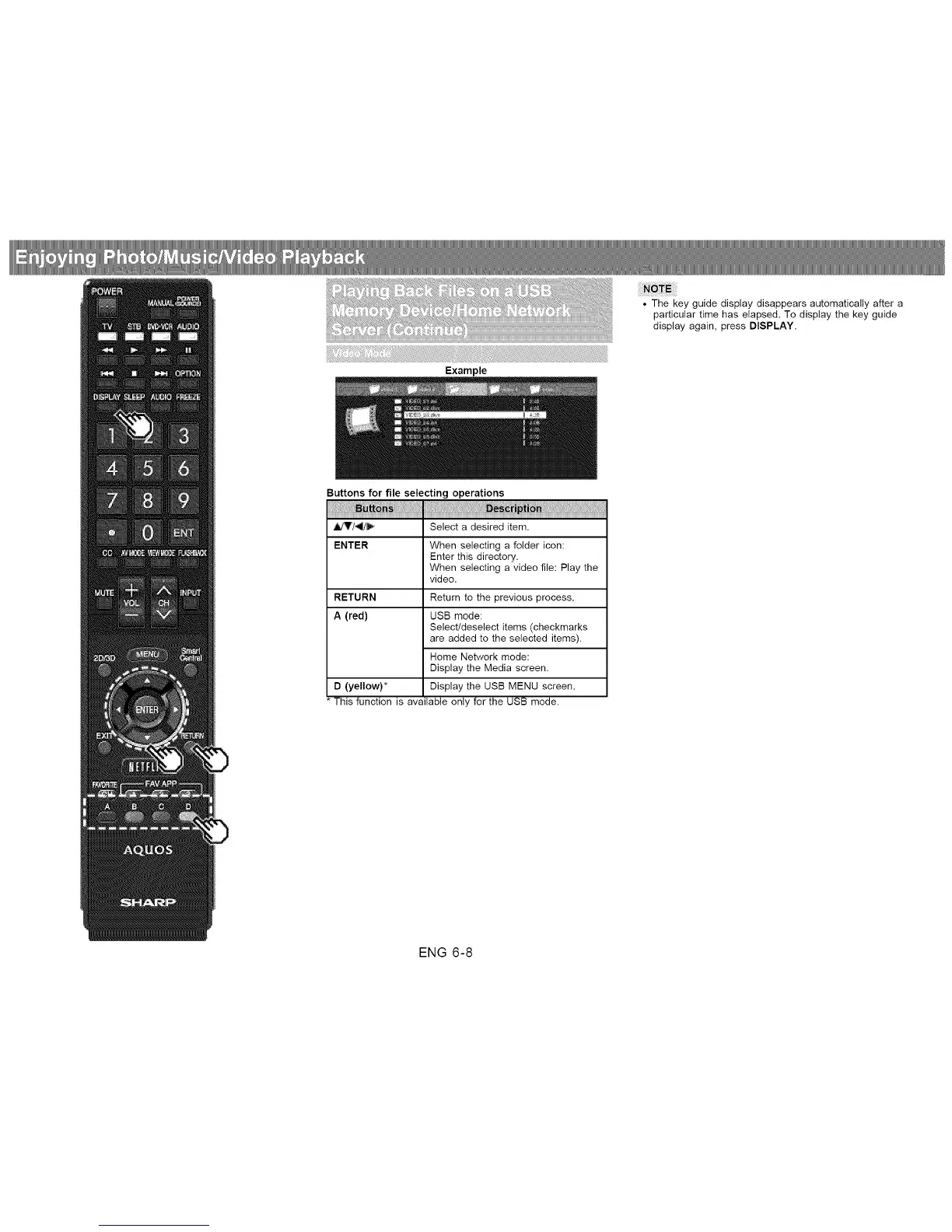
• The key guide display disappears automatically after a
particular time has elapsed. To display the key guide
display again, press DISPLAY.
Buttons for file selecting operations
_'/_" Select a desired item.
ENTER When selecting a folder icon:
Enter this directory.
When selecting a video file: Play the
video.
RETURN Return to the previous process.
A (red) USB mode:
Selectideselect items (checkmarks
are added to the selected items).
Home Network mode:
Display the Media screen.
D (yellow)* Display the USB MENU screen.
* This function is available only for the USB mode.
ENG 6-8












 To Next Page