You can manually turn on/off the power of the connected
AQUOS LINK-compatible equipment.
Each time you press ENTER, the connected equipment
switches on or off.
You can use the device operation panel to control playback
operations.
Press JldV/_ to select the desired operation.
• This function works only when AQUOS LINK-compatible
equipment with the Device Operation Panel function is
connected.
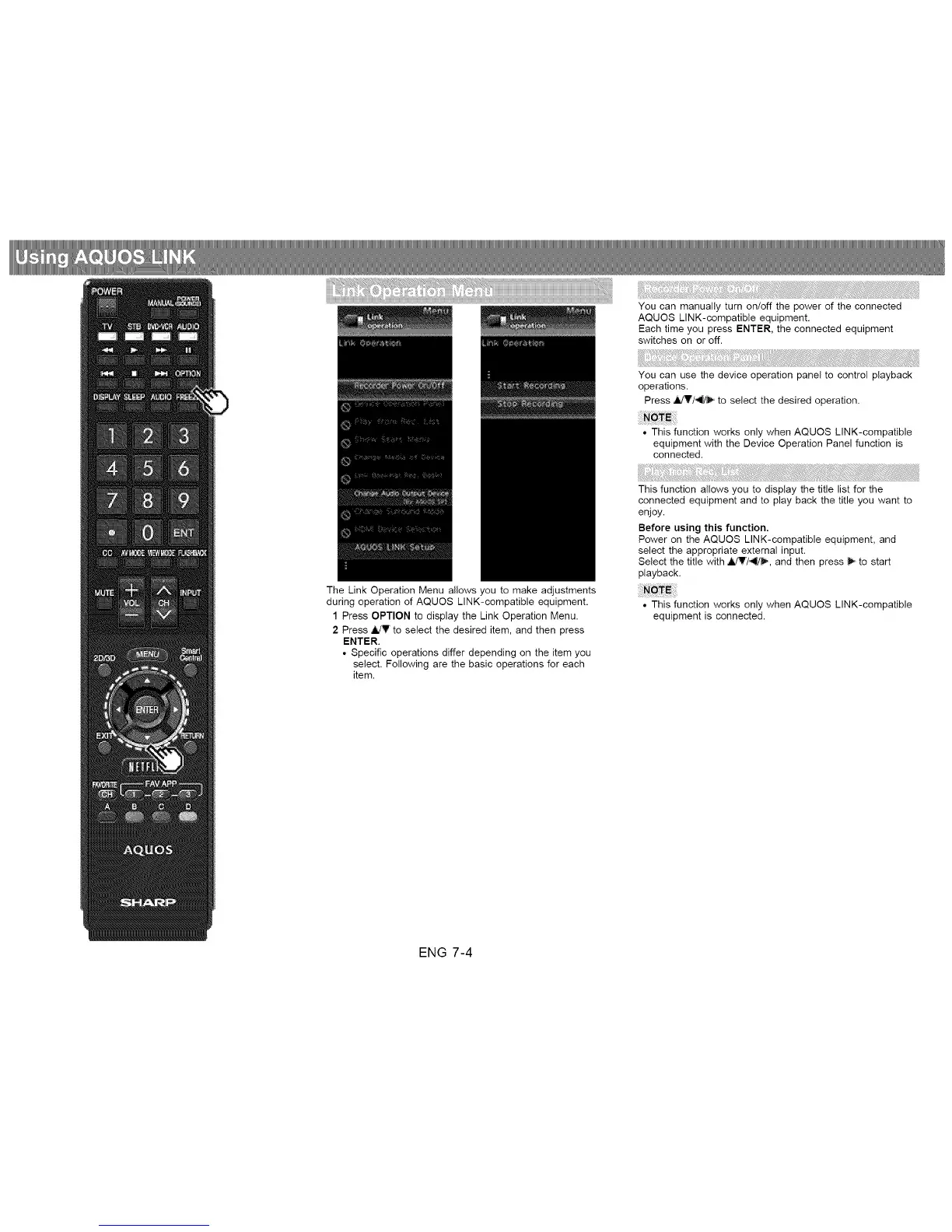
The Link Operation Menu allows you to make adjustments
during operation of AQUOS LINK-compatible equipment.
1 Press OPTION to display the Link Operation Menu.
2 Press ,I,/V to select the desired item, and then press
ENTER.
• Specific operations differ depending on the item you
select. Following are the basic operations for each
item.
This function allows you to display the title list for the
connected equipment and to play back the title you want to
enjoy.
Before using this function.
Power on the AQUOS LINK-compatible equipment, and
select the appropriate external input.
Select the title with _7_, and then press _ to start
playback.
• This function works only when AQUOS LINK-compatible
equipment is connected.
ENG 7-4












 To Next Page