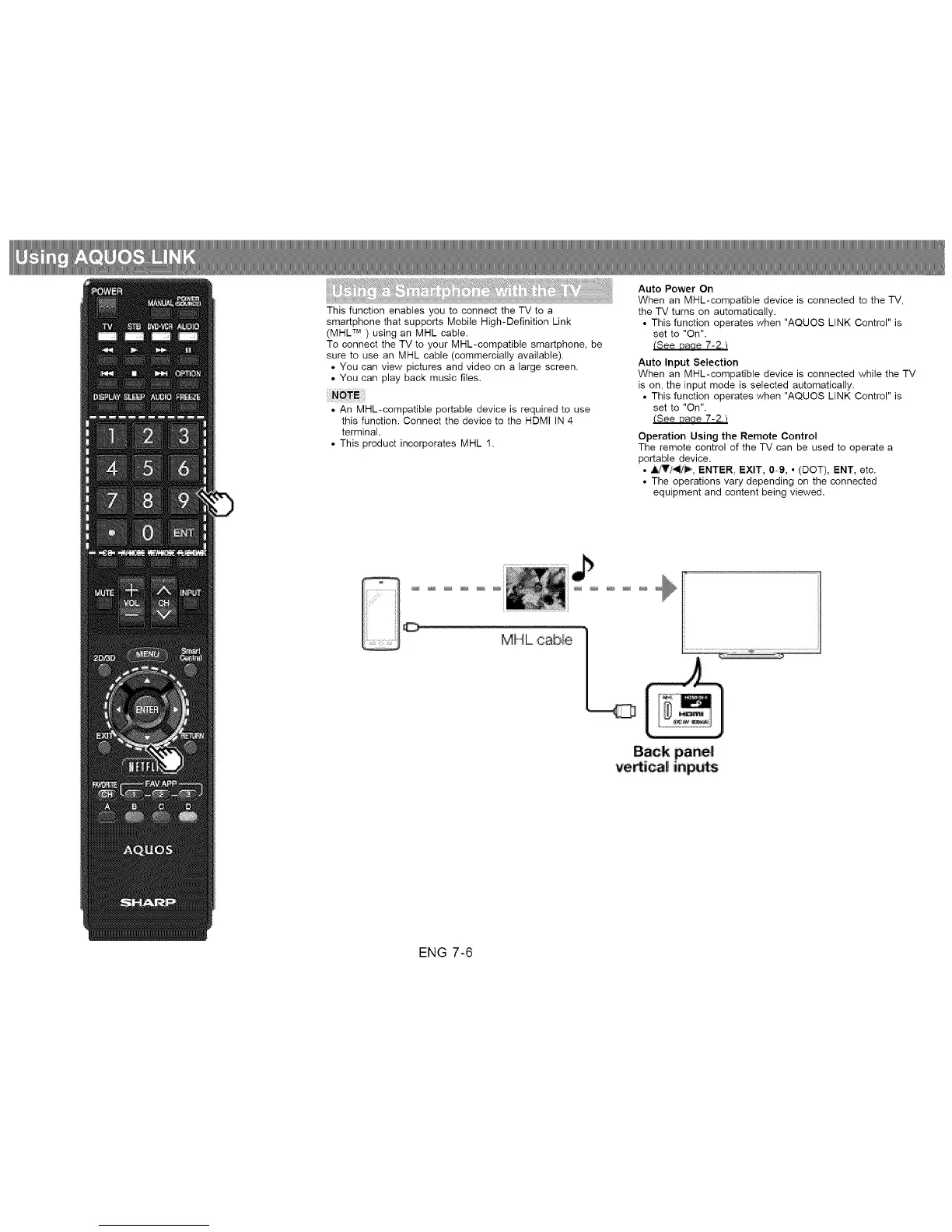
This function enables you to connect the TV to a
smartphone that supports Mobile High-Definition Link
(MHL TM ) using an MHL cable.
To connect the TV to your MHL-compatible smartphone, be
sure to use an MHL cable (commercially available).
• You can view pictures and video on a large screen.
• You can play back music files.
• An MHL-compatible portable device is required to use
this function. Connect the device to the HDMI IN 4
terminal.
• This product incorporates MHL 1.
Auto Power On
When an MHL-compatible device is connected to the TV,
the TV turns on automatically.
• This function operates when "AQUOS LINK Control" is
set to "On".
(See Daae 7-2.t
Auto Input Selection
When an MHL-compatible device is connected while the TV
is on, the input mode is selected automatically.
• This function operates when "AQUOS LINK Control" is
set to "On".
(See Daoe 7-2.t
Operation Using the Remote Control
The remote control of the TV can be used to operate a
portable device.
• _'/_, ENTER, EXIT, 0-9, ° (DOT), ENT, etc.
• The operations vary depending on the connected
equipment and content being viewed.
ENG 7-6












 To Next Page