SETTING THE PRINTER DRIVER
1-5
6
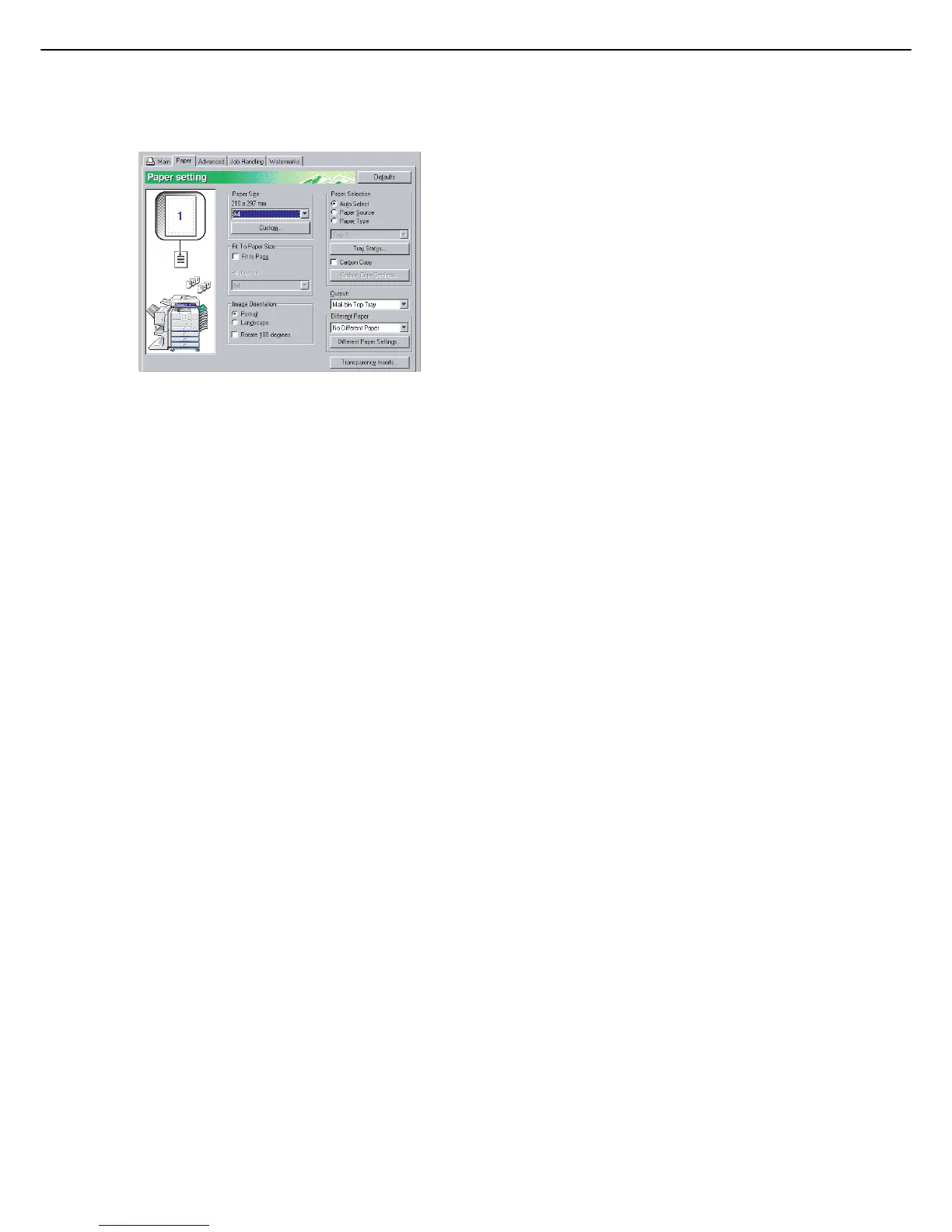
Click the [Paper] tab.
Check the paper size to make sure it is correct.
Next, specify the paper feeding method in [Paper
Selection]. Normally [Auto Select] is used. When
finished, click the [OK] button to close the printer
properties window.
7
Click the [OK] button in the Print window
in Windows 95/98/Me/NT 4.0, or the [Print]
button in Windows 2000/XP/Server 2003.



 To Next Page