EasyManua.ls Logo

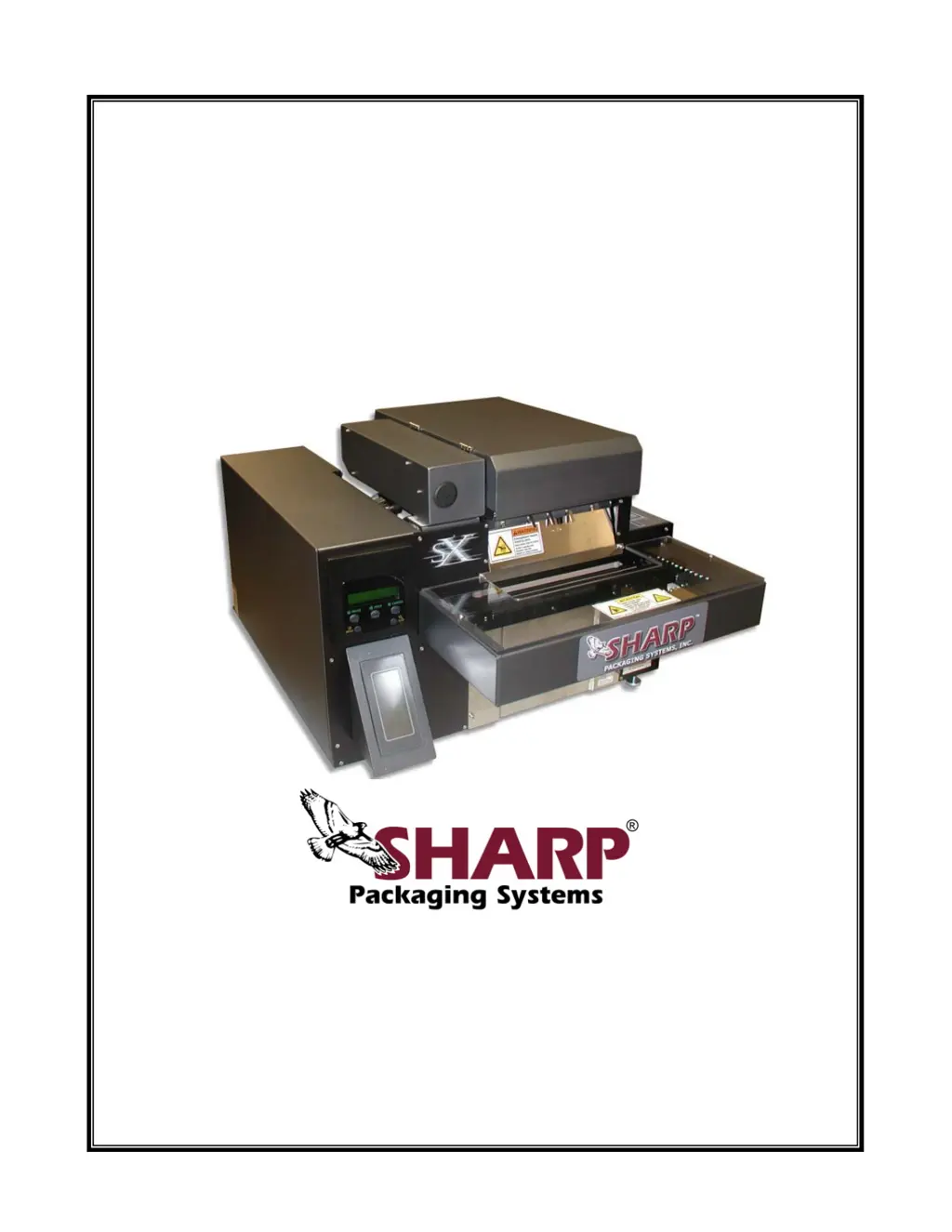
Sharp SX 1075 - User Manual

Sharp SX 1075
210 pages
Print Icon
To Next Page IconTo Next Page
Loading...
T
T
h
h
e
e
S
S
h
h
a
a
r
r
p
p
S
S
X
X
T
T
M
M
&
&
T
T
h
h
e
e
S
S
h
h
a
a
r
r
p
p
S
S
X
X
T
T
M
M
w
w
i
i
t
t
h
h
P
P
r
r
i
i
n
n
t
t
e
e
r
r
Service & Maintenance Manual
Models 1075, 1084, 1097, 1099, 1108, 1109, and 1121
Printed In USA 0924
PN: 960714-02B Copyright © 2007
Parts: (800) 634-6359 ext. 571
parts@sharppackaging.com
Service: (800) 634-6359 ext. 572
service@sharppackaging.com
www.sharppackaging.com

Table of Contents

Questions and Answers

  • S
    stevenwoodsAug 20, 2025
    Why my Sharp SX 1075 will not print?
    • D
      davidperryAug 20, 2025
      If your Sharp Printer is not printing, verify that the power cord is fully plugged into both the machine and a working outlet. Also, check if the printer option is enabled in the “Options” menu and initialize the printer by pressing the “Feed” button on the printer display. Ensure a label is loaded into the printer.
  • D
    Deborah WardAug 22, 2025
    What else to check if Sharp SX 1075 still will not print?
    • M
      Michelle HowardAug 22, 2025
      If your Sharp Printer still won’t print, ensure the ribbon is correctly threaded according to the diagram on the machine's outer guard. Check that the printhead cables are fully engaged. Adjust the printhead screws and cycle the machine to check for print.
  • S
    Sara HudsonAug 25, 2025
    What to do if my Sharp SX 1075 shows “No Labels or Ribbon” Fault?
    • P
      Peggy TaylorAug 25, 2025
      If your Sharp Printer displays a “No Labels or Ribbon” fault, the printer might be out of ribbon or labels. Install a new roll of ribbon and/or download a label to the printer. Check if the ribbon is broken or incorrectly threaded, and rethread it according to the diagram on the machine's outer guard.
  • W
    wpughAug 26, 2025
    How to troubleshoot Sharp SX 1075 when bag film will not advance?
    • R
      Robert MorrisonAug 26, 2025
      If the bag film on your Sharp Printer isn't advancing, make sure the cradle is completely closed and securely latched. Check the motor plug for a proper connection.
  • N
    Natasha GlassAug 28, 2025
    What to do if Sharp Printer turns on but will not cycle?
    • A
      Alexis ClineAug 28, 2025
      If your Sharp Printer turns on but won't cycle, first ensure there are bags on the roll and they are correctly installed on the unwind shaft. Check that the foot switch is properly plugged in and making a solid connection with the receptacle on the machine. Also, check the display for any fault conditions and troubleshoot accordingly.
  • A
    Amy FuentesAug 29, 2025
    Why seal wire will not heat up in my Sharp SX 1075 Printer?
    • C
      Christina WashingtonAug 29, 2025
      If the seal wire on your Sharp Printer isn't heating up, the seal time might be set too low. Increase the “Seal Time” in the “Settings” menu by 0.1-second increments and check the bag seals after cycling.
  • J
    Janice CruzAug 31, 2025
    How to fix light or uneven print on Sharp SX 1075?
    • S
      sarah87Aug 31, 2025
      If the print on your Sharp Printer appears light or uneven, the printing temperature might be too low. Increase the temperature setting in the label setup area of the label creation/printing software. Also, the printhead may be out of adjustment; adjust the printhead screws and cycle the machine to check the print.
  • D
    Daniel HaydenSep 2, 2025
    How to resolve “No Bags” Fault on Sharp Printer?
    • S
      Susan WhiteheadSep 2, 2025
      To resolve a “No Bags” fault on your Sharp Printer, first ensure that the roll of bags isn't empty. Install a new roll of bags and thread it properly. If bags are present, make sure they are centered in the machine and cover the photoelectric eye. Check that any hangholes in the bags are not directly centered so the eye can detect the bags.
  • C
    Courtney DavidsonSep 4, 2025
    What to do if the bag does not open on Sharp SX 1075 Printer?
    • A
      Anthony PerezSep 4, 2025
      If the bag does not open on your Sharp Printer, ensure the bag film is correctly threaded into the machine, with the bags coming off the bottom of the roll and up to the drive roller. Also, make sure the bags are centered on the drive roller and adjust the roll on the unwind shaft. Adjust the bag length to ensure perforations are between the drive rollers and pressure bar.
  • M
    Melissa KeithSep 6, 2025
    Why bags do not separate in Sharp Printer?
    • J
      Jacob GutierrezSep 6, 2025
      If bags are not separating in your Sharp Printer, the bag length setting might be incorrect. Adjust the bag length to allow perforations to be between the drive rollers and pressure bar. Also, ensure the cradle is completely closed and securely latched.

Sharp SX 1075 Specifications

General IconGeneral
BrandSharp
ModelSX 1075
CategoryPrinter
LanguageEnglish

Related product manuals