EasyManua.ls Logo

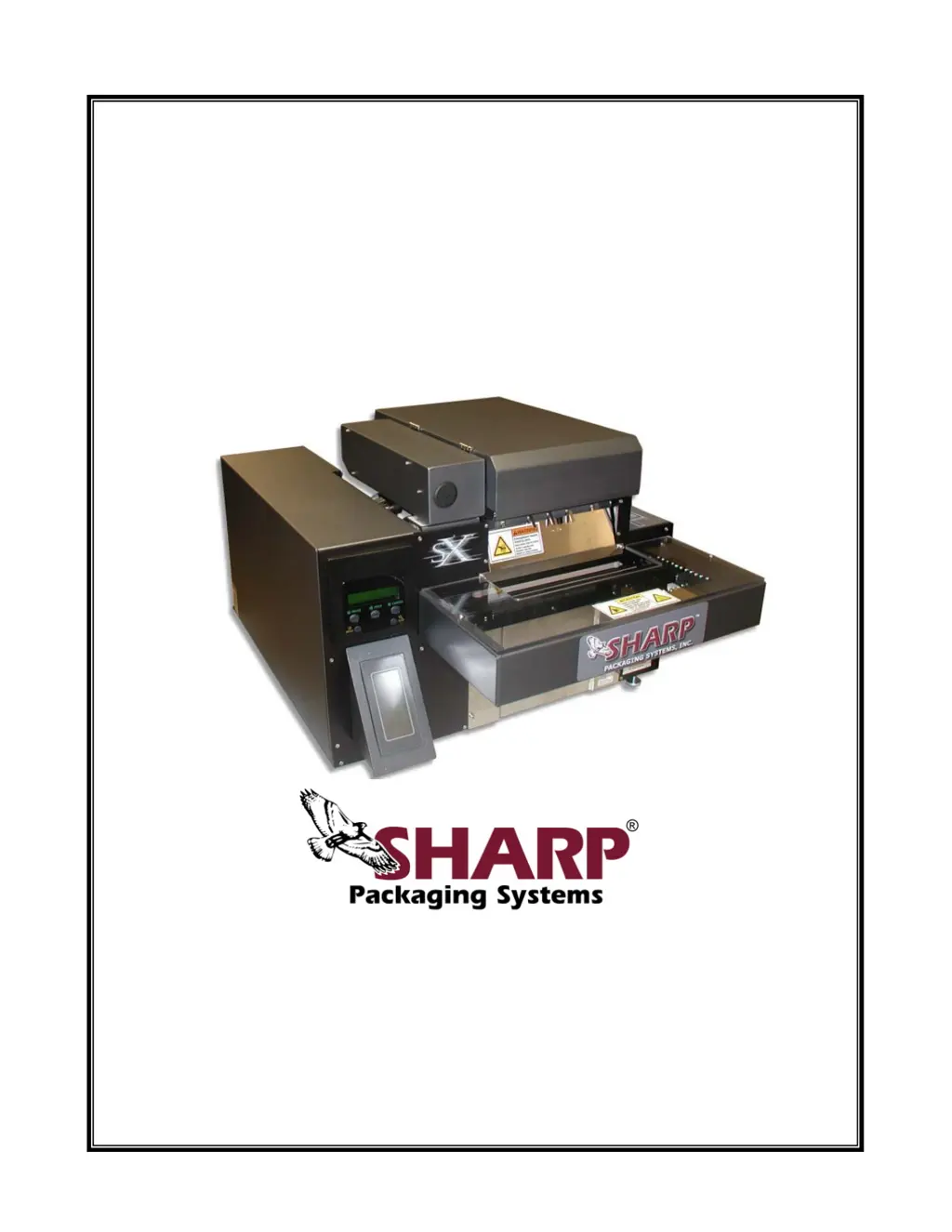
Sharp SX 1075 - User Manual

Sharp SX 1075
210 pages
Print Icon
To Next Page IconTo Next Page
Loading...
T
T
h
h
e
e
S
S
h
h
a
a
r
r
p
p
S
S
X
X
T
T
M
M
&
&
T
T
h
h
e
e
S
S
h
h
a
a
r
r
p
p
S
S
X
X
T
T
M
M
w
w
i
i
t
t
h
h
P
P
r
r
i
i
n
n
t
t
e
e
r
r
Service & Maintenance Manual
Models 1075, 1084, 1097, 1099, 1108, 1109, and 1121
Printed In USA 0924
PN: 960714-02B Copyright © 2007
Parts: (800) 634-6359 ext. 571
parts@sharppackaging.com
Service: (800) 634-6359 ext. 572
service@sharppackaging.com
www.sharppackaging.com

Table of Contents

Questions and Answers

  • A
    Alicia DyerSep 8, 2025
    How to fix shrunk or stretched print on Sharp Printer?
    • G
      Gary RaySep 8, 2025
      If the print appears smaller and shrunk together, or larger and stretched out on your Sharp Printer, the print speeds in the machine and downloaded label might be mismatched. Verify that the value for print speed in the label setup and the print speed in the printer options menu on the machine match.
  • J
    James MasseySep 10, 2025
    How to clear “Object in Sealing Area” Fault on Sharp SX 1075?
    • K
      Katrina VegaSep 10, 2025
      To clear an “Object in Sealing Area” fault on your Sharp Printer, remove any obstruction from between the pressure jaw and stripper plate. Check the springs that return the stripper plate to its home position.
  • C
    Christina LeblancSep 12, 2025
    How to fix “Printer Not Ready” Fault on Sharp SX 1075 Printer?
    • M
      Michael RodriguezSep 12, 2025
      To fix a “Printer Not Ready” fault on your Sharp Printer, first turn on the printer power switch on the rear of the machine. Then, press the “Feed” button on the printer display to initialize the printer.
  • L
    Lisa KiddSep 13, 2025
    How to remove vertical lines in print on Sharp SX 1075?
    • J
      johnmccoySep 13, 2025
      If your Sharp Printer's print has vertical lines through the entire length, the printhead might be dirty. Clean the printhead.
  • D
    Denise HutchinsonSep 15, 2025
    What causes “Reverse” Fault on Sharp Printer?
    • N
      nbeckerSep 16, 2025
      If your Sharp Printer is showing a “Reverse” fault, the bag openings might not be registered below the airflow due to an incorrect bag length. Adjust the bag length to allow perforations to be between the drive rollers and pressure bar.
  • V
    vgonzalezSep 18, 2025
    Why print location is drifting on Sharp SX 1075 Printer?
    • J
      Joshua HuynhSep 18, 2025
      If the print location is drifting on your Sharp Printer, the unwind spring tension might be improperly set. Change the roll tension on the core chuck spring to allow bags to feed evenly.

Sharp SX 1075 Specifications

General IconGeneral
BrandSharp
ModelSX 1075
CategoryPrinter
LanguageEnglish

Related product manuals