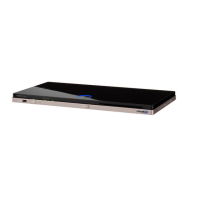
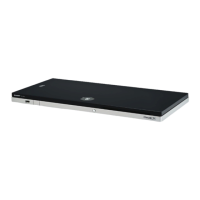
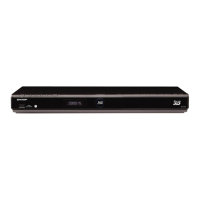
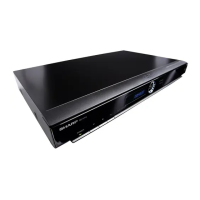
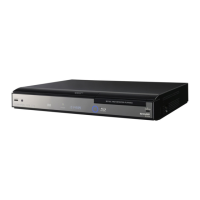
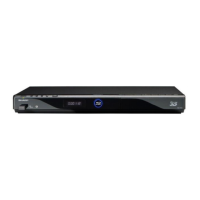
BD-HP90U
3 – 2
5. Removing the BD DRIVE Unit
1. Disconnect the 2 FFCs .
2. Remove the 2 lock screws and detach the BD DRIVE Unit .
3. Remove the 2 lock screws and detach the Drive Angle-L
from BD DRIVE Unit.
6. Removing the OPERATION Unit, LED Unit, Wire-
less LAN Unit and MAIN Unit
1. Detach the RC SW Knob .
2. Disconnect the USB connector .
3. Disconnect the connector .
4. Remove the 1 lock screw .
5. Remove the 2 lock screws and detach the OPERATION Unit
by pulling out the B to B connector , and detach the LED Unit .
6. Detach the Wireless LAN Unit pulling out the connector .
7. Remove the 2 lock screws , 1 lock screw , 2 lock Shafts .
8. Detach the DC Holder .
9. Disconnect the 2 connectors .
10.Remove the 4 lock screws and detach the MAIN Unit .
FFC
1
FFC
BD DRIVE Unit
Drive Angle-L
1
3
a
b
b
a
4
5
2
USB connector
B to B connector
OPERATION Unit
Wireless LAN Unit
connector
7
6
DC Holder
4
10
11
11
14
13
12
5
LED Unit
8
connector
MAIN Unit
15
16
connector
15
RC SW Knob
1
17
9
connector
3
2



 To Next Page