EasyManua.ls Logo

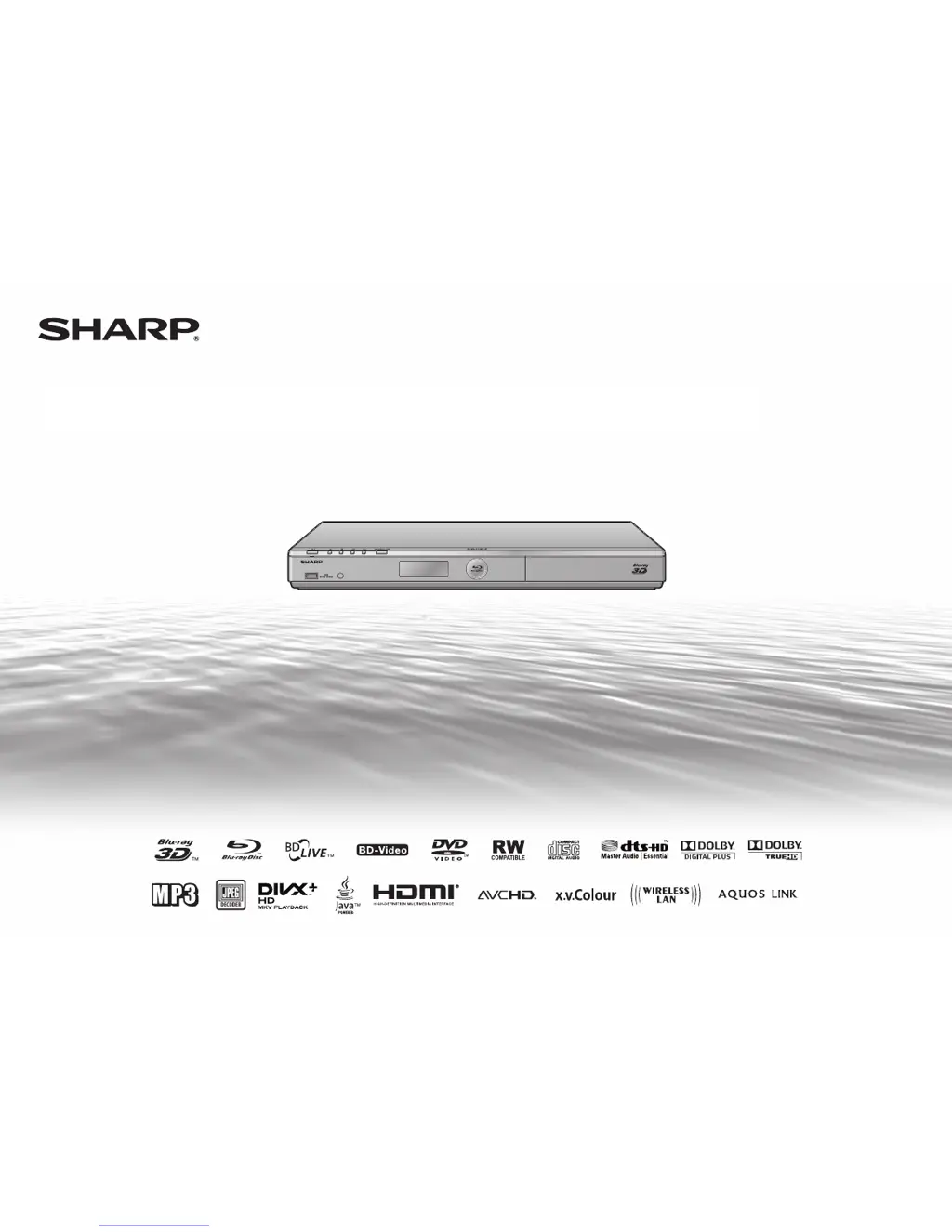
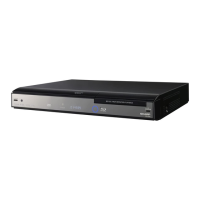
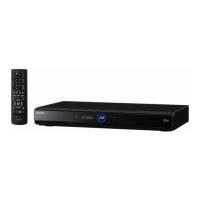
Sharp BD-HP35S - User Manual

Sharp BD-HP35S
74 pages
Print Icon
To Next Page IconTo Next Page
Loading...
MODEL
BD-HP35S
BLU-RAY DISC/DVD PLAYER
OPERATION MANUAL

Table of Contents

Questions and Answers

  • P
    Patricia AlvaradoAug 20, 2025
    Why doesn't my Sharp BD-HP35S Blu-ray Player remote control work?
    • A
      Austin DuncanAug 20, 2025
      If your Sharp Blu-ray Player remote control isn't working, try these solutions: * Ensure you are using the remote within its operational range. * Replace the batteries. * Reset the remote control by pressing and holding the '1' button, then press and hold the ENTER button simultaneously for more than 5 seconds.
  • S
    Sarah PerezAug 22, 2025
    What to do if there is no picture on my Sharp Blu-ray Player?
    • A
      Andrew CookAug 22, 2025
      If you're not getting a picture from your Sharp Blu-ray Player, consider the following: * Check that the cable is correctly connected. * Ensure the connected TV or AV receiver is set to the correct input. * Clean the disc. * Verify the disc's region code matches that of your player. * If using HDMI, ensure the settings are correct.
  • K
    Karen HortonAug 25, 2025
    Why my Sharp BD-HP35S cannot play a disc?
    • K
      Kimberly SextonAug 25, 2025
      If your Sharp Blu-ray Player is unable to play a disc, here are some things to check: * Clean the disc. * Ensure the disc is loaded properly, aligned in the disc tray with the label-side up. * Confirm the disc's region code matches your player's. * Allow any condensation in or near the player to dry. * Check that the disc is recorded in a compatible TV system (PAL or NTSC). * Note that the player cannot play back video that was not recorded normally. * Playback issues can arise from the disc's recording state, scratches, warping, dirt, pick-up condition, or compatibility issues. * Playback may be impossible if the recorded time of the disc is unusually short. * BD-RE/R discs recorded in a format other than BDMV/BDAV cannot be played back.
  • T
    Tiffany CastroAug 26, 2025
    Why is there no sound or distorted sound from my Sharp BD-HP35S?
    • C
      chenryAug 26, 2025
      If you're experiencing no sound or distorted sound from your Sharp Blu-ray Player, try the following: * Increase the volume on your TV or amplifier if it's set to minimum. * Note that there is no sound during still mode, slow motion playback, fast forward, and fast reverse. * Check that the audio cable is connected correctly. * Ensure the cable plugs are clean. * Clean the disc. * Audio output issues can occur depending on the disc's audio recording status, such as non-standard audio.
  • J
    John BallAug 28, 2025
    What to do if my Sharp BD-HP35S Blu-ray Player screen freezes?
    • B
      Brent PorterAug 28, 2025
      If your Sharp Blu-ray Player's screen freezes and the operation buttons don't work: * Turn the power off and then back on. * If the power doesn't turn off, perform a reset. * Check the disc for damage or dirt.
  • M
    Michelle Allen MDAug 29, 2025
    Why does my Sharp BD-HP35S Blu-ray Player automatically eject the disc?
    • A
      Andrew PettyAug 30, 2025
      If your Sharp Blu-ray Player automatically ejects the disc after closing the tray: * Ensure the disc is loaded properly, aligned in the disc tray with the label-side up. * Clean the disc. * Make sure that the disc is playable.
  • R
    Rebecca StarkAug 31, 2025
    Why 3D images cannot be output to a TV from my Sharp Blu-ray Player?
    • W
      Walter HendersonSep 1, 2025
      If you're unable to output 3D images to your TV from your Sharp Blu-ray Player, check the following: * Ensure an HDMI cable is used. * Confirm that a 3D compatible TV and 3D glasses are being used. * Verify a proper connection between the player's HDMI OUT terminal and the TV's HDMI input terminal. * Ensure all devices (amplifier, AV receiver, etc.) between the TV and player are connected by HDMI and are 3D compatible. * Check that the 3D setting on the player is correct. * Verify the 3D setting on the TV is correct. * Confirm that a 3D compatible BD disc is being played back.
  • J
    Jesse RichardsSep 2, 2025
    Why does my Sharp BD-HP35S power turn off by itself?
    • J
      John WilliamsSep 2, 2025
      If your Sharp Blu-ray Player is turning off automatically, check if “Auto Power Off” is set to “Yes”. When set to “Yes”, the power will automatically turn off after 10 minutes of inactivity (no playback).
  • D
    Daniel BarberSep 4, 2025
    Why can't I download BD-LIVE content on my Sharp BD-HP35S?
    • E
      Emily SimmonsSep 4, 2025
      If you're having trouble downloading BD-LIVE content on your Sharp Blu-ray Player: * Ensure the LAN cable or wireless LAN adapter is properly connected. * Verify the USB memory device is properly connected to the USB1 or USB2 terminal. * Check if the BD disc supports BD-LIVE. * Check the setting for 'BD Internet Access'.
  • M
    Marcus PriceSep 6, 2025
    What to do if video stops playing on my Sharp Blu-ray Player?
    • J
      Joseph CarpenterSep 6, 2025
      If the video stops playing on your Sharp Blu-ray Player, consider whether the player has been subjected to shock or impact, or if it's being used in an unstable location. The player will stop if it senses shock or vibration.

Sharp BD-HP35S Specifications

General IconGeneral
BrandSharp
ModelBD-HP35S
CategoryBlu-ray Player
LanguageEnglish

Related product manuals