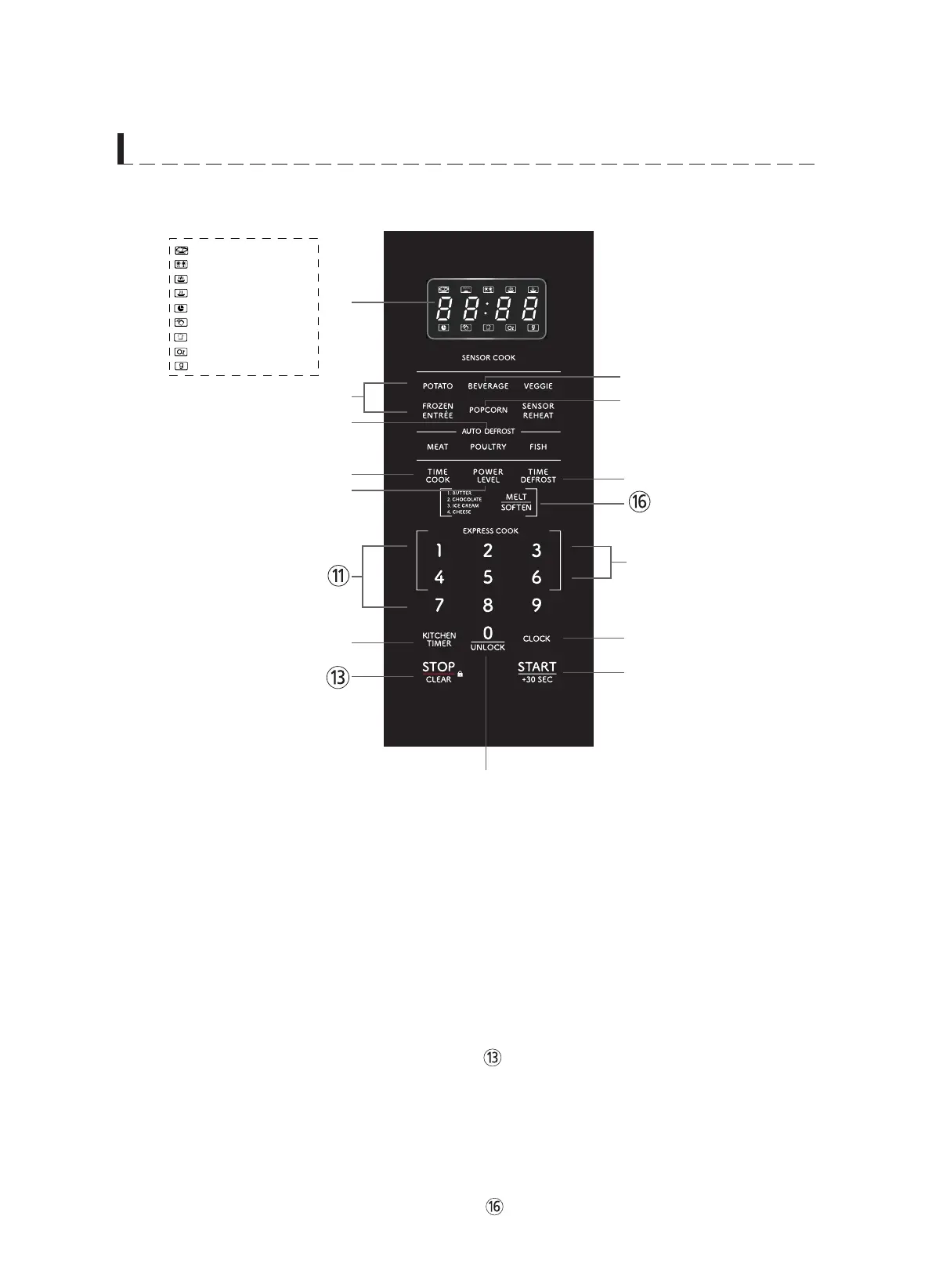
1 Cooking time, power level,
indicators and current time are displayed.
2
3
4
5
Used to set power level.
6
Used to defrost foods for
time.
7
Press to select
8
COOK MENUUsed to select a
Sensor
9
NUMBER BUTTON
time, kitchen timer, etc.
0
Used as a minute timer,
delay cooking, hold setting after cooking.
q
w
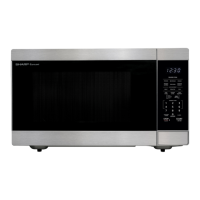
F E A T U R E S D I A G R A M
Used to set the cooking K
according to the desired power and time.
Used to set the clock.K
Cook program.
EXPRESS COOK
Press one of the Express
Cook pads (from 1-6) for 1-6 minutes of cooking
Used to enter the cooking
at 100% (full power).
SENSOR
U
Press to select
DEFROST feature by weight.
POPCORN menu.
Press to select
BEVERAGE menu.
⑭
⑮
: MICROWAVE indicator
: DEFROST indicator
: HIGH POWER indicator
: LOW POWER indicator
: CLOCK indicator
: LOCK indicator
: AUTO MENU indicator
: WEIGHT(Oz) indicator
1
6
7
0
4
5
9
8
2
3
w
⑮
⑭
Used to stop the oven
operation or to delete the cooking data.
Used to start the oven
and also used to set a reheat time.
0 / UNLOCK Used to open the door when
Child-Resistant Door Lock feature is enabled.
MELT/SOFTEN - Used to melt or soften food.
: WEIGHT(g) indicator






 To Next Page