CHILD-RESISTANT DOOR LOCK
DISABLE / ENABLE DOOR LOCK FEATURE
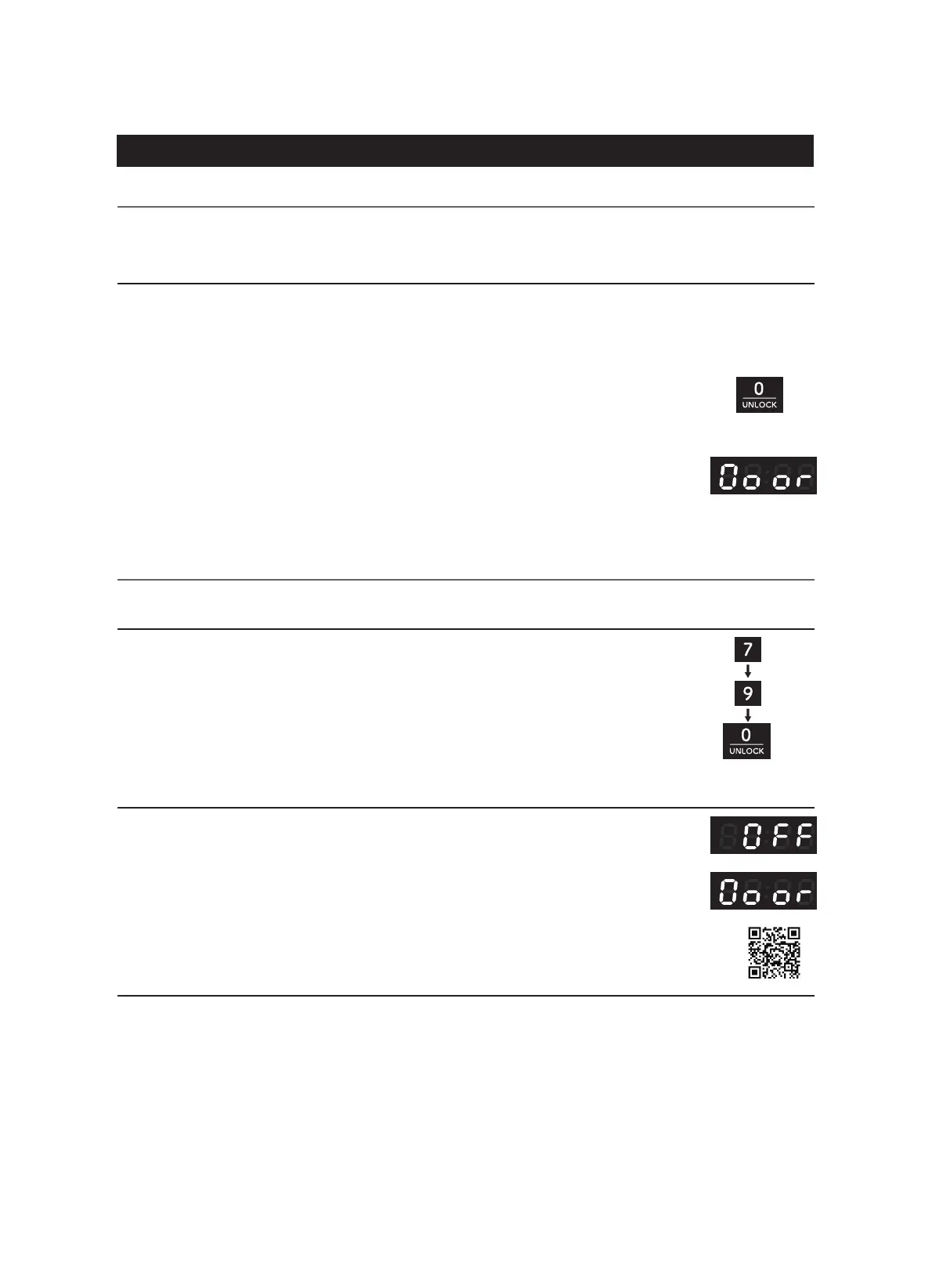
To disable / re-enable this feature, press 7-9-0 (hold 0 button for 3 seconds).
Note: 1. Once disabled, this feature will remain disabled even after a power outage.
2. For more information, please scan the QR code or visit
https://delivr.com/25tnt-qr
This microwave oven is equipped with the Child-Resistant Door Lock feature as
a UL safety requirement for all countertop microwave ovens sold in the United States. Follow the
instructions below to learn about this feature!
The Door Lock Feature can be disabled or re-enabled if you want. Please follow the instructions
below.
When disabled, “OFF” will be displayed with an audible sound.
When re-enabled, “Door” will be displayed with an audible sound.
The door lock is only prompted by a cooking action. The door will stay locked for the duration
of the cooking time, plus 30 min after completion of the cooking operation. To open the door during
this time:
If user tries to open the door without pressing the "0/UNLOCK" button, "Door" will
appear on the display as a reminder to unlock the door.
Note: The user must open the door within 10 seconds of pressing the "0/UNLOCK"
Otherwise, the door lock will be reactivated.
(1) Press "0/UNLOCK" first.
(2) Pull door handle to open the door.
(hold for 3 seconds)
C O N T R O L S
(1) Press "7" first
(2) Next, press "9"
(3) Press "0" and hold for 3 seconds.
Note: If display is off, press any button on the control panel to turn display on
before attempting to disable/enable the Child-Resistant Door Lock Feature.






 To Next Page