EasyManua.ls Logo

Sharp EL-6360 - Page 41

Sharp EL-6360
56 pages
Print Icon
To Next Page IconTo Next Page
To Previous Page IconTo Previous Page
Loading...
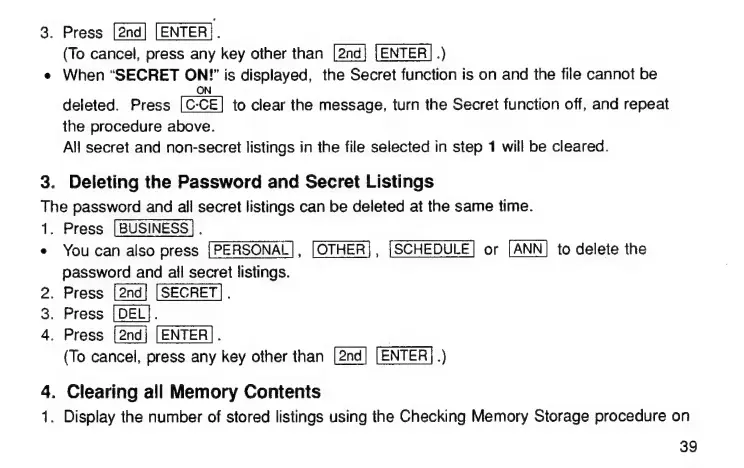
3.
Press
[ENTER].
(To
cancel,
press
any
key
other
than
[2nd}
[ENTER]
.)
e
When
“SECRET
Өн
is
displayed,
the
Secret
function
is
on
and
the
Ме
cannot
be
deleted.
Press
[С-СЕ]
to
clear
the
message,
turn
the
Secret
function
off,
and
repeat
the
procedure
above.
All
secret
and
non-secret
listings
in
the
file
selected
in
step
1
will
be
cleared.
3.
Deleting
the
Password
and
Secret
Listings
The
password
and
ail
secret
listings
can
be
deleted
at
the
same
time.
1.
Press
[BUSINESS].
e
You
can
also
press
[PERSONAL],
[OTHER],
or
to
delete
the
password
and
all
secret
listings.
2.
Press
[SECRET].
.
Press
[DEL].
4.
Press
[2ndj
[ENTER].
(To
cancel,
press
any
key
other
than
[2nd]
[ENTER].)
C2
4.
Clearing
all
Memory
Contents
1.
Display
the
number
of
stored
listings
using
the
Checking
Memory
Storage
procedure
on
39

Related product manuals