EasyManua.ls Logo

Sharp EL-6360 - Page 48

Sharp EL-6360
56 pages
Print Icon
To Next Page IconTo Next Page
To Previous Page IconTo Previous Page
Loading...
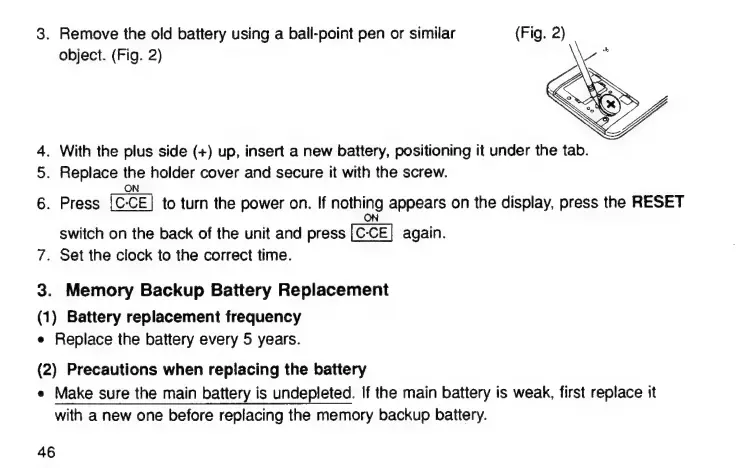
3.
Remove
the
old
battery
using
а
ball-point
реп
or
similar
object.
(Fig.
2)
4.
With
the
plus
side
(+)
up,
insert
a
new
battery,
positioning
it
under
the
tab.
5.
Replace
the
holder
cover
and
secure
it
with
the
screw.
ON
6.
Press
to
turn
the
power
on.
If
nothing
appears
on
the
display,
press
the
RESET
ON
switch
on
the
back
of
the
unit
and
press
again.
7.
Set
the
clock
to
the
correct
time.
3.
Memory
Backup
Battery
Replacement
(1)
Battery
replacement
frequency
е
Replace
the
battery
every
5
years.
(2)
Precautions
when
replacing
the
battery
е
Make
sure
the
main
battery
is
undepleted.
If
the
main
battery
is
weak,
first
replace
it
with
a
new
one
before
replacing
the
memory
backup
battery.
46

Related product manuals