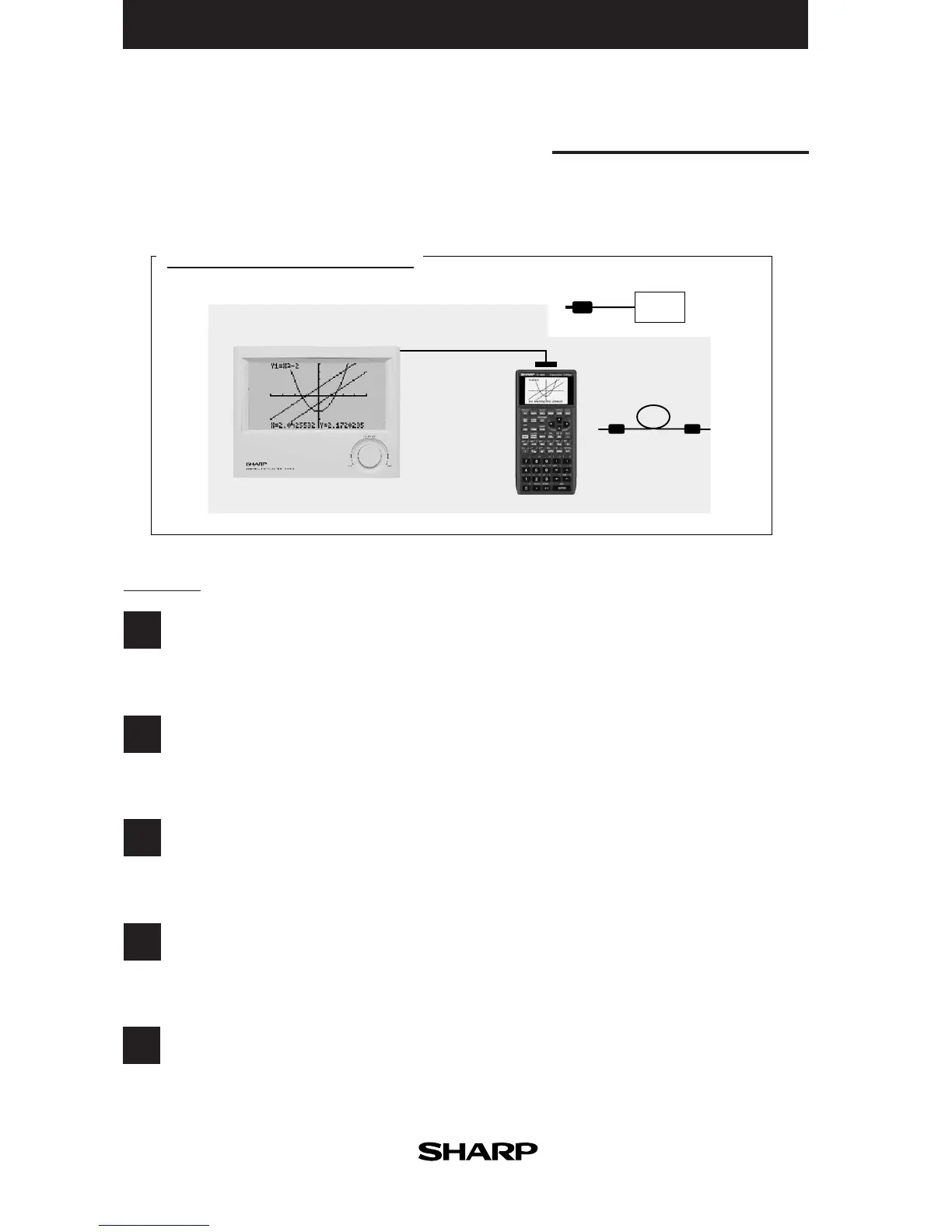
OHP System
Use the EL-9400 OHP system with the overhead projector to make classroom presen-
tations convenient for the whole class to see.
System options
1
2
3
4
5
Procedure
Plug in the cable connector of the OHP Projection Panel straight into the connection terminal of the
OHP Panel Controller.
(The optional AC adaptor is recommended for extended use of the OHP Projection Panel.)
Turn on the power of the overhead projector.
Operating the OHP Panel Controller.
The OHP Projection Panel display is synchronized with the display of the OHP Panel Controller.
Place the OHP Projection Panel on top of the overhead projector to project images onto the screen.
Switch on the OHP Panel Controller.
Switch off the OHP Panel Controller.
EL 94T (OHP system)



 To Next Page