EasyManua.ls Logo

Sharp ES-H10G - User Manual

Sharp ES-H10G
2 pages
Print Icon
To Next Page IconTo Next Page
Loading...
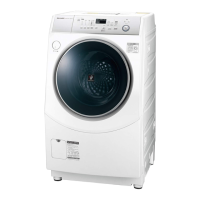
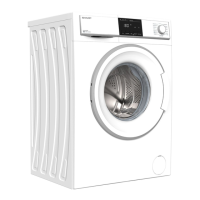
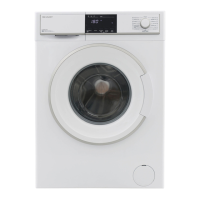
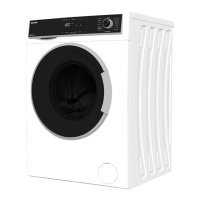
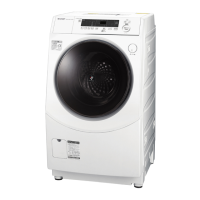
Washing Machine  SHARP ES-H10G
How to wash and dry:
1. Insert clothes
*Clean filters regularly
2. Power on
see back page
3. Press the switch button to choose between washing, drying or both. (Optional: Customize program)
4. Press start
5. Insert detergent:
- Amount of portions indicated on display
- Open case on top left side and insert into the following compartments:
Front: Softener / Middle: Powder/liquid detergent / Back: Bleach
Start / Pause
Wash
Rinse
Spin
Drying
Power off
Power on
Programs
Switch between
Wash/Dry/both
Auto
* Standard
* User Program * Pre-Wash
* Quick 2kg * Indoor drying
* Blanket * Tub Clean
Wash
Dry
Detergent
(cups)
Time left /
Finish time
Unlock
door
Tub
min
min
hours
times
*Ion-refresh
water flow
door-lock
cool down
Timer: finish
after X hours
min
1 Through
2 Dry Cleaning
Child-lock 3sec push
Deodorize
Auto
(flash)
Question and Answer IconNeed help?

Do you have a question about the Sharp ES-H10G and is the answer not in the manual?

Sharp ES-H10G Specifications

General IconGeneral
BrandSharp
ModelES-H10G
CategoryWasher
LanguageEnglish

Related product manuals