EN - 18
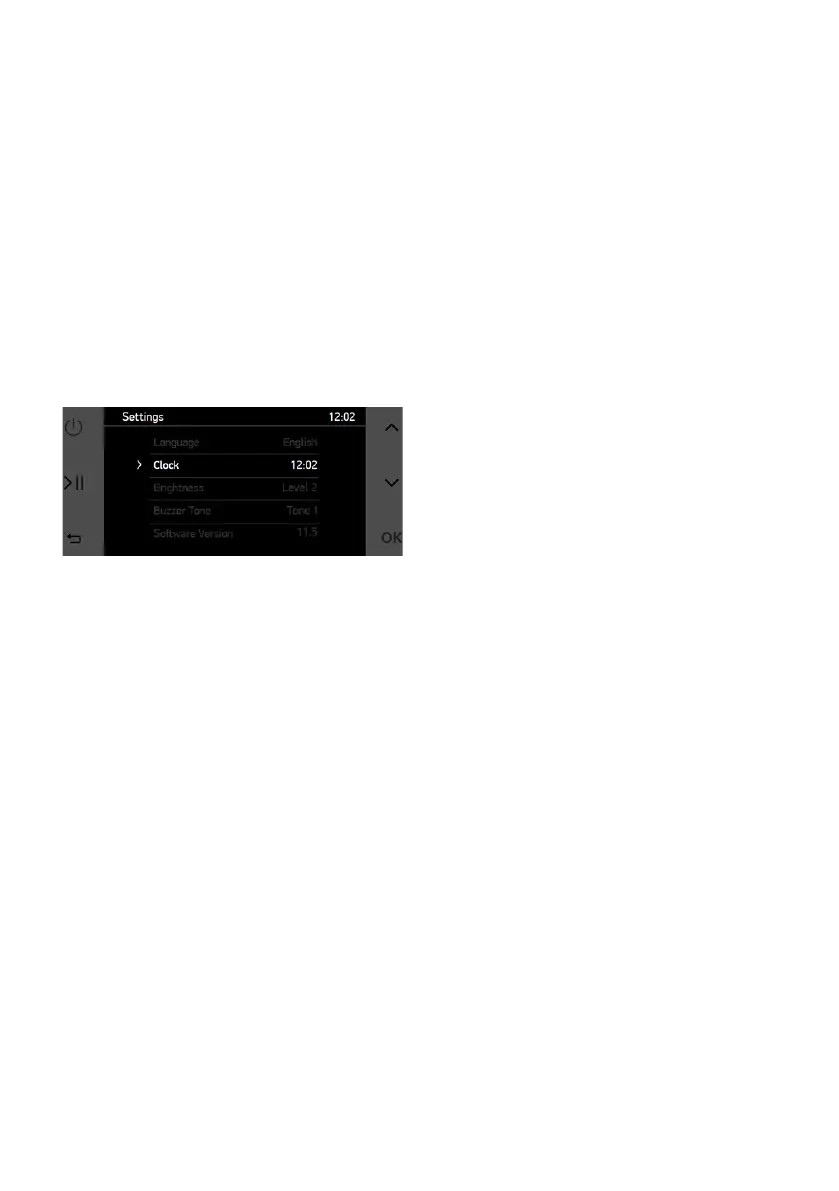
Settings:
On the settings menu, time, screen
brigthness, buzzer tone and language
options can be set. Also software
version is displayed as information.
To change any specication, navigate
with UP & DOWN buttons and select
the specication with OK button. After
tapping, selected specication blinks.
While blinking, UP & DOWN buttons
are used to change the value of the
specication. You can nalize the
selection by tapping OK button.



 To Next Page