LC-24LE150M
6 – 2
a) Adjustment
Mode
ITEM CONDITION PROCEDURE
1 Adjustment Mode Press the test key at the test remote control
b) Component 33K 60Hz Signal Adjustment (COMP-HD)
ITEM CONDITION PROCEDURE
1Setting [Signal]
COMP 33K 60Hz
(1080i)
100% Full-field
Colour
Bar
[Terminal]
COMPONENT
INPUT 2
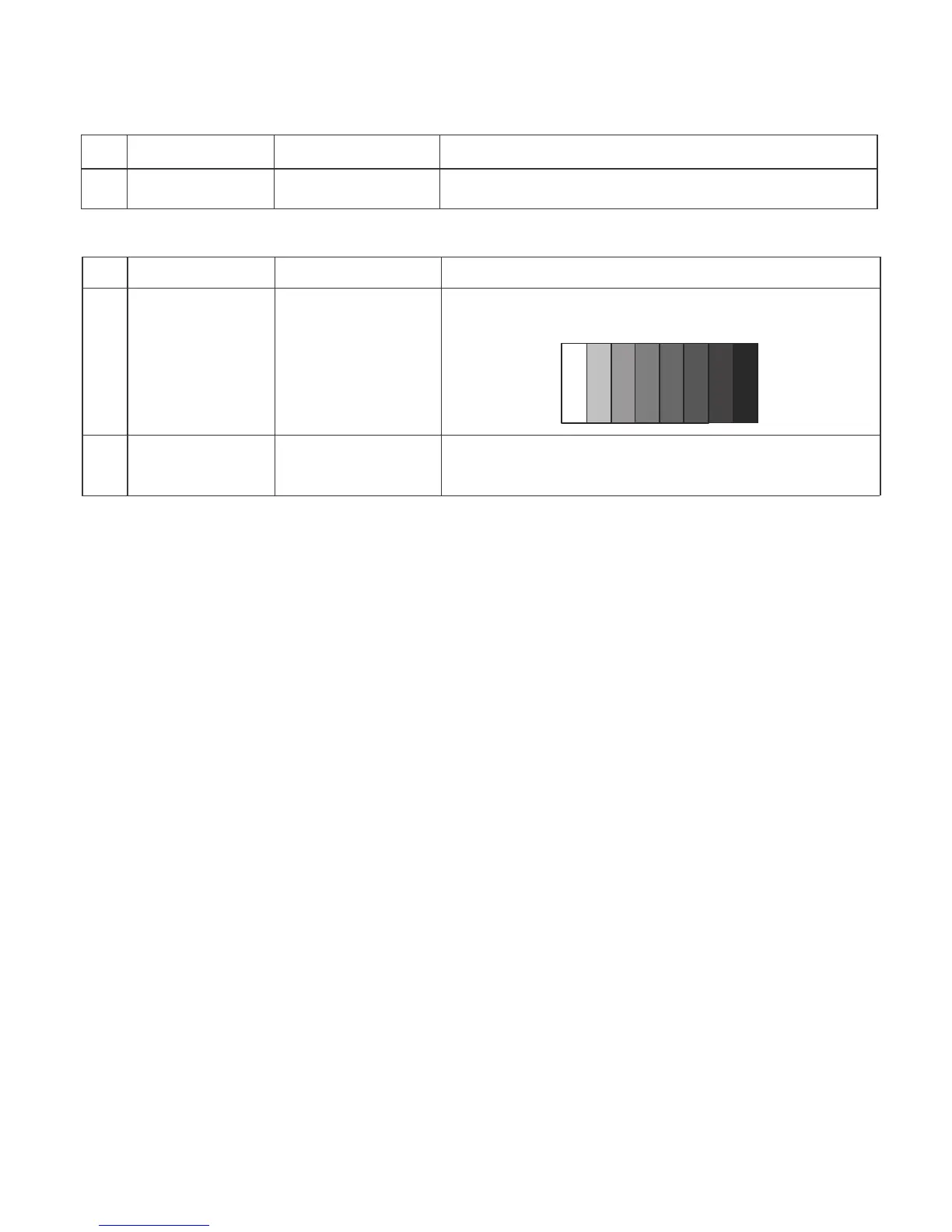
Feed the COMPONENT 33K 60Hz (1080i) 100% Full-field
Colour Bar signal (100% colour saturati on) to
COMPONENT INPUT 2
100% Wh ite
Black
2 Auto Adjustment
Test Mode page 5
(COMP HD)
At the related page, move cursor to [COMP HD ADJ], press
ENTER.
[OK] appears when finished.






 To Next Page