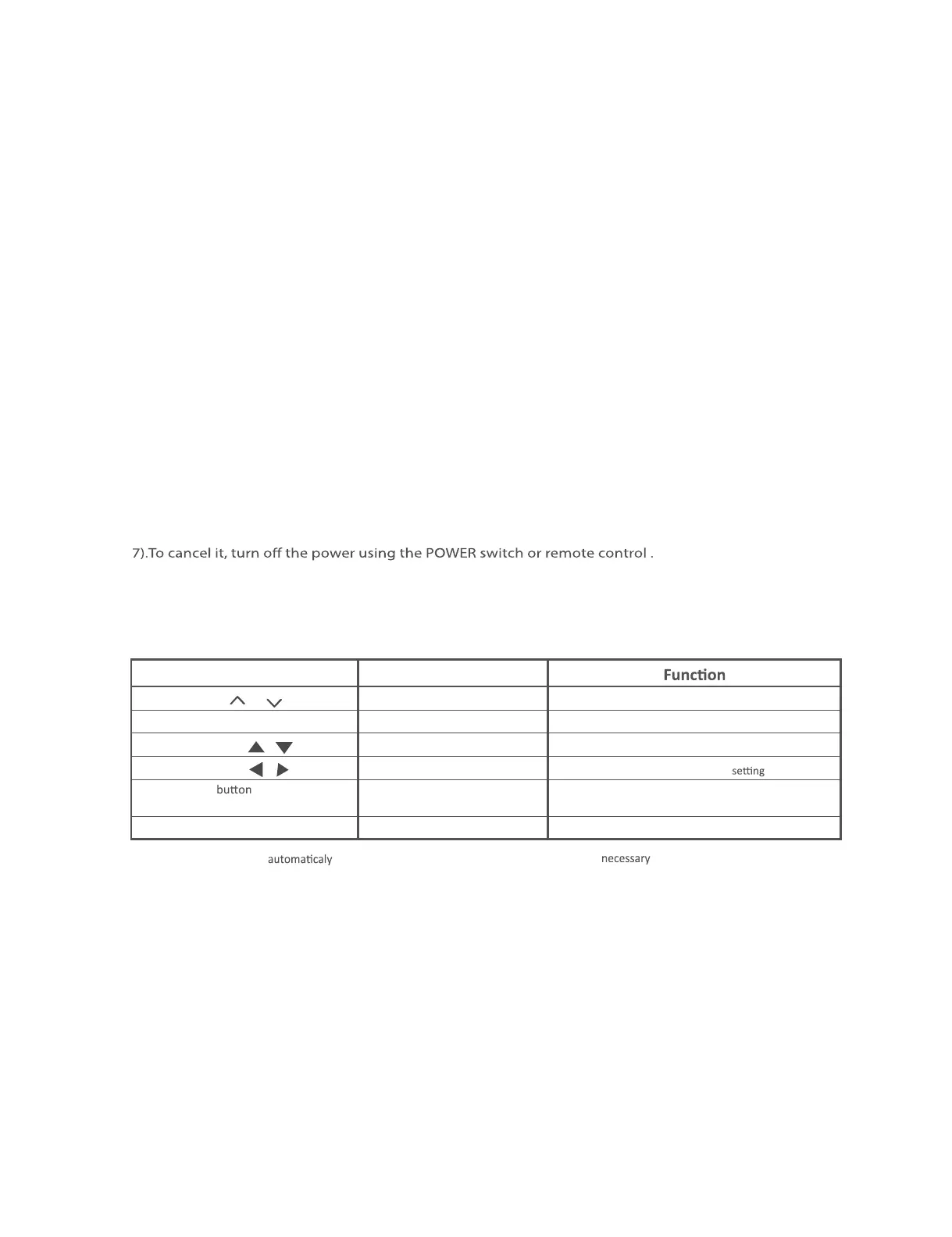
LC-32LE280X/LC-40LE280X
3 – 1
CHAPTER 3. ADJUSTMENT
[1] ADJUSTMENT ( LC-32LE280X )
[1]ADJUSTMENTPROCEDURE
1.Enteringandcanceltheadjustmentprocessmode
1)WhileholdingdownthePOWERandCENTERkeysatthesametime,plugin
theACcordtoturnthepower.
2).BacklightturnedON,screendisplyshowBlackpatternandLEDblinkingGREEN.
3)Enterpassword“UP(CHUP)-->DOWN(CHDOWN)-->UP(CHUP)”.(After30secpasswordnot
keyedinorpasswordkeyedinwrong,gotopreviousPowerStatus(On,StandbyorOFF).
4).BacklightturnedOn,screendisplayshowPurpletestpattern(LEDstillblinkingGREEN.
5).PressandholdtheCenterkey.(Theadjustmentprocessmodescreenappears.)
6).Afterrunfunction,LEDlighttoGREEN.
2.RemotecontrollerKeyoperationanddescriptionofdisplyinadjustmentprocessmode.
1.KeyOperation
RemotecontrollerKey JOYKey
CH(/)
-
Changingchannel(UP/DOWN)
VOL(+/-)
-
Changingvolume(UP/DOWN)
Cursor(/) UP/DOWN Turningapage(PREVIOUS/NEXT)
Cursor(/)
LEFT/RIGHT Changingaselectedline (+10/-10)
INPUT orremote
CENTER
nput source sw
tc
ng
togg
esw
tc
ng
controller
(DTV-ATV-HDMI1-HDMI2-INPUT3-USB)
-RETNE Enter
*Inputmodeisswitched
whenrelevantadjustmentisstartedsofarasthe inputsignalisavailable.



 To Next Page