37
Note:
1. Use Minolta CA-210 for color coordinates and luminance check.
2. Before adjusting, all color analyzers (CA-210) should be coordinates with a
same reference TV set.
3. Luminance > =360 cd/m
2
in the center of the screen when Brightness control at
100, Contrast control at 100, Backlight control at 100.(LC-32SV40U&
LC-46SV50U,Test Color mode: Standard)
4. Luminance > =320 cd/m
2
in the center of the screen when Brightness control at
100, Contrast control at 100, Backlight control at 100.(only LC-42SV50U,Test
Color mode: Standard)
[2] SERVICE MODE
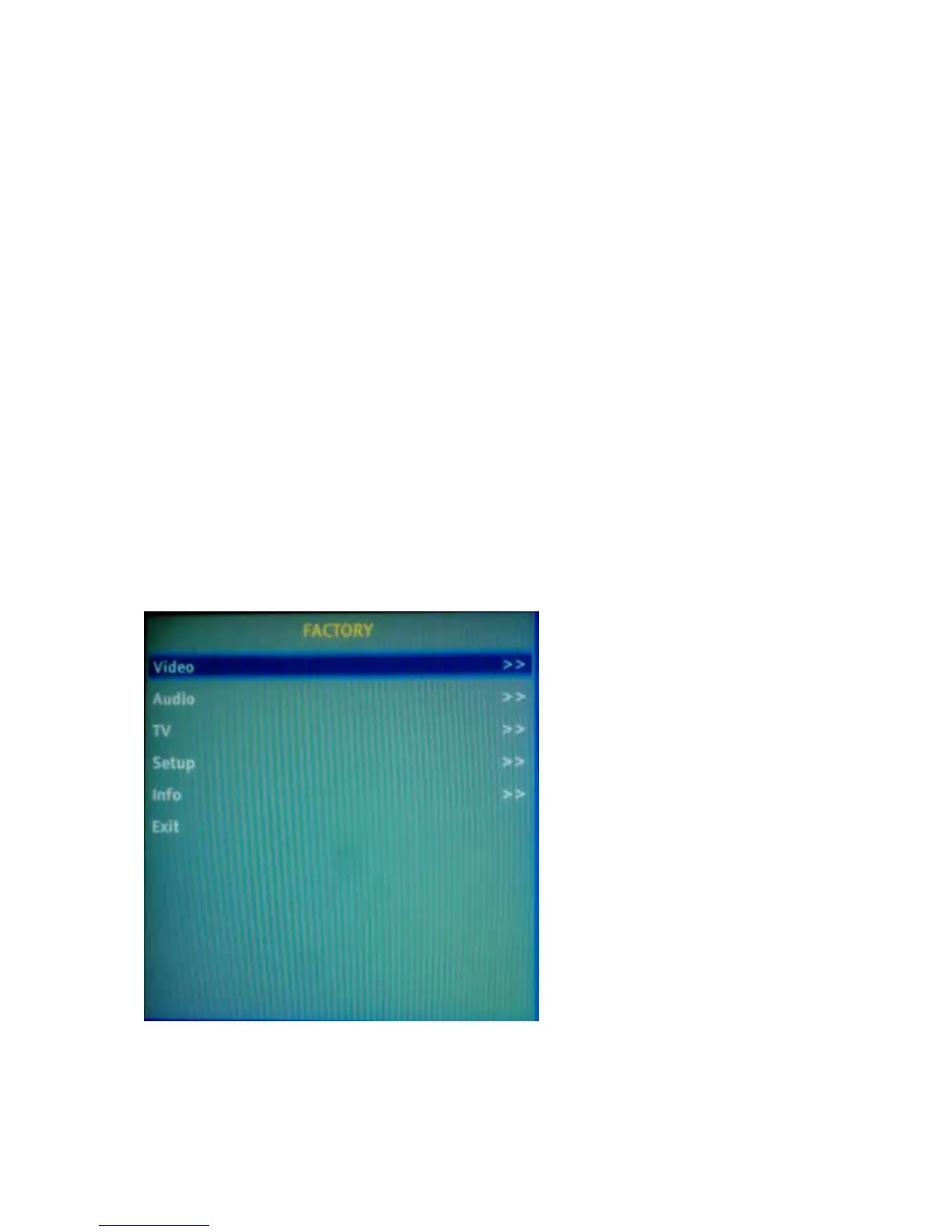
Enter factory mode menu: press MENU + Numeric keys “3481” to enter factory
mode.
You can press “RETURN” key to back to normal main menu.




 To Next Page