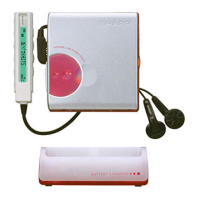
MD-MS200W/MD-MS200/MD-MS200H
– 21 –
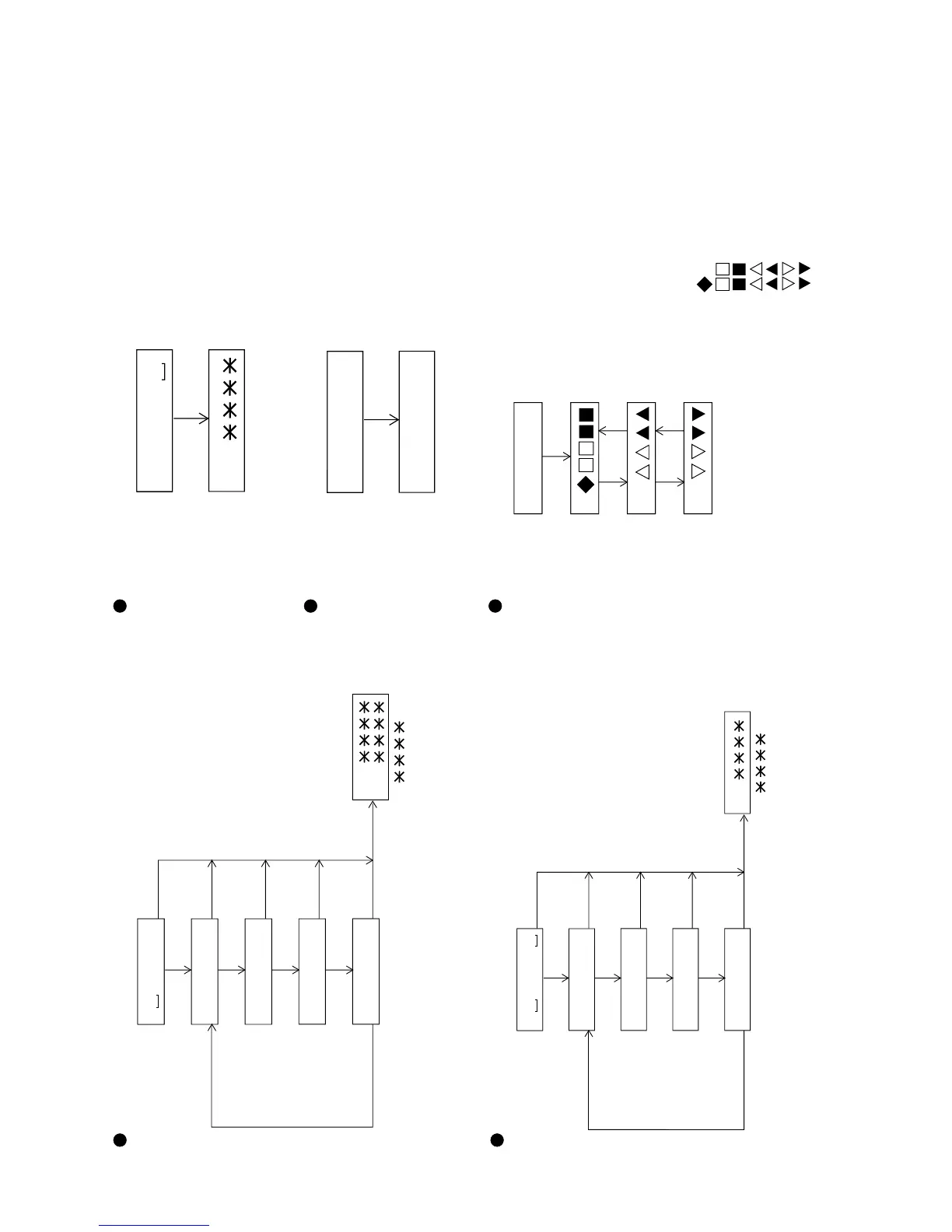
Continuous Playback Change Chart Inner Position Measurement Change Chart
Continuous
playback menu
DISP
PLAY
PLAY
PLAY
PLAY
PLAY
Start address
indication 1
Start address
indication 2
Start address
indication 3
Start address
indication 4
: Address
• When the STOP key is pressed in the specified mode, the mode changes to the TEST mode stop state.
• When the SKIP UP/DOWN key is pressed in the start address indication state, the address of specific
digit changes.
• When the BASS key is pressed in the start address indication state, the digit of address which is changed
by the SKIP UP/DOWN key is changed.
T P L A Y
A D 0 0 5 0
A D 0 3 C 0
A D 0 7 0 0
A D 0 8 A 0
S Q
A P
DISPDISP
DISP
DISP
Continuous playback
Continuous
record menu
DISP
PLAY
PLAY
PLAY
PLAY
PLAY
Start address
indication 1
Start address
indication 2
Start address
indication 3
Start address
indication 4
DISPDISP
DISP
DISP
Continuous record
A P
• When the STOP key is pressed in the specified mode, the mode changes to the TEST mode stop state.
• When the SKIP UP/DOWN key is pressed in the start address indication state, the address of specific digit changes.
• When the BASS key is pressed in the start address indication state, the digit of address which is changed by the
SKIP UP/DOWN key is changed.
• When the VOL UP/DOWN key is pressed in the start address indication state or continuous record state,
the record laser power changes.
T R E C
A D 0 0 5 0
A D 0 3 C 0
A D 0 7 0 0
A D 0 8 A 0
: Address
Continuous Record Change Chart
Digital input
indication menu
FS code
C bit data indication
U bit 1 data
indication
U bit 2 data
indication
: FS Code
: Control Code
: Category Code
:TNO
: INDEX
: TIME (min)
: TIME (sec)
• When the STOP key is pressed in the specified mode, the mode changes to the
TEST mode stop state.
D i n M o n
U 1
U 2
C
PLAY
SKIP DOWN
SKIP DOWN
SKIP UP
SKIP UP
Inner position
measurement menu
PLAY
Position
measurement
• When the STOP key is pressed in the specified mode, the mode changes to the
TEST mode stop state.
I N N E R
S Q
Normal mode
change menu
Normal mode
• When the STOP key is pressed in the specified mode, the mode changes to the
TEST mode stop state.
N O R M A L
# # # # # #
PLAY
Digital Input Indication Change Chart


 To Next Page