EasyManua.ls Logo

Sharp MD-S301 - User Manual

Sharp MD-S301
24 pages
Print Icon
To Next Page IconTo Next Page
Loading...
MD-MS200-HYOSHI
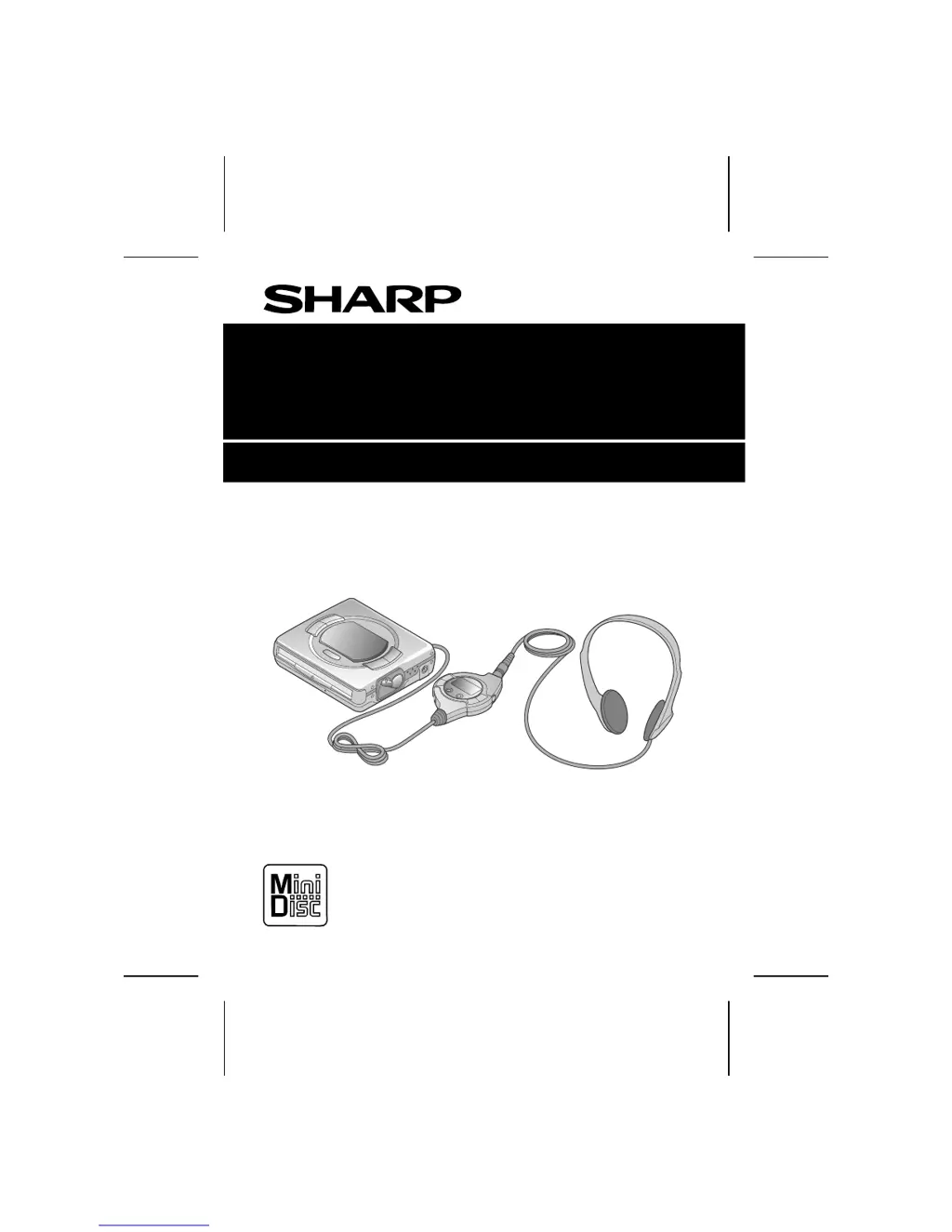
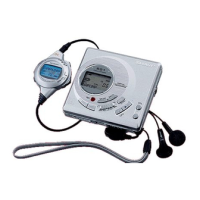
PORTABLE MINIDISC PLAYER
MODEL
MD-S301
OPERATION MANUAL

Other manuals for Sharp MD-S301

Questions and Answers

  • C
    Cody JonesAug 2, 2025
    What to do if Sharp MiniDisc Player skips some sounds?
    • S
      Sandra JonesAug 3, 2025
      If your Sharp MiniDisc Player skips sounds, it could be due to a depleted battery, so try replacing it. Another reason might be excessive vibration affecting the unit; try to reduce the vibration.
  • L
    Leah ZimmermanAug 10, 2025
    What to do if my Sharp MD-S301 does not turn on?
    • K
      Kelly YoungAug 10, 2025
      If your Sharp MiniDisc Player doesn't turn on, several factors could be at play. First, ensure the AC adapter is securely connected. If it is, check the battery; if exhausted, replace it. Also, verify that the unit isn't in safety mode and, if so, disable it. Condensation inside the unit can also prevent it from powering on; remove the disc and wait about an hour for evaporation. Finally, external factors like mechanical shock or static electricity might be interfering; address these issues accordingly.
  • D
    Derrick WatersAug 17, 2025
    Why my Sharp MiniDisc Player buttons are not responding?
    • R
      Renee RobertsAug 17, 2025
      If your Sharp MiniDisc Player isn't responding to button presses, there might be a few reasons. Check if the unit is in safety mode and, if it is, disable it. A depleted battery could also be the cause, so try replacing it. Make sure that the remote control unit plug or headphone plug is firmly inserted. Condensation inside the unit could also be the problem; in that case, remove the disc and wait approximately 1 hour for the condensation to evaporate. Lastly, the unit might be affected by mechanical shock or static electricity; address these issues.
  • D
    darrellthomasAug 25, 2025
    How to fix no sound from headphones on Sharp MD-S301?
    • M
      Mark ParkerAug 26, 2025
      If you're not hearing any sound from the headphones connected to your Sharp MiniDisc Player, start by checking the volume level and increase it if it's too low. Also, ensure that the headphones or remote control unit are correctly plugged in. Finally, confirm you're using a MiniDisc with music and not one with data.

Summary

Special Notes

For Your Records

Record model and serial numbers for loss or theft reporting.

Warning

FCC warning regarding unauthorized modifications to the equipment.

Precautions

Volume Setting Advice

Advice on setting volume levels to protect hearing.

Consideration for Others

Guidance on headphone volume for consideration of others.

Storing the Unit

Instructions on where not to store the unit to prevent damage.

General Safety Precautions

General safety precautions to avoid electric shock or damage.

Rechargeable Battery Notes

Handling the Rechargeable Battery

Precautions for handling the rechargeable battery to prevent damage.

Battery Care and Lifespan

Tips to prevent battery damage and extend its lifespan.

Controls and Indicators Overview

Main Unit Controls

Identifies controls and indicators on the main unit.

Remote Control Unit Controls

Identifies controls and indicators on the remote control unit.

Power Source Options

Rechargeable Battery Power

Instructions for charging the rechargeable battery.

AC Power Connection

Steps to connect and use the AC adaptor for power.

Power Source Options

Alkaline Battery Power

Instructions for using the optional alkaline battery case.

AC Power Safety Notes

Safety notes regarding AC power usage.

Playing a MiniDisc

Connecting Headphones and Remote

How to connect headphones and the remote control unit.

Loading and Playing a MiniDisc

Steps for loading a MiniDisc and starting playback.

Adjusting Volume and Bass

How to adjust volume and bass levels for playback.

Playing a MiniDisc

Playback Control Operations

How to interrupt, stop, turn off, and remove the MiniDisc.

Special Usage Scenarios

Notes on using the unit with battery-only or a car adaptor.

Important Notes and Cautions

Covers connection, sound issues, and general warnings during playback.

Convenient Playback Functions

Track Navigation Features

How to use APSS, skip tracks, and navigate to specific tracks.

Playback Search Functions

Guides on audible cue/review and quick search methods.

Play Mode Selection

Random and Repeat Play

How to select random or repeat play modes using the remote.

Playback Mode Notes

Important notes regarding random and repeat play functions.

Display Information

Track Elapsed and Remaining Time

How to view track elapsed and remaining time.

Total Playing Time Display

How to view the total playing time of the disc.

Individual Track Name Check

How to cycle through track names.

Convenient Operation

Checking Battery Charge

How to interpret the battery indicator.

Preventing Accidental Operation

How to use the hold function to prevent accidental operation.

Hold Function Compatibility

Shows operation modes based on hold switch position.

Play Mode Settings

Eliminating Confirmation Sound

How to silence the button beep sound.

Turning Off Display Backlight

How to turn off the display backlight to save power.

Play Mode Settings

Playback Function Controls

How to cancel auto-play and auto power save functions.

Memory and Power Saving Features

Explains sound skip guard and auto power save functions.

Using External Units

MD to MD Recording

How to connect for MD to MD recording.

Stereo;Cassette Player Connections

How to connect for audio output or cassette recording.

Car Stereo Connection

How to connect to a car stereo.

Commercially Available Headphones

How to connect standard headphones.

What is a MiniDisc?

MiniDisc Handling

Guidelines for handling MiniDiscs to prevent damage.

Disc Storage Locations

Locations to avoid for storing MiniDiscs.

Labeling Tips

Advice on attaching labels to MD cartridges.

Cartridge Cleaning

How to clean the cartridge surface.

Troubleshooting

Moisture Condensation Issues

Explains condensation issues and how to resolve them.

Troubleshooting

Problem and Cause Analysis

Lists common problems, their causes, and potential solutions.

Trouble Recovery Steps

Steps to take if the product malfunctions.

Error Messages

Error Display, Meaning, and Remedy

Details error messages, their meanings, and remedies.

Maintenance

Cleaning the Unit and Plug

Instructions for cleaning the unit and headphone plug.

Cleaning Chemical Warnings

Warnings about using cleaning chemicals.

Specifications

General Specifications

General specifications including power source, consumption, and output power.

Battery Life Details

Table showing battery life for different power sources.

Specifications

Volume and Output Level

Details on volume levels and output specifications.

Physical Dimensions

Physical dimensions of the MiniDisc player.

MiniDisc Player Technical Specs

Technical specifications of the MiniDisc player itself.

Limited Warranty

Warranty Terms and Service Information

Details warranty coverage, period, and how to obtain service.

Sharp MD-S301 Specifications

General IconGeneral
Dimensions81.5 x 28.5 x 84.5 mm
Release Year1999
RecordingYes
DisplayLCD
Audio Formats SupportedATRAC
Playback FormatMiniDisc
Recording FormatATRAC
Frequency Response20 Hz - 20, 000 Hz
Headphone OutputYes
Power SupplyDC 3V

Related product manuals