90
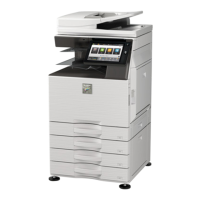
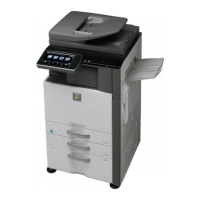
M
M
X
X
-
-
3
3
6
6
1
1
0
0
N
N
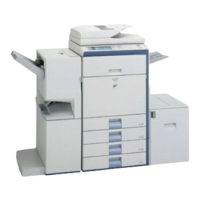
/
/
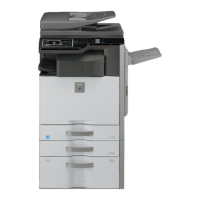
M
M
X
X
-
-
3
3
1
1
1
1
0
0
N
N
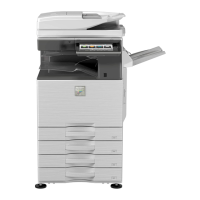
/
/
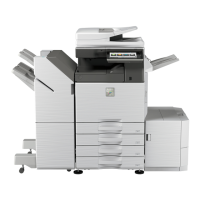
M
M
X
X
-
-
2
2
6
6
1
1
0
0
N
N
S
S
a
a
l
l
e
e
s
s
G
G
u
u
i
i
d
d
e
e
Image Send Function Sub Mode
Scanner
Scan to E-mail/ Scan to FTP server*/ Scan to SMB*/ Scan to Desktop/ Scan to
USB memory
* Possible to hyperlink.
Fax -
Internet Fax/ Direct SMTP -
Mode Scanner Internet Fax/Direct SMTP Fax
File format
B/W:
TIFF, PDF, PDF/A,
Encrypted PDF, XPS
Colour/Grayscale: Colour
TIFF, JPEG, PDF, PDF/A,
Encrypted PDF, Compact
PDF (with MX-EB11
installed), XPS
B/W:
TIFF-FX
(TIFF-F / TIFF-S)
Colour/Grayscale: TIFF-C
---
Image Processing
Mode Scanner Internet Fax/Direct SMTP Fax
Original scanning
colour
Full colour, Grayscale
Black-white
Black-white
Auto colour selection Yes ---
Halftone reproduction Equivalent to 256 steps
Density adjustment
Auto
Manual: 5 steps
Auto
Manual: 5 steps
*Original type (Can be selected when “Manual” is set) - Text / Printed photo - Text / Photo – Text - Photo - Printed photo - Map
Magical scan
(Area division + Suppress
Background)
Yes ---
Selection of image quality --- Half tone (Black-white only) ON/OFF
100 x 100 dpi
200 x 100 dpi
(Halftone not allowed)
Standard
(203.2 x 97.8 dpi)
(Halftone not allowed)
150 x 150 dpi --- ---
200 x 200 dpi 200 x 200 dpi
Fine
(203.2 x195.6 dpi)
300 x 300 dpi 200 x 400 dpi
Super fine
(203.2 x 391 dpi)
400 x 400 dpi 400 x 400 dpi
Ultra fine
(406.4 x 391 dpi)
Resolution
(depends on file
format / transmission
method)
600 x 600 dpi 600 x 600 dpi ---
Moire reduction mode No ---
CPT (notes) security) Yes ---
Drop out colour
Yes (Display mode/ B/W




 To Next Page