66
Useful Tips
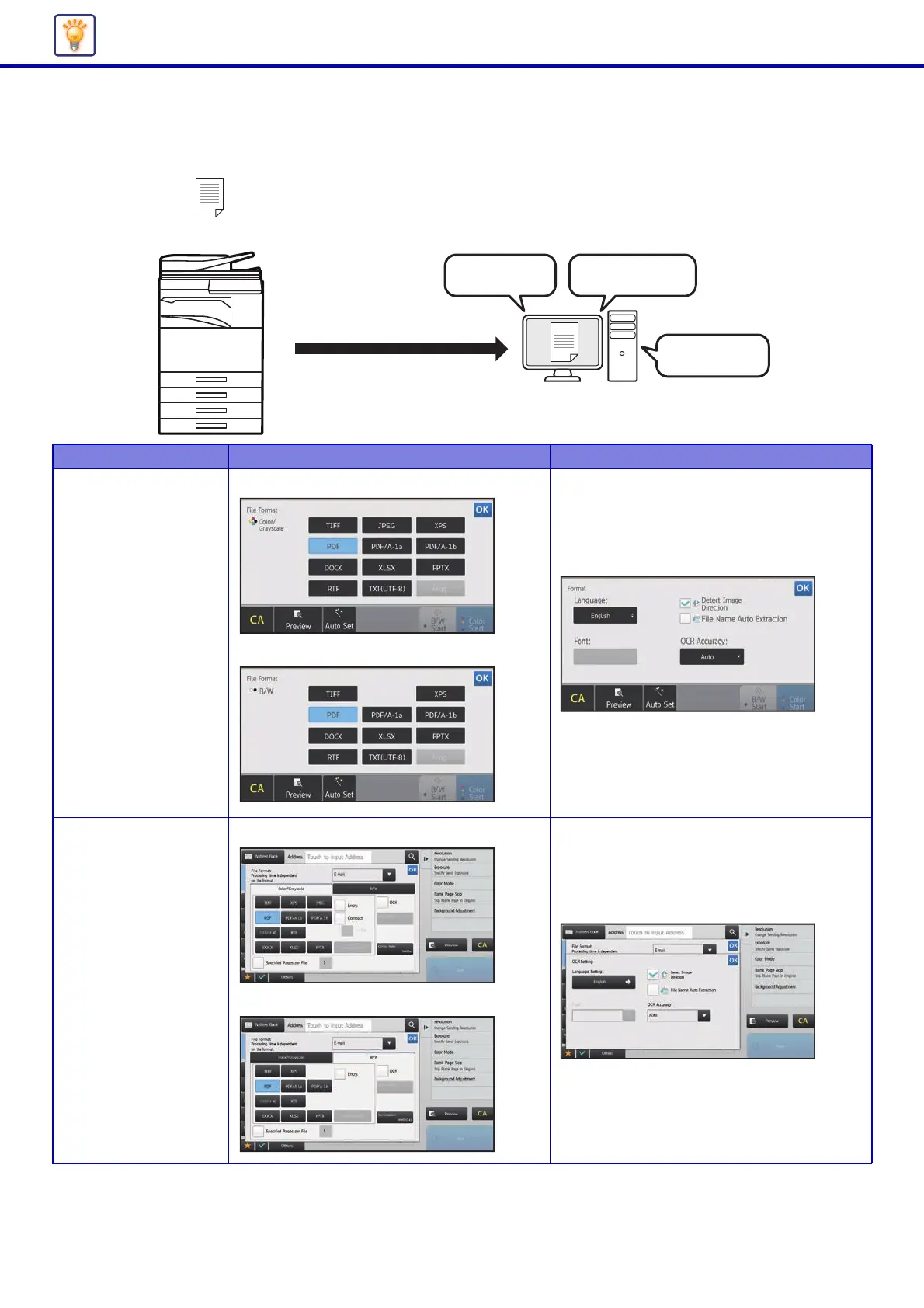
Changing the OCR function
You can convert a scanned document directly to an Office file or to a searchable PDF that lets you find text.
Mode Format Setting OCR Setting
Easy mode When the [Color/Grayscale] key is selected
When the [B/W] key is selected
Normal mode When the [Color/Grayscale] key is selected
When the [B/W] key is selected
Scan using the OCR function
To an
Office file
You can find text
Editable



 To Next Page