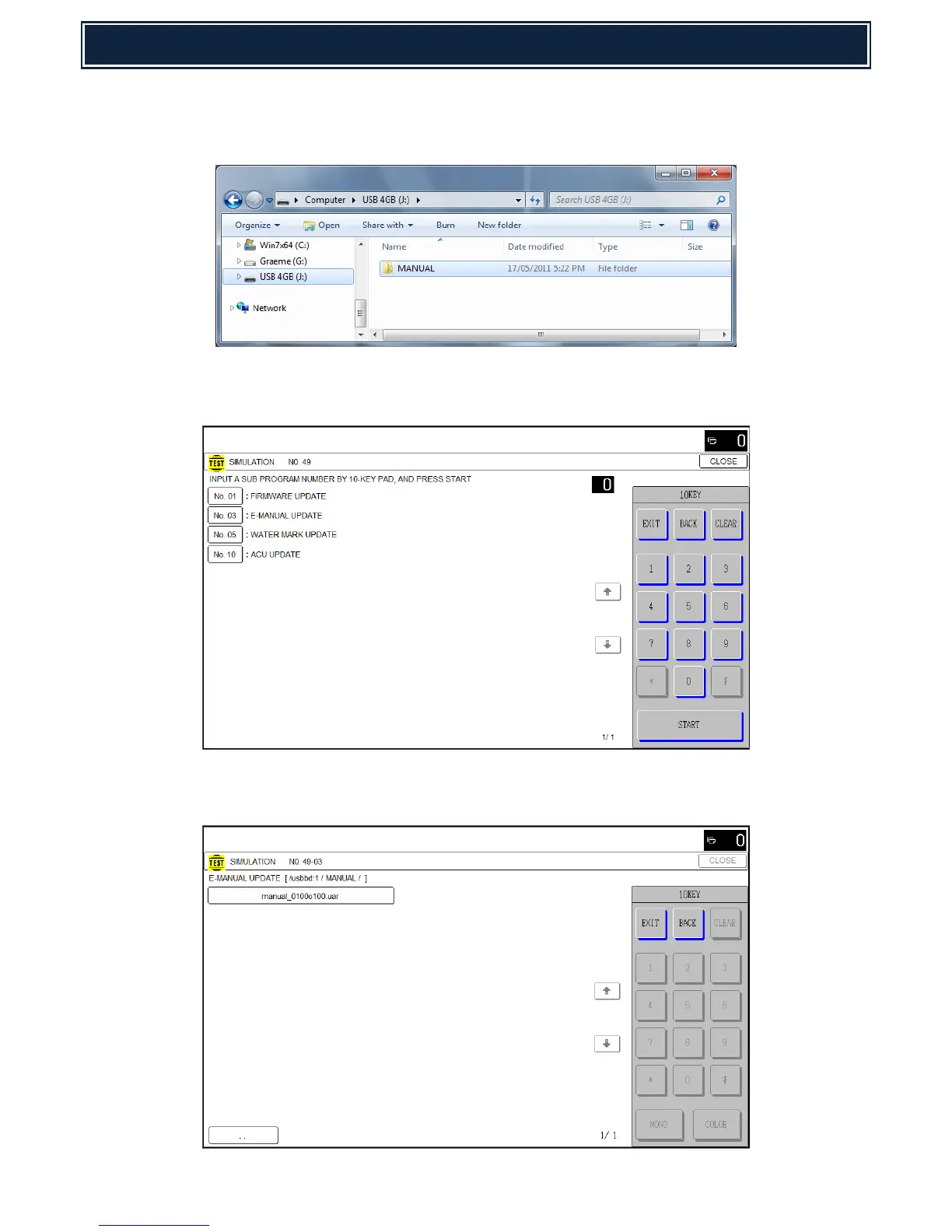
1. Using a PC, copy the E-Manual Update onto the root of a USB memory device (as shown).
Note: The E-Manual firmware for MX-M365/465/565N series consists of 1 file (*.UAR).
2. Insert the USB memory device into a USB port on the machine and execute Simulation
49-03 [E-MANUAL UPDATE]:-
3. Select the Directory containing the update file - example shown = MANUAL.
(filename = manual_0100o100.uar):-



 To Next Page