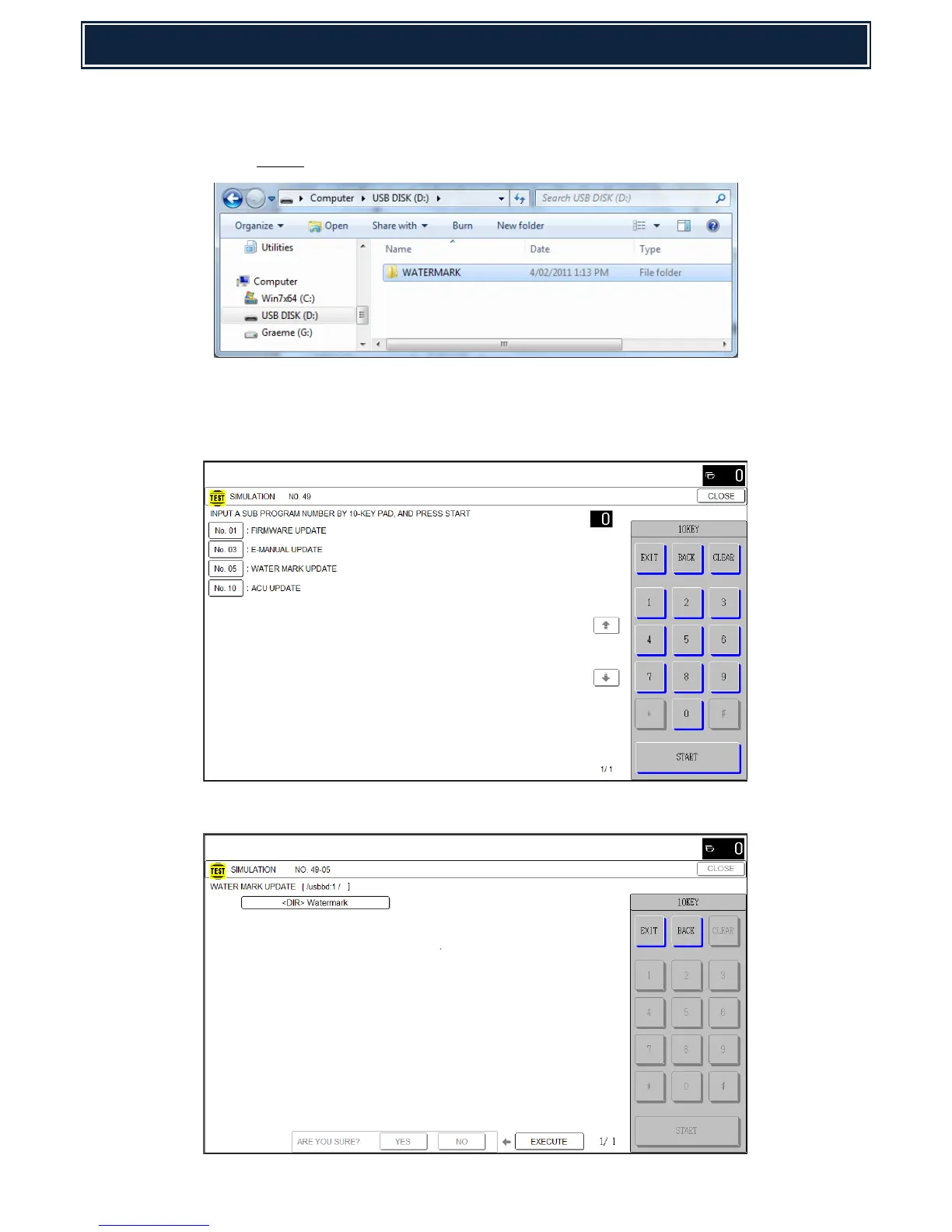
1. Using a PC, copy the Watermark Update firmware onto the root of a USB memory device:-
Caution: When copying the Watermark firmware/directories onto the USB drive,
do not change the folder hierarchy or files.
2. Insert the USB memory device into a USB port on the machine and execute Simulation 49-05
[WATER MARK UPDATE]:-
Note: “If no USB device is detected, an error message will be displayed.
3. Select the Directory containing the Watermark update files:-



 To Next Page