EasyManua.ls Logo

Sharp MX-M365N - Page 37

Sharp MX-M365N
72 pages
Print Icon
To Next Page IconTo Next Page
To Previous Page IconTo Previous Page
Loading...
SHARP
MX-EB12 MIRRORING KIT
SHARP Document Solution Centre
37
When the mirroring kit is installed, the two HDD units are named HDD1 (RAID/Mirroring Kit HDD) and HDD2
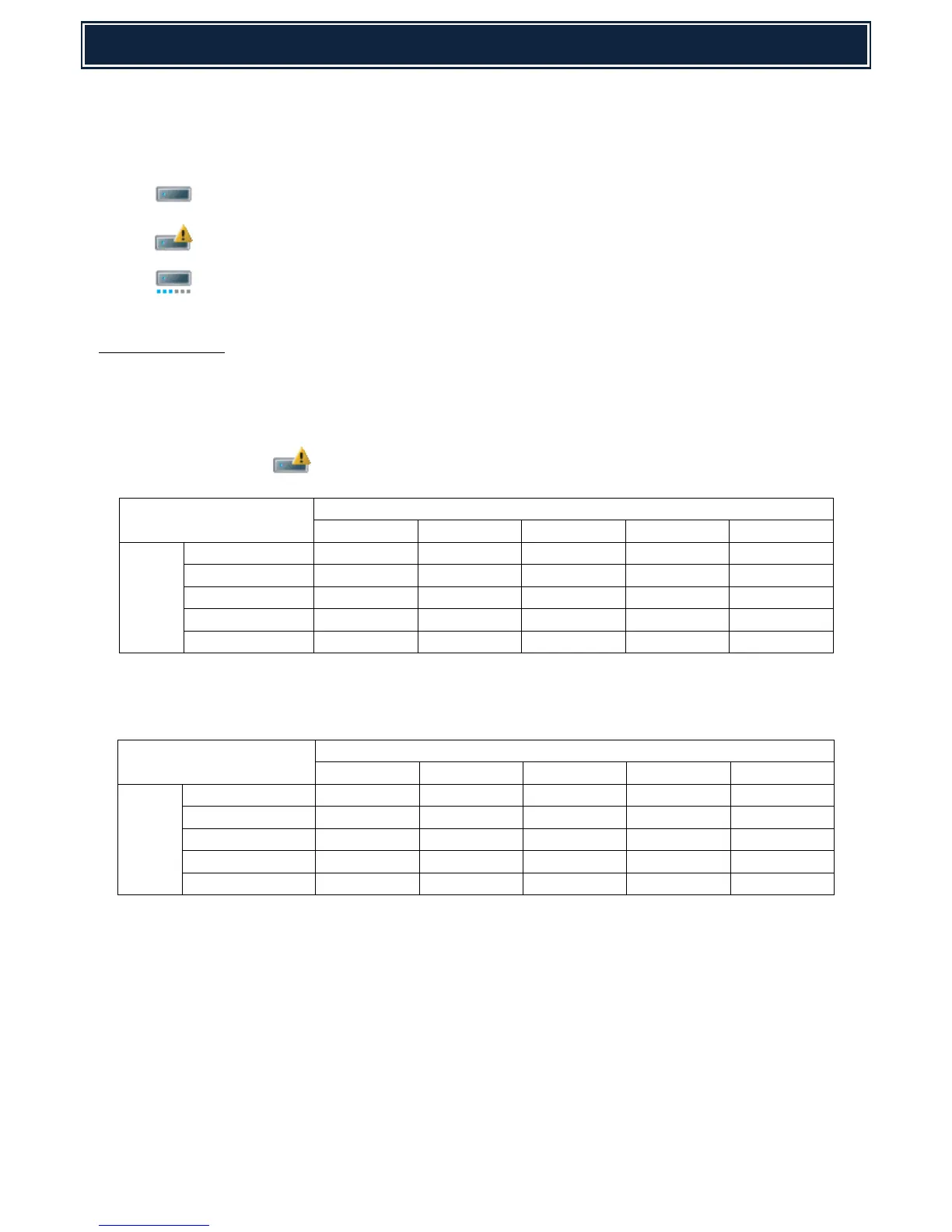
(Standard Machine HDD). The status of the Mirroring Kit is displayed by one of the following UI Icons within the
operation panel:-
Mirroring Kit is installed.
Mirroring Kit / HDD Trouble.
Mirroring Kit / Rebuilding - Copying the whole content of one HDD to the other HDD.
Troubleshooting:
Use SIM62-20 to check the HDD status, and refer to the following tables to confirm the relation between
the HDD status and possible remedy:-
Status & Trouble when is displayed:-

SIM 62-20
HDD2
OK
NONE
REBUILDING
ERROR
TROUBLE
HDD1
OK
–
A
–
A
A
NONE
A
–
–
–
–
REBUILDING
–
–
–
–
–
ERROR
A
–
–
–
–
TROUBLE
A
–
–
–
–
Status & Trouble when E7-03 error message is displayed:-
SIM 62-20
HDD2
OK
NONE
REBUILDING
ERROR
TROUBLE
HDD1
OK
B
B or C
B
B
B
NONE
B or C
C
C
C
C
REBUILDING
B
C
F
F
F
ERROR
B
C
F
F
F
TROUBLE
B
C
F
F
D or E
Cont’d

Other manuals for Sharp MX-M365N

Related product manuals