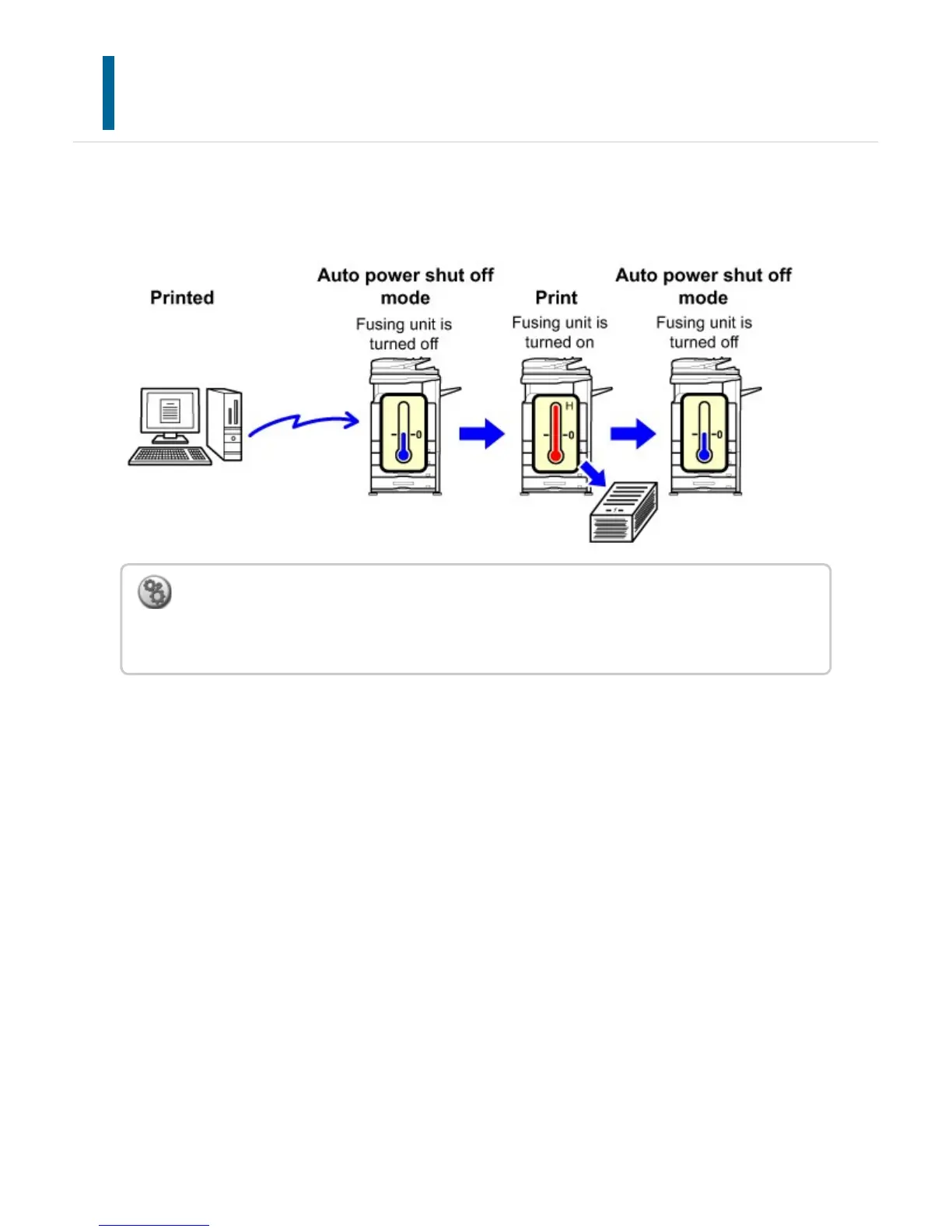
AS SOON AS THE REMOTE JOB IS FINISHED,
ENTER AUTO POWER SHUT OFF MODE.
Printing or outputting received fax data in Auto Power Shut-Off Timer turns on the power,
and then the machine returns to Auto Power Shut-Off Timer immediately after completing
the print job.
To set "As soon as the remote job is finished, enter Auto power shut off mode.":
In "Setting mode", select [Energy Save] → [Power Management Setting] → [As soon as the
remote job is finished, enter Auto power shut off mode.].
USER'S MANUAL | MX-M365N/MX-M465N/MX-M565N USER'S ... http://siica.sharpusa.com/portals/0/downloads/Manuals/MX-M365N-M...
103 of 1441 3/17/2016 7:14 AM



 To Next Page