forwarding.
Forwarding time: Set a clock time to start data forwarding.
Start time: Set a time to start data forwarding.
End time: Set a time to end the data forwarding.
Format: Select a format of forwarding data.
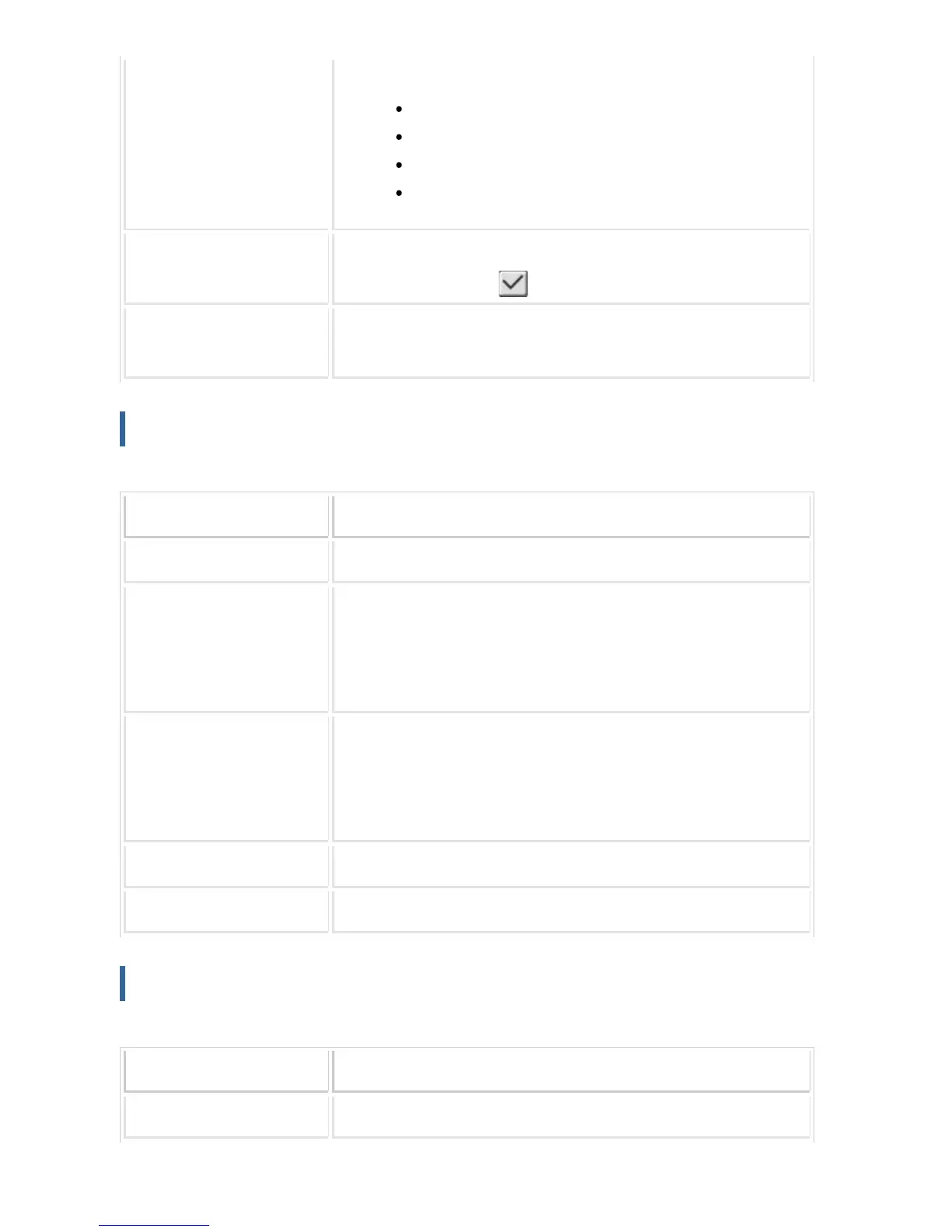
Destination Settings Lists the addresses that can be set as the destination. Select a des
tination by setting it to .
Destination Settings (Direct
Entry)
Enter the destination name directly. Tap the [Add to forwarding dest
inations.] key to add the destination to the list.
Sender Number/Address Registration
Stores new sender number or address to be used for inbound routing.
Item Description
Address to be Entered Displays the entered sender number or address.
Fax Number Enter a facsimile number to be stored as the sender. When you ent
er multiple sender numbers, separate them by a semicolon (;) or a c
omma (,). When you tap the [Global Address Search] key, the global
address search screen appears.
I-Fax Address Enter an Internet fax address to be stored as the sender. When you
enter multiple sender numbers, separate them by a semicolon (;) or
a comma (,). When you tap the [Global Address Search] key, the glo
bal address search screen appears.
Delete Deletes the selected sender number or address.
Add to List Adds the entered sender number to the list.
Administration Settings
Stores the administration settings to be used for inbound routing.
Item Description
Inbound Routing Sets the inbound routing function.
USER'S MANUAL | MX-M365N/MX-M465N/MX-M565N USER'S ... http://siica.sharpusa.com/portals/0/downloads/Manuals/MX-M365N-M...
1194 of 1441 3/17/2016 7:14 AM



 To Next Page