EXTERNAL ACCOUNTING APPLICATION
SETTINGS
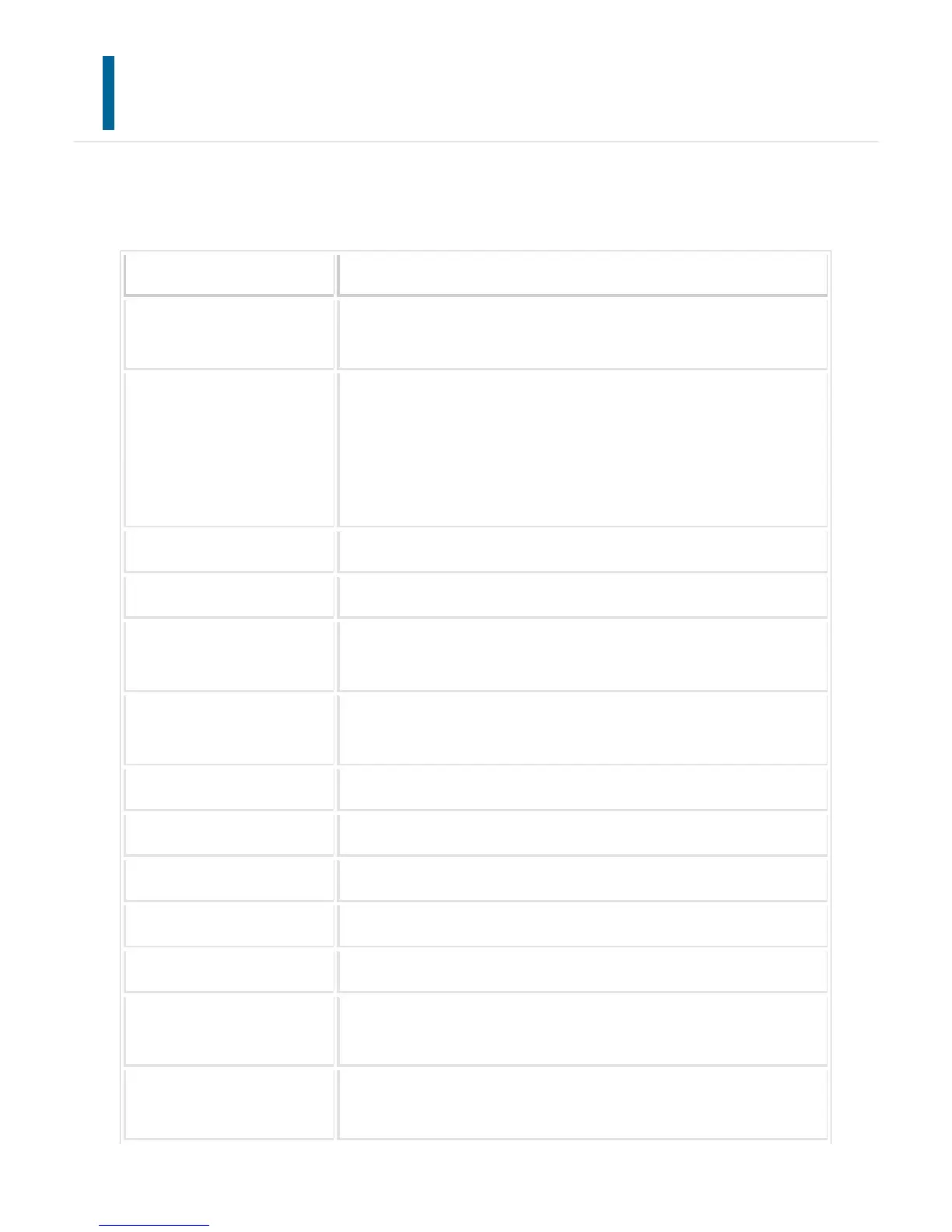
An external account application can be added and controlled.
Set the server name where you have installed the external accounting application.
Item Description
External Account Control Enable the totalling function by the external accounting application.
If enabled, always enter the application name or Web service address.
Set Authentication Server (
Server 1)
If the server is set, the external authentication mode is selected. Any
access to the MFP is controlled by the application that you set on thi
s page. If set, always enter the application name, application UI addres
s, or Web service address of server 1.
If not set, the external totalling mode is selected.
Server 1-4 Select a server to enable it.
Application Name Enter an application name.
Address for Application UI Enter the URL of the login screen to be accessed first when the mac
hine is turned on.
Address for Web Service Enter the URL of the server or computer which sends commands and
events by XML/SOAP protocol.
Timeout Enter a timeout. The default setting is 20 seconds.
Extended Platform Set this option to use the expansion platform.
Use Proxy Server Set this option to use the proxy server.
Data Size Set the screen size of application on the X and Y coordinates.
Display Style Set the screen of application.
Cache User Information Select the cache period of user information when offline mode is ena
bled.
E-mail Address Enter the address to which a notification e-mail is sent when an appli
cation connection error occurs.
USER'S MANUAL | MX-M365N/MX-M465N/MX-M565N USER'S ... http://siica.sharpusa.com/portals/0/downloads/Manuals/MX-M365N-M...
1203 of 1441 3/17/2016 7:14 AM



 To Next Page