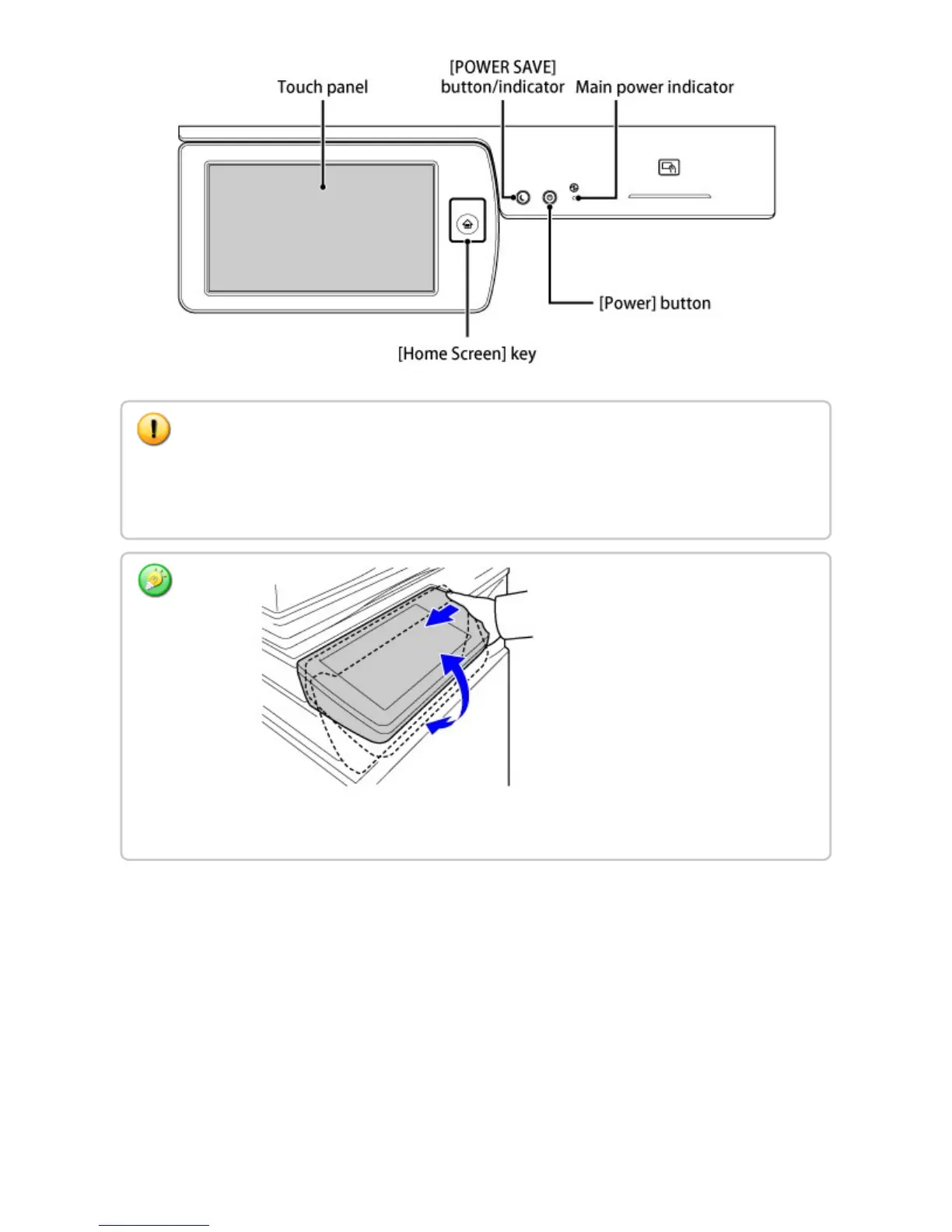
[Home Screen] button
Use your finger to touch the [Home Screen] button.
If you use a pen or other tool to touch the button, it may not operate properly.
Risk of malfunctioning if you use with jewelry or other accessories.
You can change the angle of the touch panel. Adjust the angle for ease of viewing by pushing
the movable part of the touch panel to the left.
USER'S MANUAL | MX-M365N/MX-M465N/MX-M565N USER'S ... http://siica.sharpusa.com/portals/0/downloads/Manuals/MX-M365N-M...
13 of 1441 3/17/2016 7:14 AM



 To Next Page