CLEANING THE MAIN CHARGER OF THE
PHOTOCONDUCTIVE DRUM
Overview
If black lines appear even after you have cleaned the document glass and automatic
document feeder, use the charger cleaner to clean the main charger that charges the
photoconductive drum.
Operation
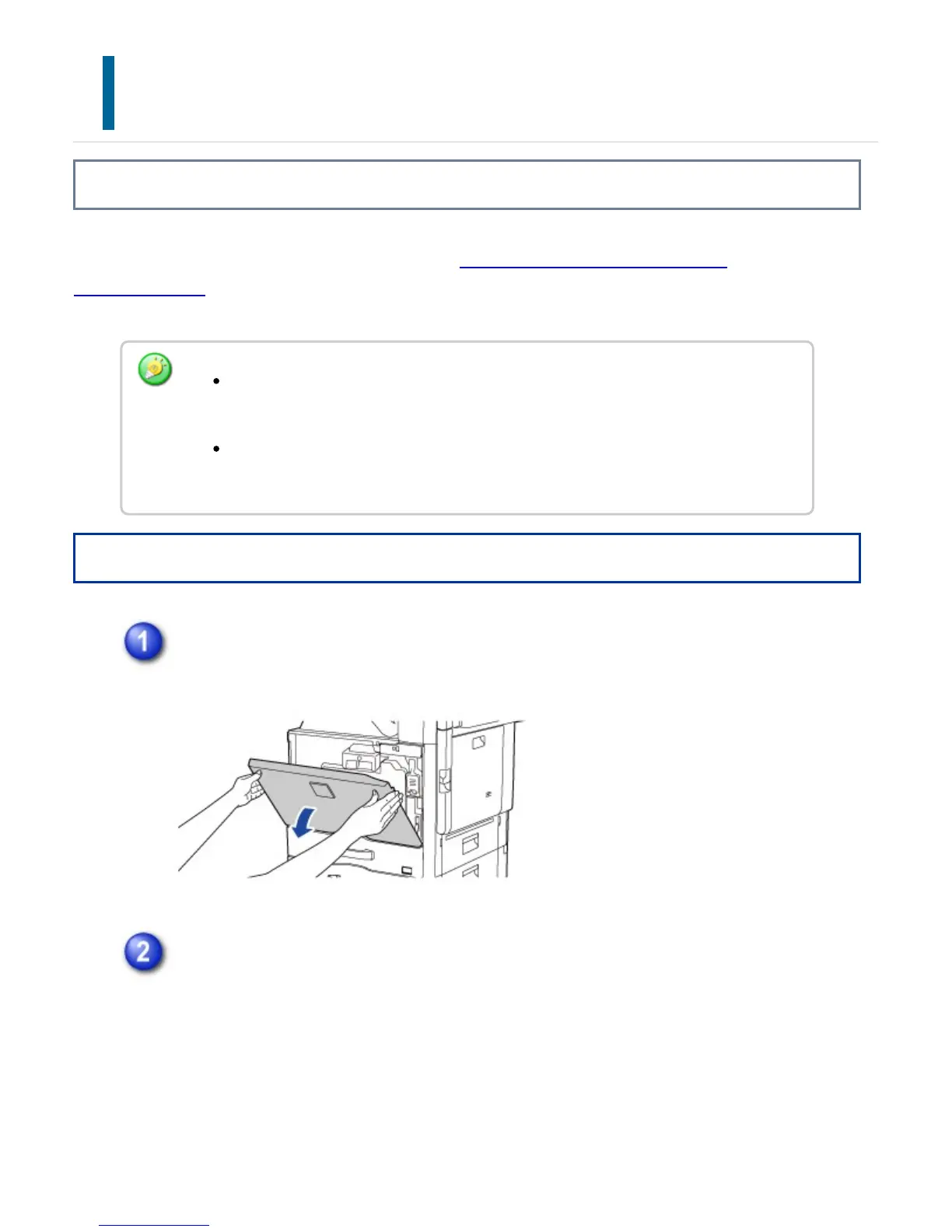
Open the front cover.
Release the toner collection container.
Press up the toner collection container release lever.
If cleaning the main charger of the photoconductive drum does not solve the
problem, pull the knob out and push it back three more times.
When pulling and pushing the knob to clean the charger, pull and push the knob
slowly from one end to the other.
USER'S MANUAL | MX-M365N/MX-M465N/MX-M565N USER'S ... http://siica.sharpusa.com/portals/0/downloads/Manuals/MX-M365N-M...
1372 of 1441 3/17/2016 7:14 AM



 To Next Page