STORING ADDRESSES THROUGH GLOBAL
ADDRESS SEARCH
Overview
Store the results of searching the global address book as new addresses in the address book.
Operation
In the address book screen, tap the [Register/Edit Address] key on the action
panel, or tap the [Register/Edit Address in Address Book] icon in the home
screen.
Tap the [Add New] key on the action panel.
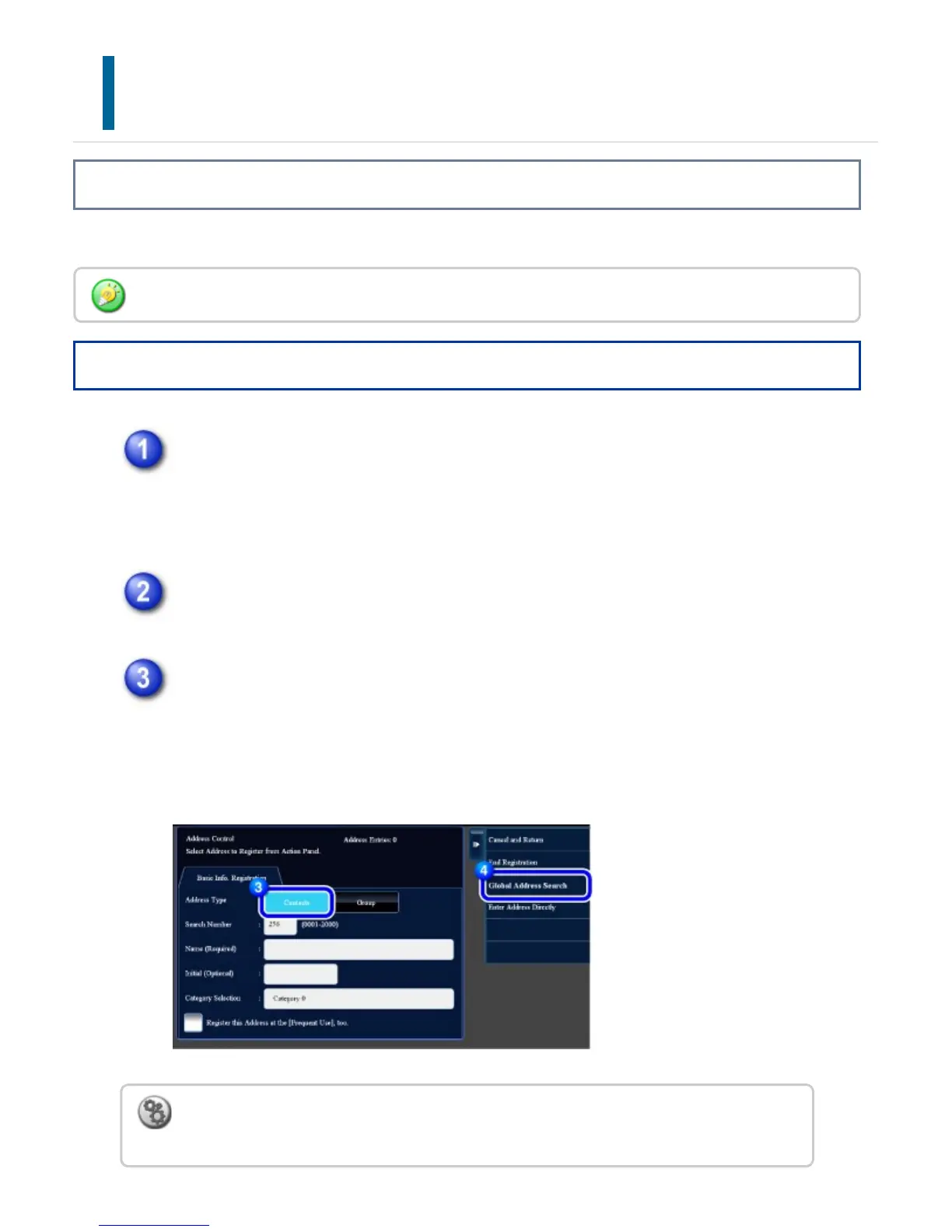
Tap the [Contacts] key to enter basic information.
Be sure to enter [Name] and [Initial].
To specify a category, select one from a category list that appears when the
entry box is tapped.
Global address search requires an LDAP server.
To register a category name:
In "Setting mode", select [Address Book] → [Category Settings].
USER'S MANUAL | MX-M365N/MX-M465N/MX-M565N USER'S ... http://siica.sharpusa.com/portals/0/downloads/Manuals/MX-M365N-M...
147 of 1441 3/17/2016 7:14 AM



 To Next Page