APPLICATION COMMUNICATION
Overview
This module enables you to link the machine with a scanner application and other
standard applications. Set a standard application in "Setting mode" and "Sharp OSA".
Operation
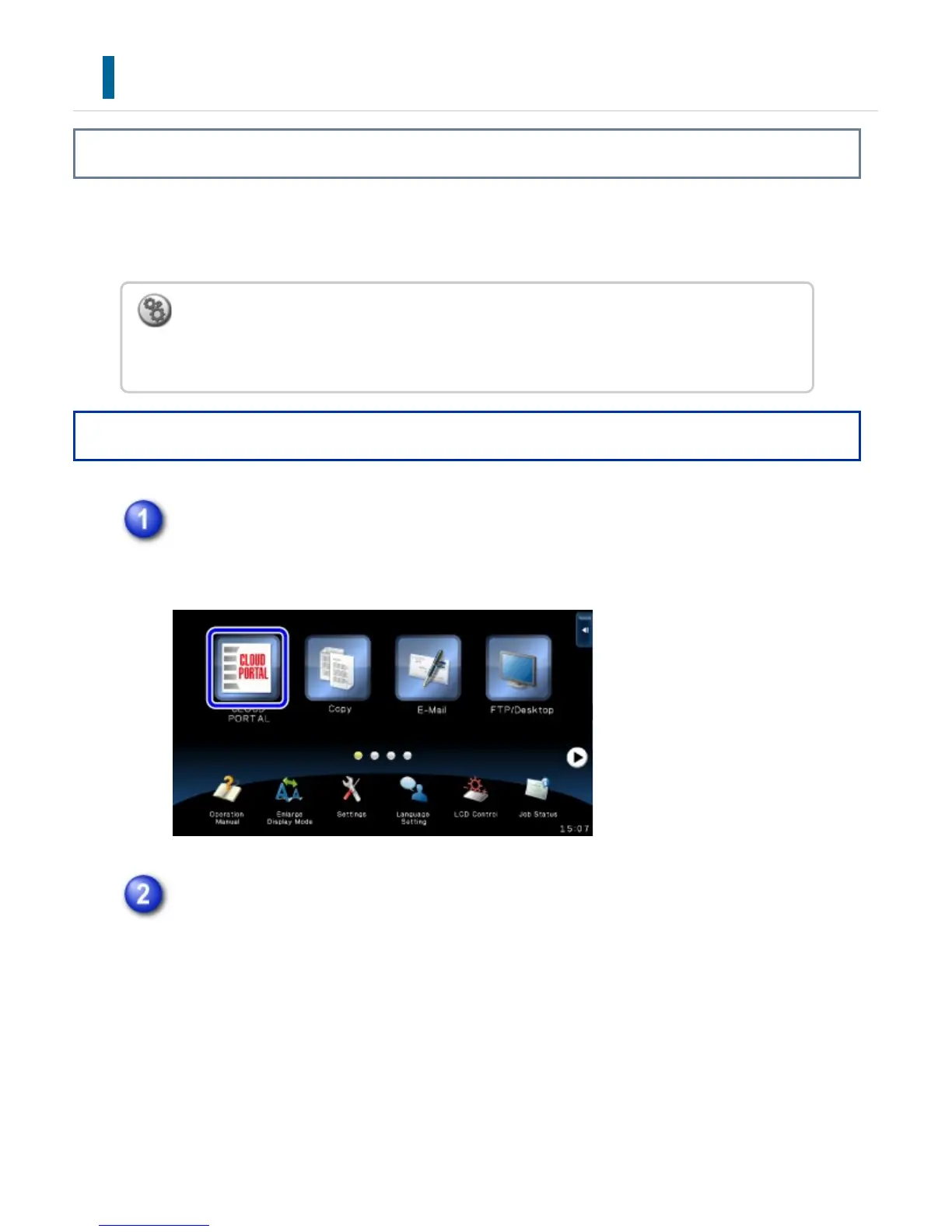
Tap the [Sharp OSA] key on the Home screen.
If no standard applications have been stored, the key cannot be tapped.
Select a standard application.
If two or more standard applications have been stored, the screen for selecting a
standard application will appear. Tap the standard application that you wish to
use.
If only one standard application has been stored, connection to the standard
application will begin.
To set a standard application in "Setting mode":
In "Setting mode", select [Application Settings] → [External Applications Settings] →
[Standard Applications].
USER'S MANUAL | MX-M365N/MX-M465N/MX-M565N USER'S ... http://siica.sharpusa.com/portals/0/downloads/Manuals/MX-M365N-M...
183 of 1441 3/17/2016 7:14 AM



 To Next Page