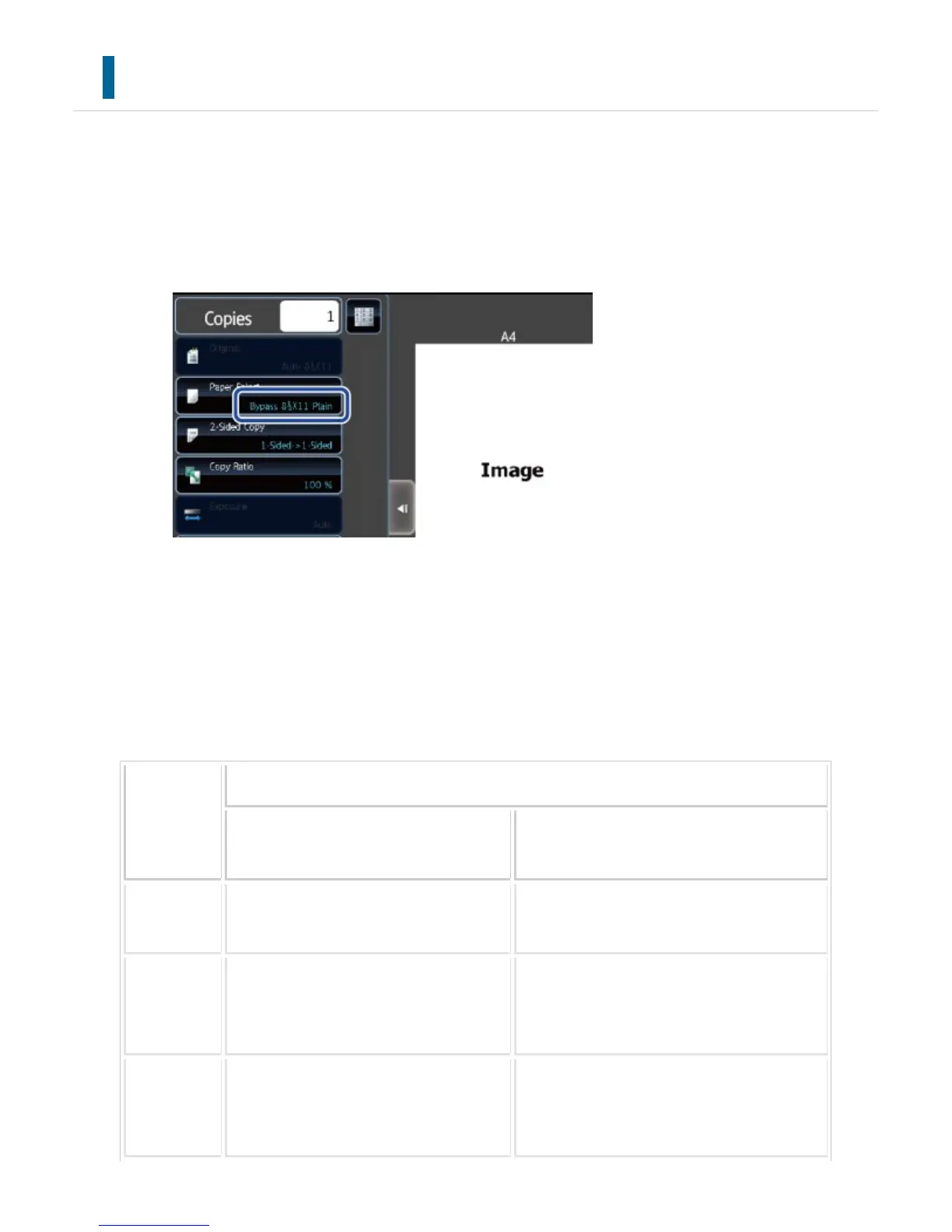
CHECKING THE ORIGINAL SIZE
Check the size of the placed original on the display of the [Original] key.
If the original size is set to [Auto], the automatically detected size (standard size
*
) is
displayed on the [Original] key. If the original size is specified manually, it is displayed on
the [Original] key.
Standard sizes
Standard sizes are sizes that the machine can automatically detect.
To specify the standard size, select [System Settings] in "Setting mode"→[Device
Control] → [Original Size Detector Setting].
List of original size detector settings
Selections
Standard sizes (detected original sizes)
Document Glass
Document feeder tray (automatic docu
ment feeder)
Inch-1 11" x 17", 8-1/2" x 14", 8-1/2" x 11
", 8-1/2" x 11"R, 5-1/2" x 8-1/2"
11" x 17", 8-1/2" x 14", 8-1/2" x 11", 8-
1/2" x 11"R, 5-1/2" x 8-1/2", A4, A3
Inch-2 11" x 17", 8-1/2" x 13" (216 mm x 33
0 mm), 8-1/2" x 11", 8-1/2" x 11"R, 5
-1/2" x 8-1/2"
11" x 17", 8-1/2" x 13" (216 mm x 330 m
m), 8-1/2" x 11", 8-1/2" x 11"R, 5-1/2"
x 8-1/2", A4, A3
Inch-3 11" x 17", 8-1/2" x 13-2/5" (216 mm
x 340 mm), 8-1/2" x 11", 8-1/2" x 11
"R, 5-1/2" x 8-1/2"
11" x 17", 8-1/2" x 13-2/5" (216 mm x 3
40 mm), 8-1/2" x 11", 8-1/2" x 11"R, 5-1
/2" x 8-1/2", A3, A4
USER'S MANUAL | MX-M365N/MX-M465N/MX-M565N USER'S ... http://siica.sharpusa.com/portals/0/downloads/Manuals/MX-M365N-M...
212 of 1441 3/17/2016 7:14 AM



 To Next Page