FORCIBLY PRINTING TRACEABLE
INFORMATION
(TRACKING INFORMATION PRINT)
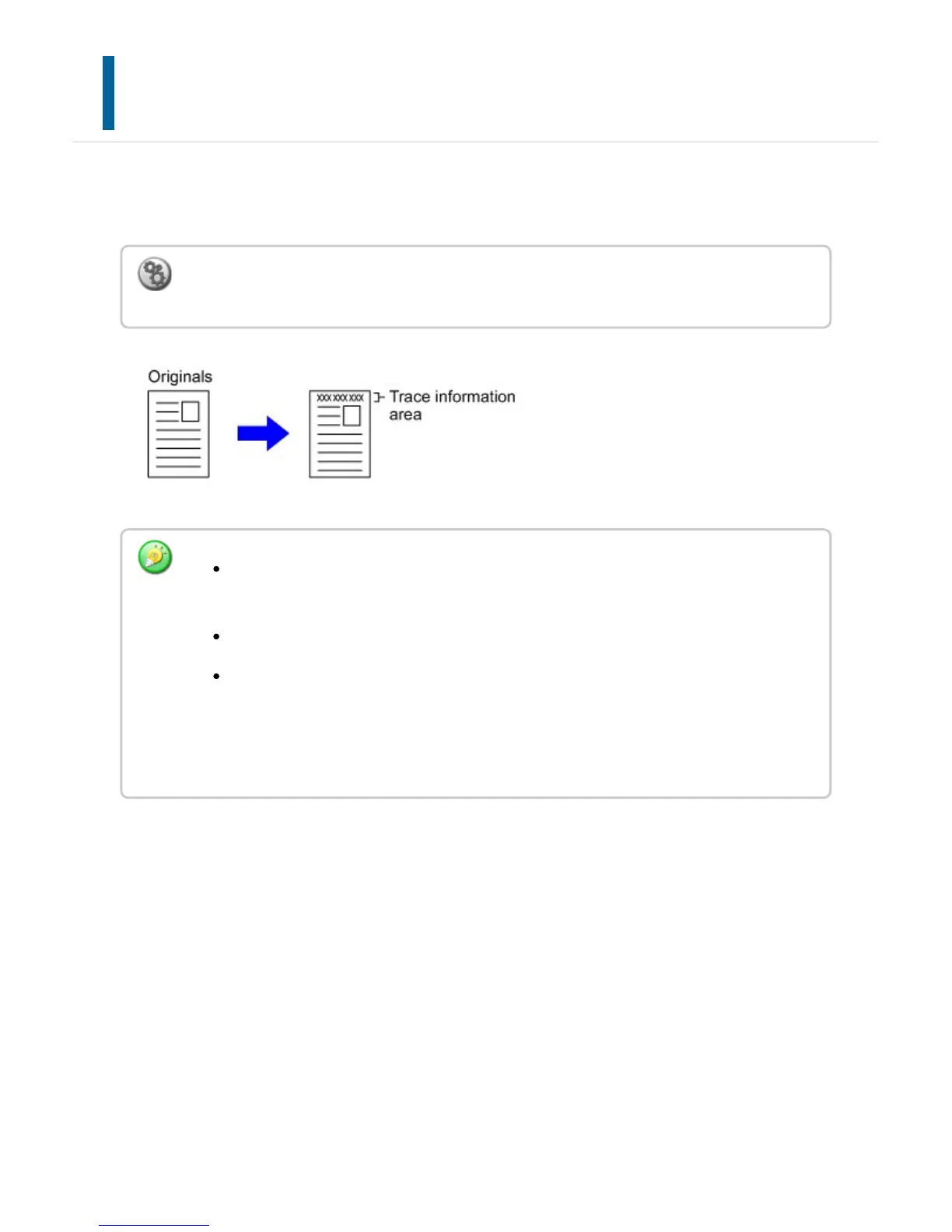
This function forcibly prints the pre-specified traceable information to prevent an
unauthorized copy.
To configure print settings:
In "Setting mode", select [Security Settings] → [Tracking Information Print].
If this function is specified together with another image compositing function, trace
information is printed at the top.
Trace information is printed at the top or bottom outside an image frame.
The information added at printing or the preview image of the account job ID and
date/time are displayed as shown below.
Account job ID: 00000
Date/time: MM/DD/YYYY hh:mm
USER'S MANUAL | MX-M365N/MX-M465N/MX-M565N USER'S ... http://siica.sharpusa.com/portals/0/downloads/Manuals/MX-M365N-M...
313 of 1441 3/17/2016 7:14 AM



 To Next Page