Operation
Place the original and tap the [Preview] key.
Place the original in the document feeder tray of the automatic document feeder,
or on the document glass.
AUTOMATIC DOCUMENT FEEDER
DOCUMENT GLASS
Tap the [Others] key, and tap the [Margin Shift] key.
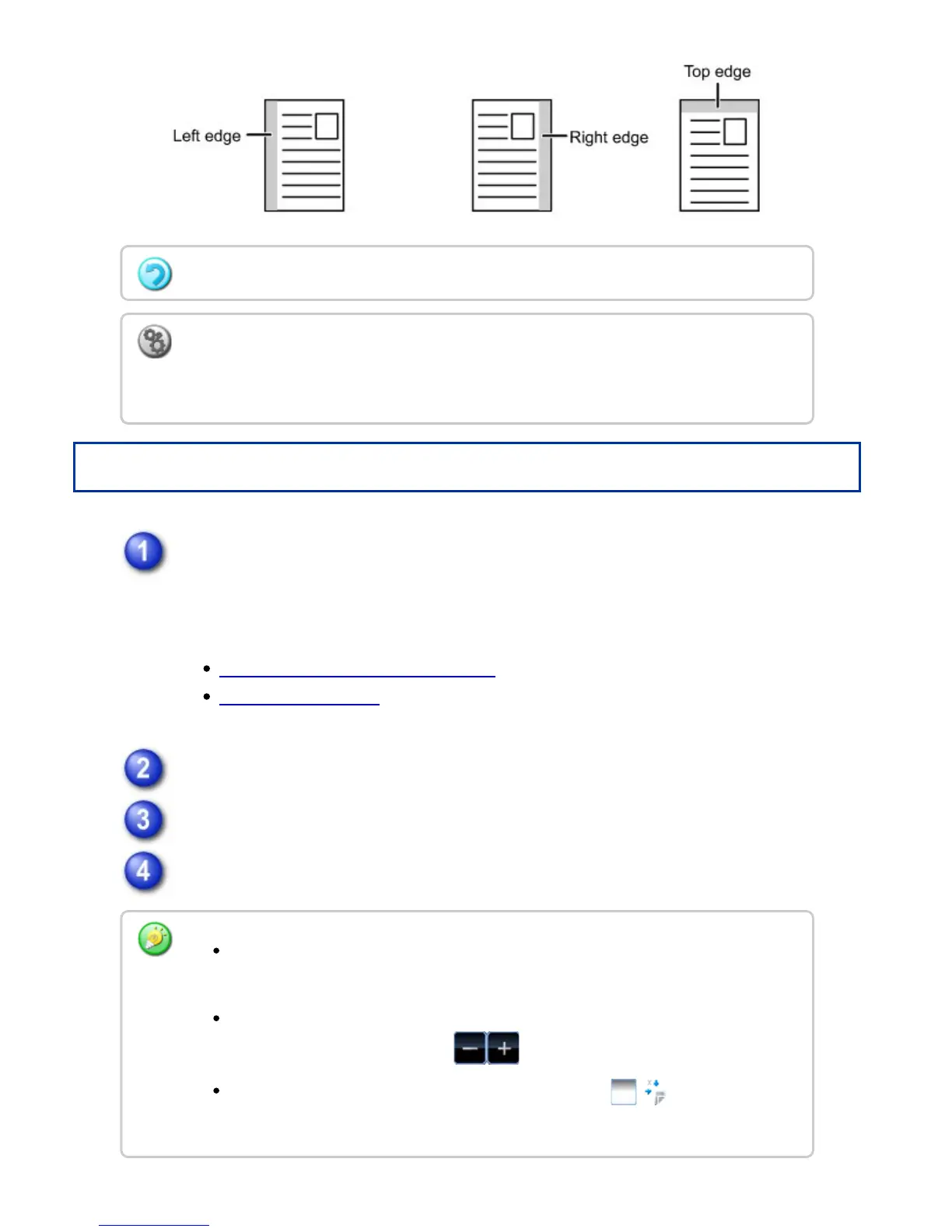
Tap the image shift direction.
Sets a margin shift width.
Rotation copy cannot be used in combination with the margin shift function.
To change the default margin shift setting:
In "Setting mode", select [System Settings] → [Copy Settings] → [Copy Setting] →
[Initial Margin Shift Setting].
Tap the numeric value display indicating the margin shift area on the front side or
reverse side, and enter the area using the numeric keys.
To quickly set the area, first specify a value close to the desired value by the
numeric keys, then adjust it with .
If you set the [Adjust 2nd pg value to 1st.] checkbox to , goes out and
you can set sides 1 and 2 separately.
USER'S MANUAL | MX-M365N/MX-M465N/MX-M565N USER'S ... http://siica.sharpusa.com/portals/0/downloads/Manuals/MX-M365N-M...
315 of 1441 3/17/2016 7:14 AM



 To Next Page