COPYING WITH MIRROR IMAGE
(MIRROR IMAGE)
Overview
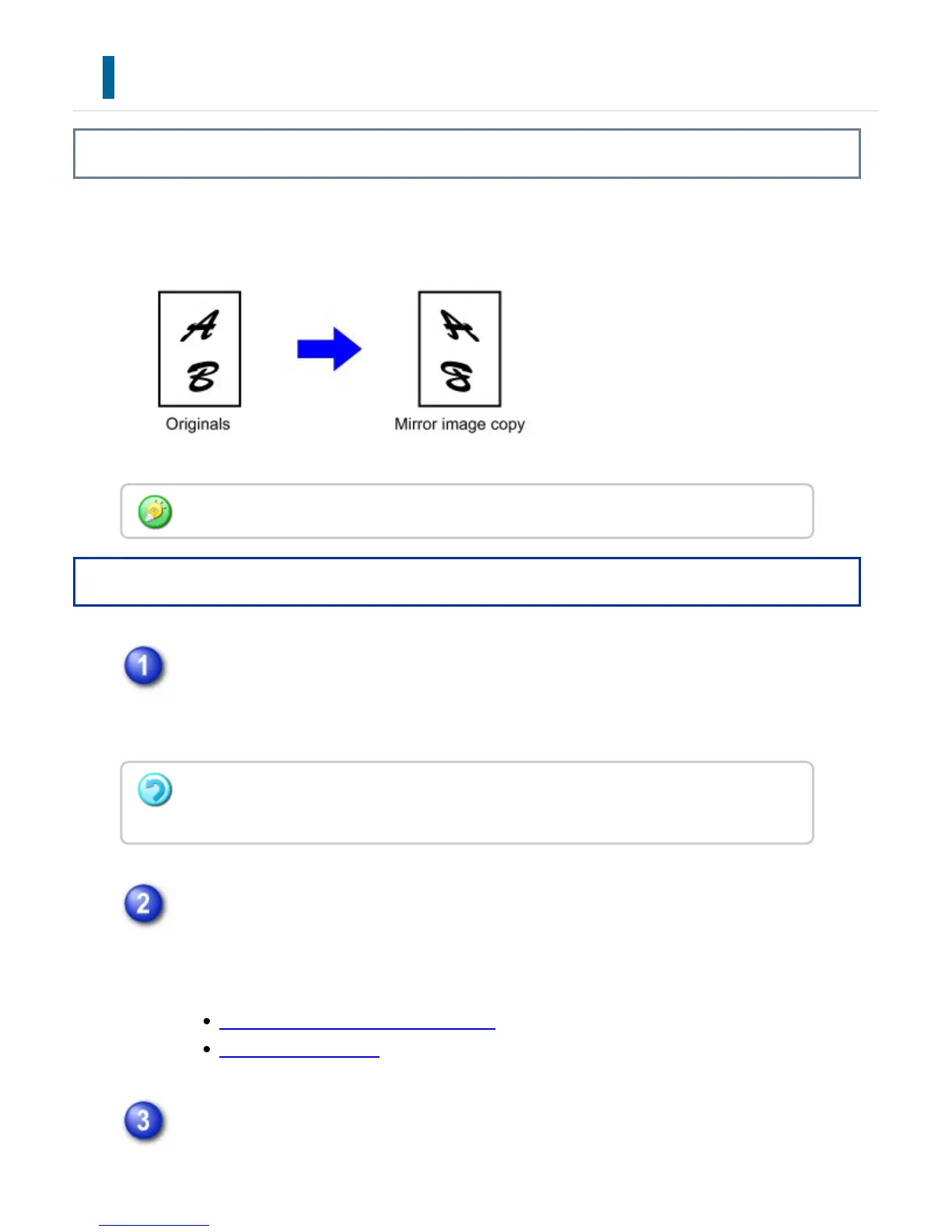
This function makes copies by inverting the original into a mirror image.
Operation
Tap the [Others] key, and tap the [Mirror Image] key.
A checkmark appears on the icon.
After the settings are completed, tap the [Back] key.
Place the original and tap the [Preview] key.
Place the original in the document feeder tray of the automatic document feeder,
or on the document glass.
AUTOMATIC DOCUMENT FEEDER
DOCUMENT GLASS
Check the preview image in the preview screen.
Specify the Mirror Image before scanning an original.
To cancel the mirror image setting:
Tap the [Mirror Image] key to clear the checkmark.
USER'S MANUAL | MX-M365N/MX-M465N/MX-M565N USER'S ... http://siica.sharpusa.com/portals/0/downloads/Manuals/MX-M365N-M...
380 of 1441 3/17/2016 7:14 AM



 To Next Page