DELETING AND RENAMING A PROGRAM
Overview
This section explains how to delete copy settings in a program and rename a program.
Operation
Deleting a program
Renaming a program
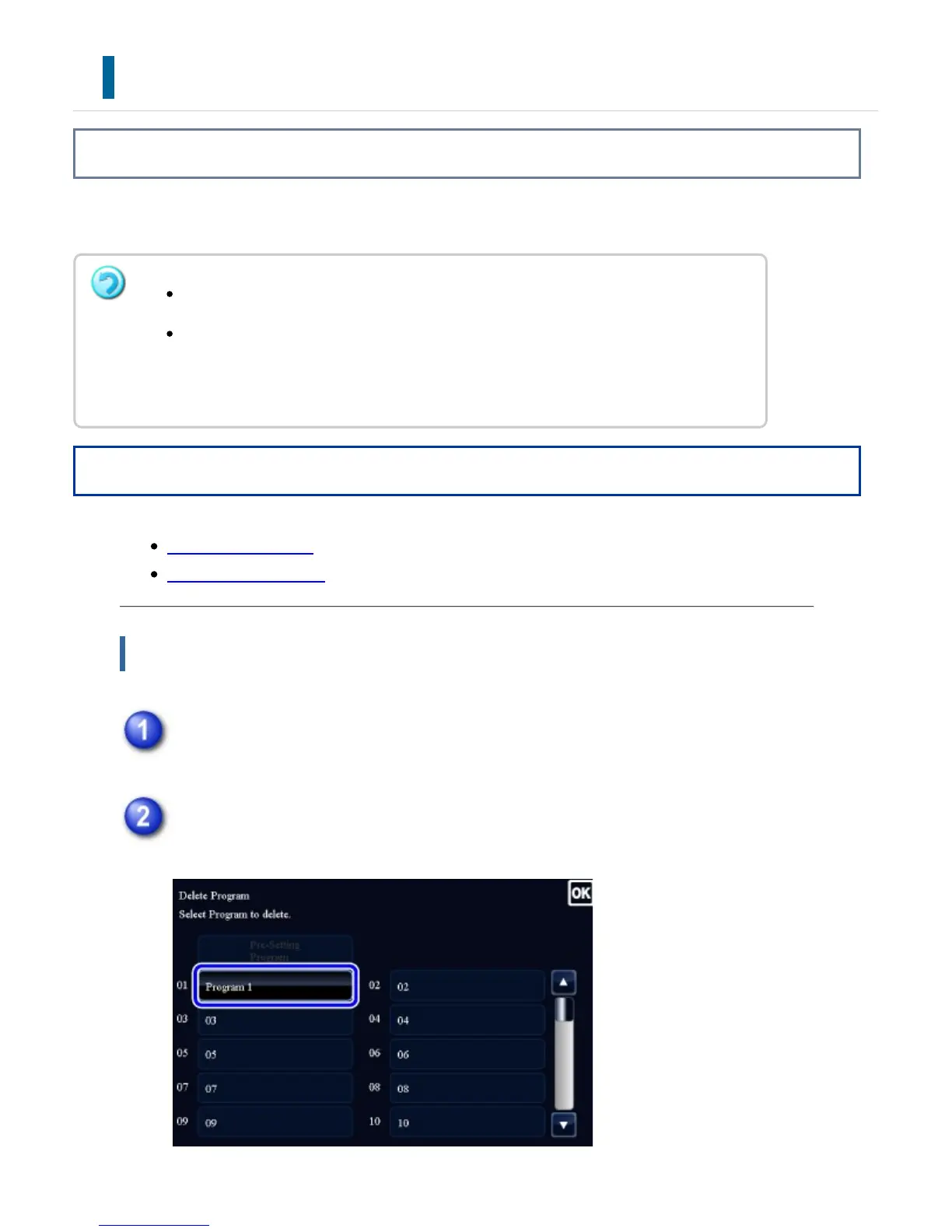
Deleting a program
Tap [Call Program] key on the action panel.
Tap the [Delete] key on the action panel.
A program that is already stored cannot be deleted.
When [System Settings] in "Setting mode" →[Copy Settings] → [Copy Setting]
→ [Disabling of Registration/Deletion of Program] is selected, a registered
program cannot be deleted or renamed.
USER'S MANUAL | MX-M365N/MX-M465N/MX-M565N USER'S ... http://siica.sharpusa.com/portals/0/downloads/Manuals/MX-M365N-M...
392 of 1441 3/17/2016 7:14 AM



 To Next Page