PRINTING IN A MACINTOSH ENVIRONMENT
Overview
Operation
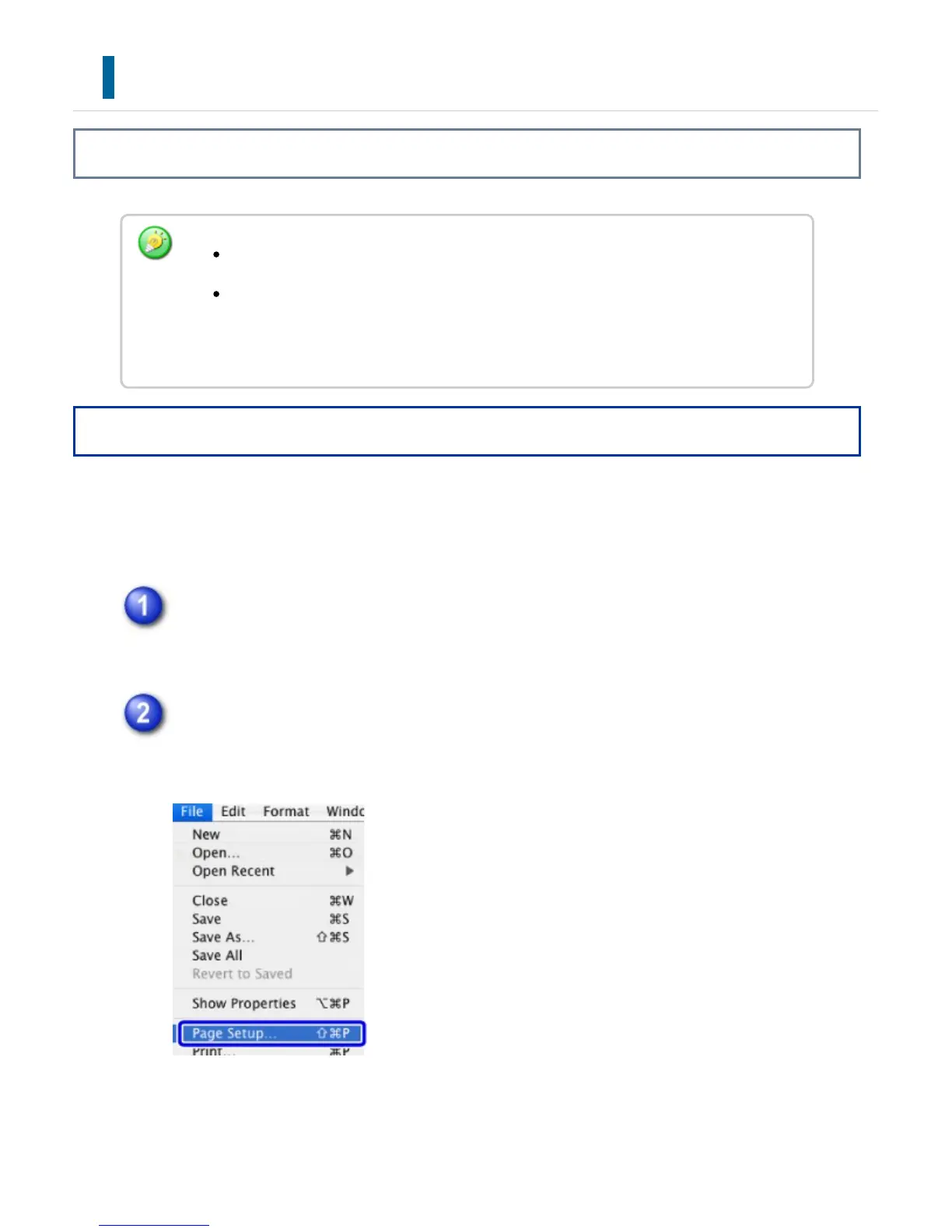
The following example explains how to print a document from the standard accessory
application "TextEdit" in Mac OS X.
Select [Page Setup] from the [File] menu and select the printer.
If the printer drivers appear as a list, select the name of the printer driver to be
used from the list.
Select the paper settings and click the [OK] button.
Set the paper size, paper orientation, and copy ratio.
The menu used to execute printing may vary depending on the application.
The machine name that normally appears in the "Printer" menu is [SCxxxxxx].
("xxxxxx" is a sequence of characters that varies depending on the machine
model.)
USER'S MANUAL | MX-M365N/MX-M465N/MX-M565N USER'S ... http://siica.sharpusa.com/portals/0/downloads/Manuals/MX-M365N-M...
399 of 1441 3/17/2016 7:14 AM



 To Next Page