FITTING THE PRINT IMAGE TO THE PAPER
Overview
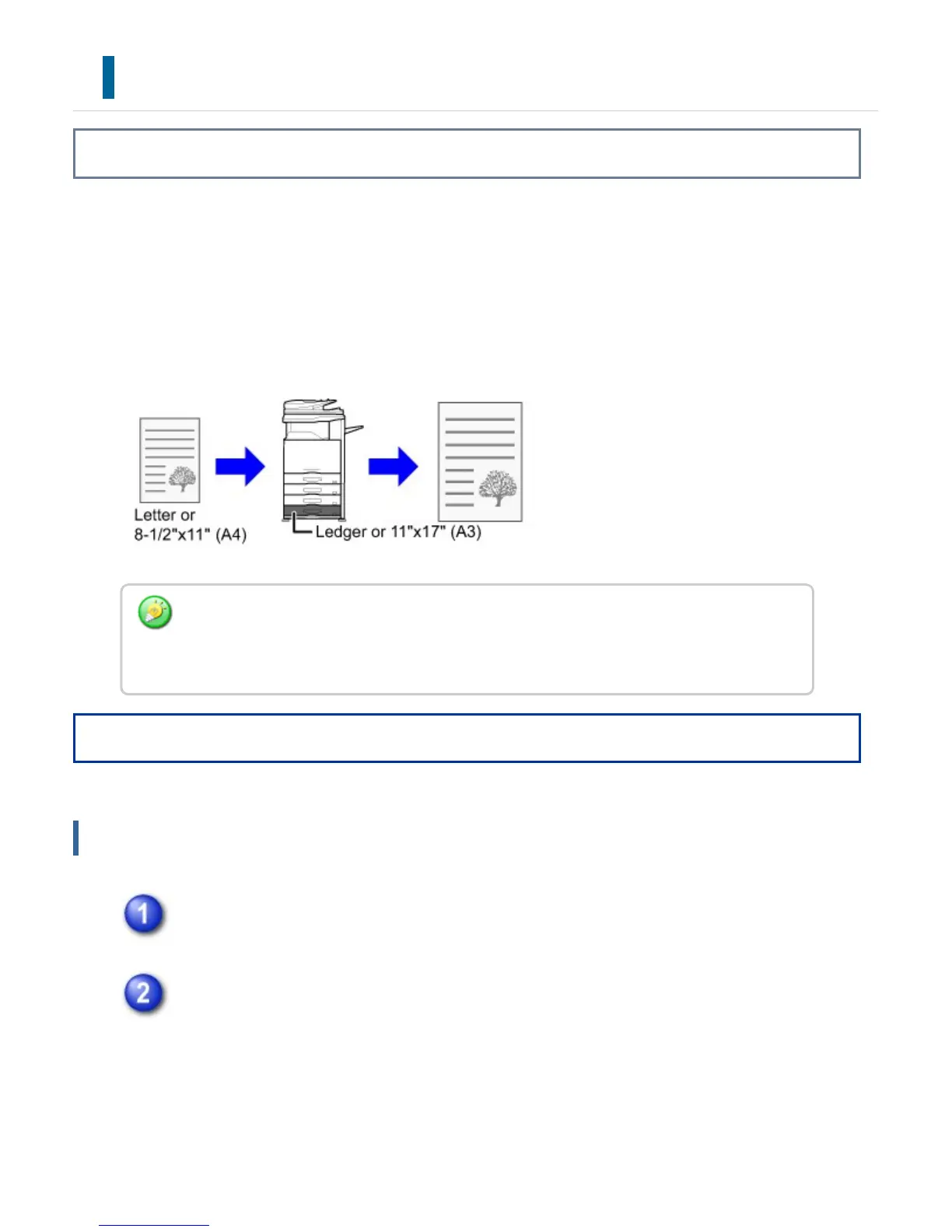
This function automatically enlarges or reduces the print image to match the size of the
paper loaded in the machine.
This function is convenient when enlarging a letter or A4 size document to ledger or A3
size to make it easier to view, or when printing a document on paper that is different in
size from the original document.
Operation
The following example explains how to print a letter size document on ledger size paper.
Windows
Click the [Paper] tab and select the paper size for the print image (for
example: Letter).
Select [Fit To Paper Size] and select the actual paper size to be used for
printing (for example: Legal).
When you are using the PCL6 printer driver, documents can be received so that they are
printed to fit A0, A1, or A2 size paper. Select the size from "Paper Size" on the [Paper]
tab.
USER'S MANUAL | MX-M365N/MX-M465N/MX-M565N USER'S ... http://siica.sharpusa.com/portals/0/downloads/Manuals/MX-M365N-M...
426 of 1441 3/17/2016 7:14 AM



 To Next Page