PRINTING WHILE SKIPPING BLANK PAGES
Overview
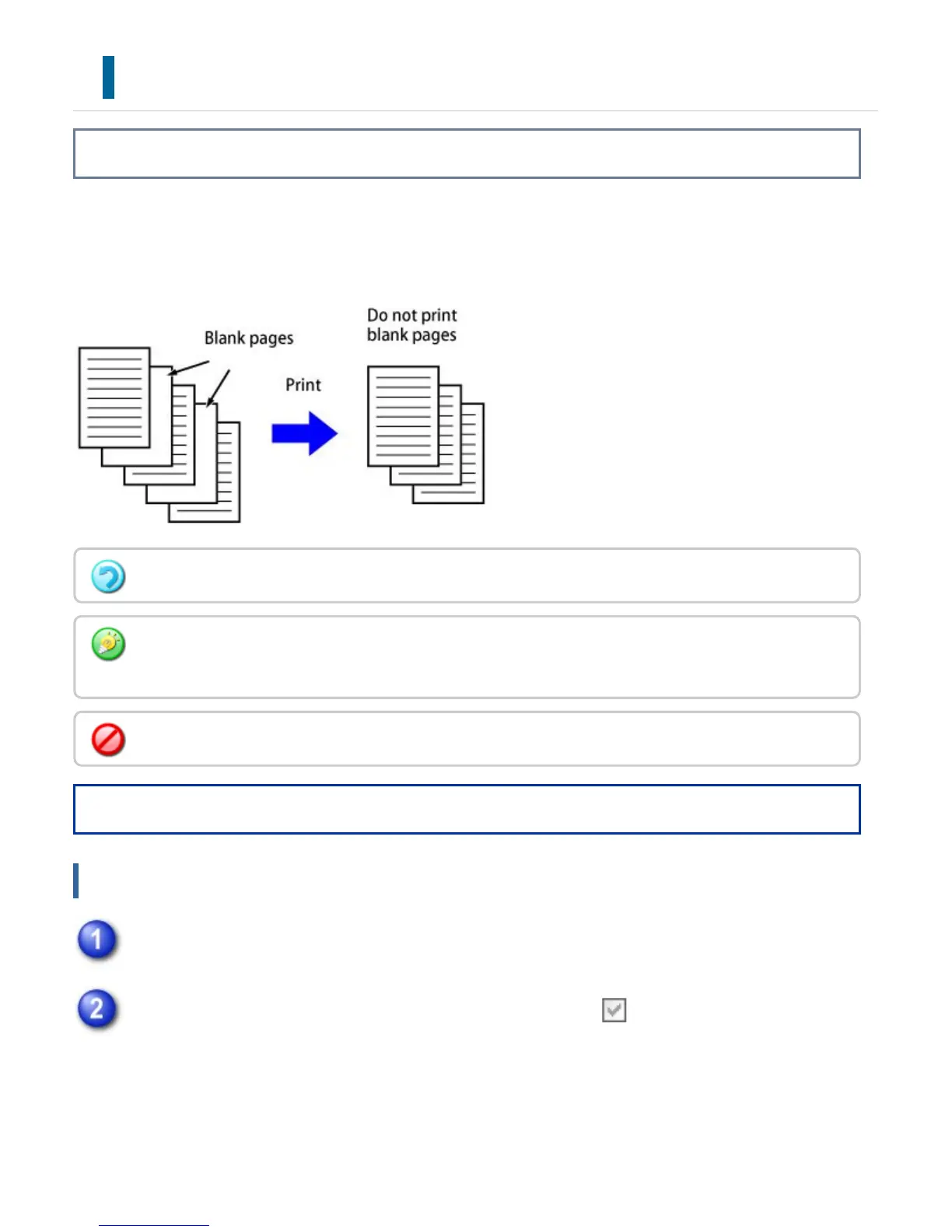
If the scanned original contains blank pages, the blank pages are skipped during printing.
The machine detects blank pages and does not print them. This eliminates unnecessary printing
without you having to check for blank pages before printing.
Operation
Windows
Click the [Advanced] tab
Click the [Disable Blank Page Print] checkbox to set it to .
This function is available in Windows environments.
Depending on the state of the original, some pages that are not blank may be detected as blank pages
and thus not printed, or some pages that are blank may not be detected as blank and thus printed.
In N-Up Print, blank pages are not excluded and are printed.
USER'S MANUAL | MX-M365N/MX-M465N/MX-M565N USER'S ... http://siica.sharpusa.com/portals/0/downloads/Manuals/MX-M365N-M...
432 of 1441 3/17/2016 7:14 AM



 To Next Page