ROTATING THE PRINT IMAGE 180
DEGREES
(ROTATE 180 DEGREES)
Overview
This feature rotates the image 180 degrees so that it can be printed correctly on paper
that can be loaded in only one orientation (such as envelopes or paper with punch
holes).
Operation
Windows
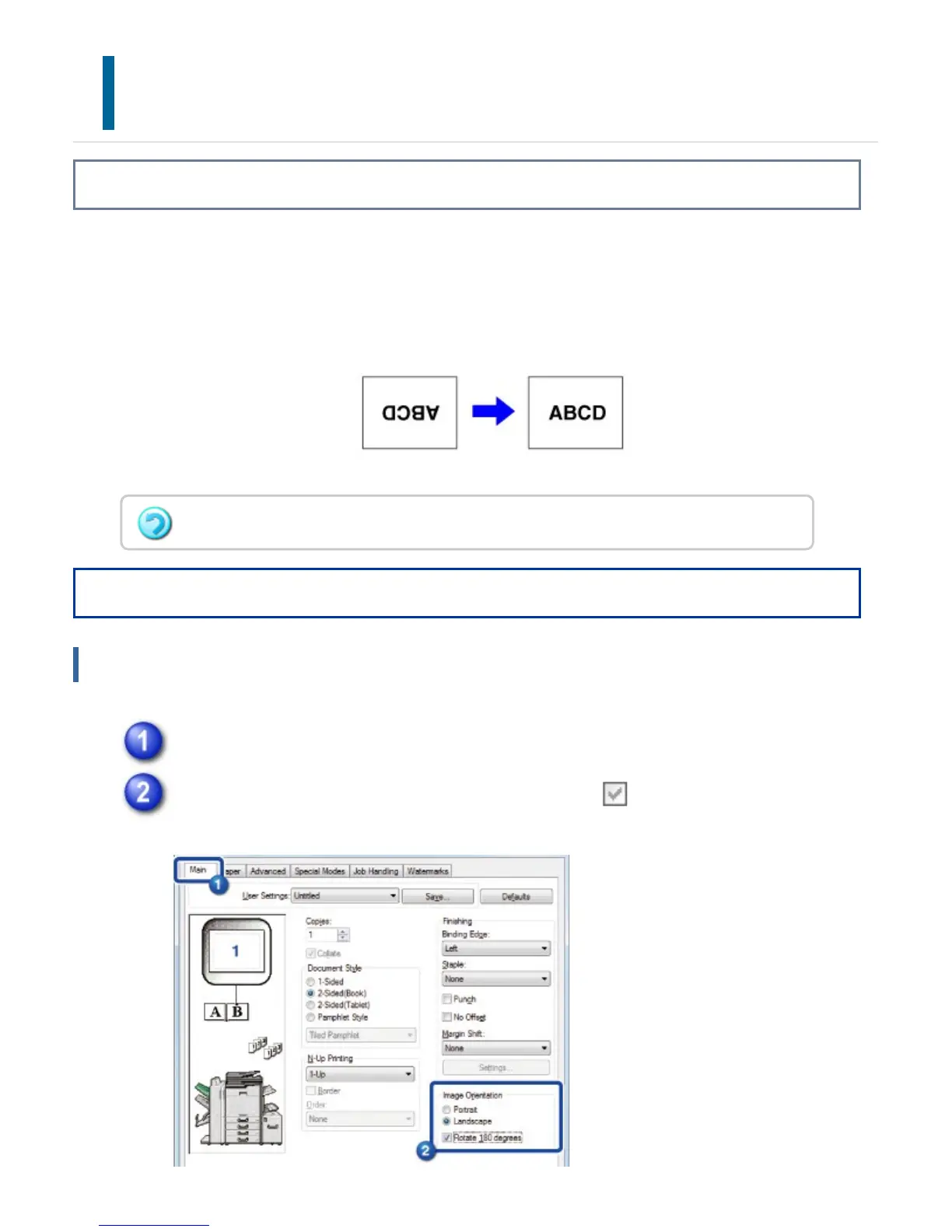
Click the [Main] tab.
Select the [Rotate 180 degrees] checkbox to set to .
In Mac OS X, a portrait image cannot be rotated 180 degrees.
USER'S MANUAL | MX-M365N/MX-M465N/MX-M565N USER'S ... http://siica.sharpusa.com/portals/0/downloads/Manuals/MX-M365N-M...
445 of 1441 3/17/2016 7:14 AM



 To Next Page