ENLARGING/REDUCING THE PRINT
IMAGE
(ZOOM SETTING/ENLARGE OR REDUCE)
Overview
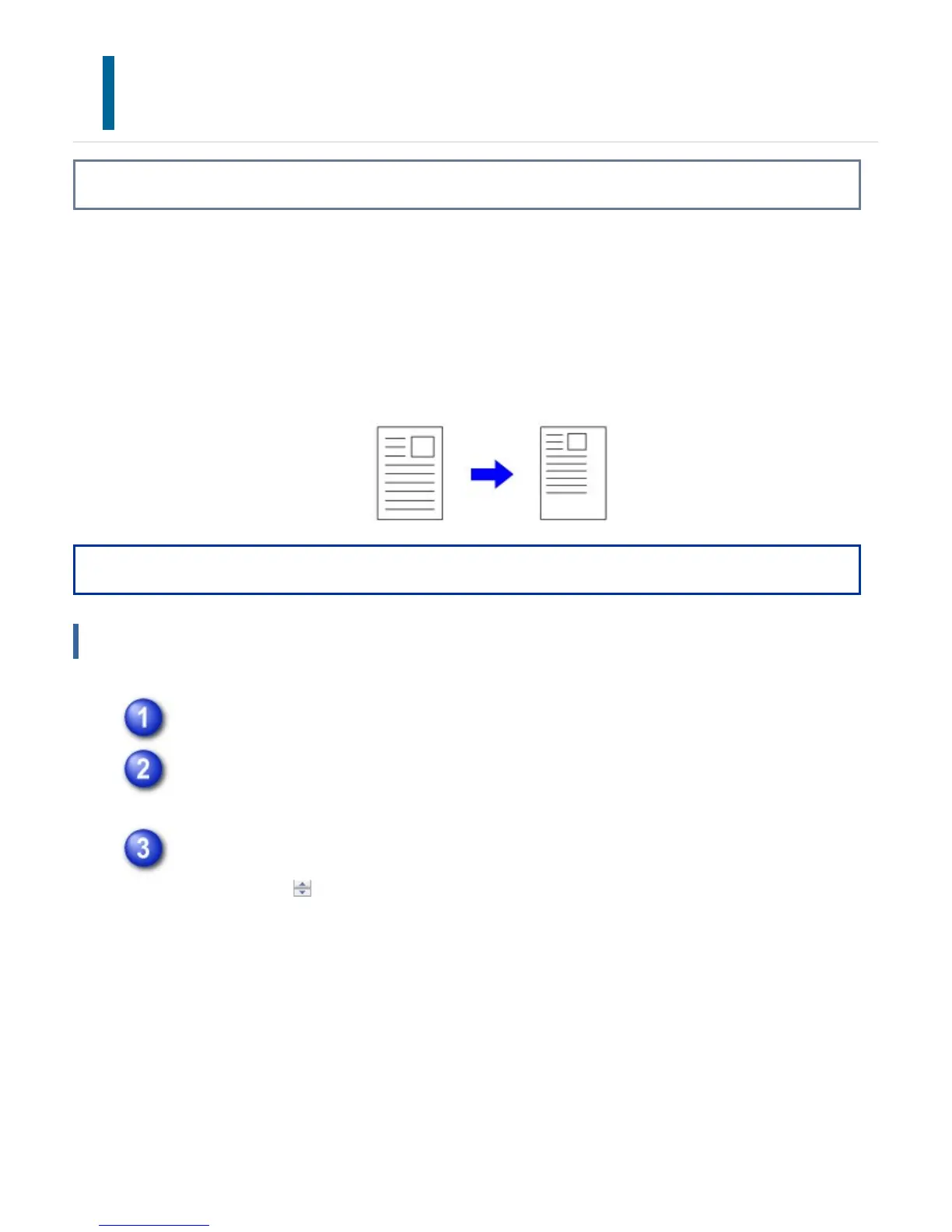
This function enlarges or reduces the image to a selected percentage.
When using the PS printer driver (Windows), you can set the width and length
percentages separately to change the proportion of the image (XY Zoom).
This allows you to enlarge a small image or add margins to the paper by slightly reducing
an image.
Operation
Windows
Click the [Paper] tab.
Select [Zoom] and click the [Settings] button.
From the pull-down menu, select the actual paper size to be used for printing.
Enter the percentage.
By clicking the button, you can specify the value in increments of 1%. In
addition, select [Upper Left] or [Center] for the base point on the paper.
USER'S MANUAL | MX-M365N/MX-M465N/MX-M565N USER'S ... http://siica.sharpusa.com/portals/0/downloads/Manuals/MX-M365N-M...
447 of 1441 3/17/2016 7:14 AM



 To Next Page