ADJUST THE LINE THICKNESS
(LINE
THICKNESS)
Overview
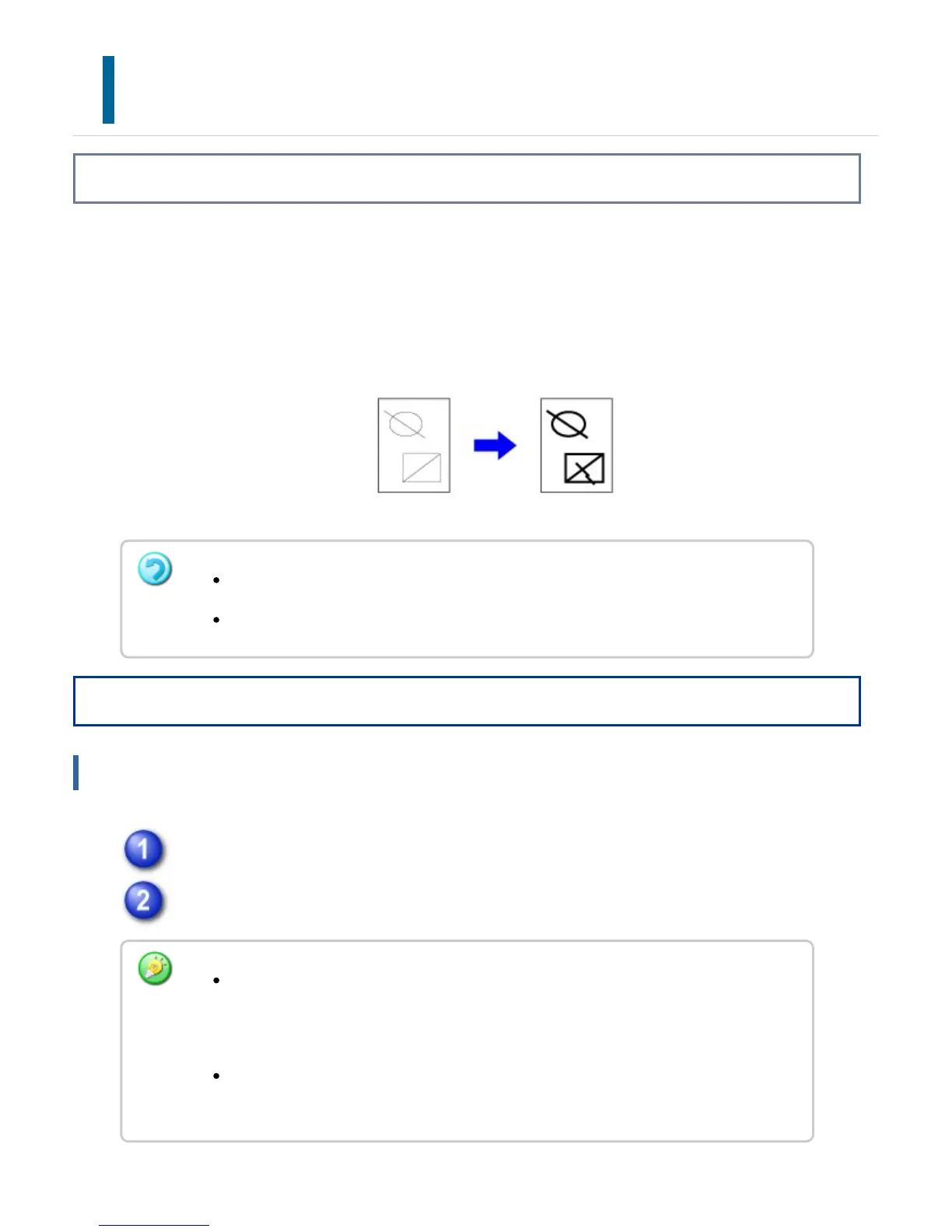
This function increases the thickness of the entire line when the print lines are not clear
in CAD or other special applications.
When the data includes lines of varying widths, you can print all lines at the minimum
width as necessary.
Operation
Windows
Click the [Advanced] tab.
Select a number from the [Line Width Settings] pull-down menu.
This function is available in a Windows environment.
This function can be used when the PCL6 printer driver is used.
The units of line-width adjustment can be set to "Fixed Width" or "Ratio".
Click the [Compatibility] button and select the units from the "Line Width Unit"
menu.
To print all line data in the minimum line width, click the [Compatibility] button and
click the [Print in the Minimum Line Width] checkbox.
USER'S MANUAL | MX-M365N/MX-M465N/MX-M565N USER'S ... http://siica.sharpusa.com/portals/0/downloads/Manuals/MX-M365N-M...
449 of 1441 3/17/2016 7:14 AM



 To Next Page